49
Compact Printer Series - User‟s Manual
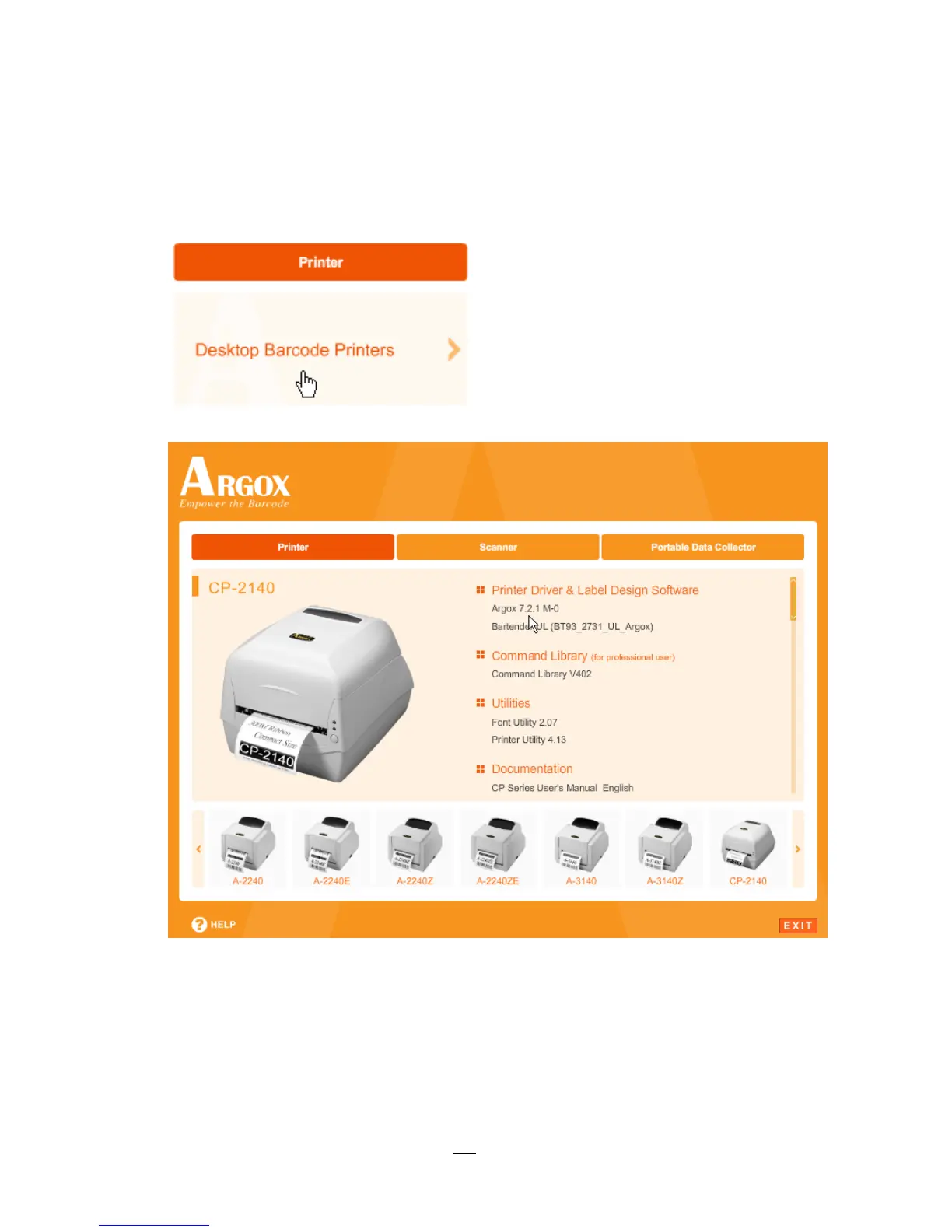
4. Under CP-2140/ CP-2140Z/ CP-2140E/ CP-3140 product
selection prompt, choose Seagull Driver version and then start
installation:
Instead of the flash prompt above, another way to install
Seagull driver is to run the DriverWizard utility from the
Installation Directory where the Seagull driver files are located.



 To Next Page