MAINTENANCE
14.164.A_A707en.SM.V1.01.doc ARGUS Medical AG 10.02.04 AS 21 / 38
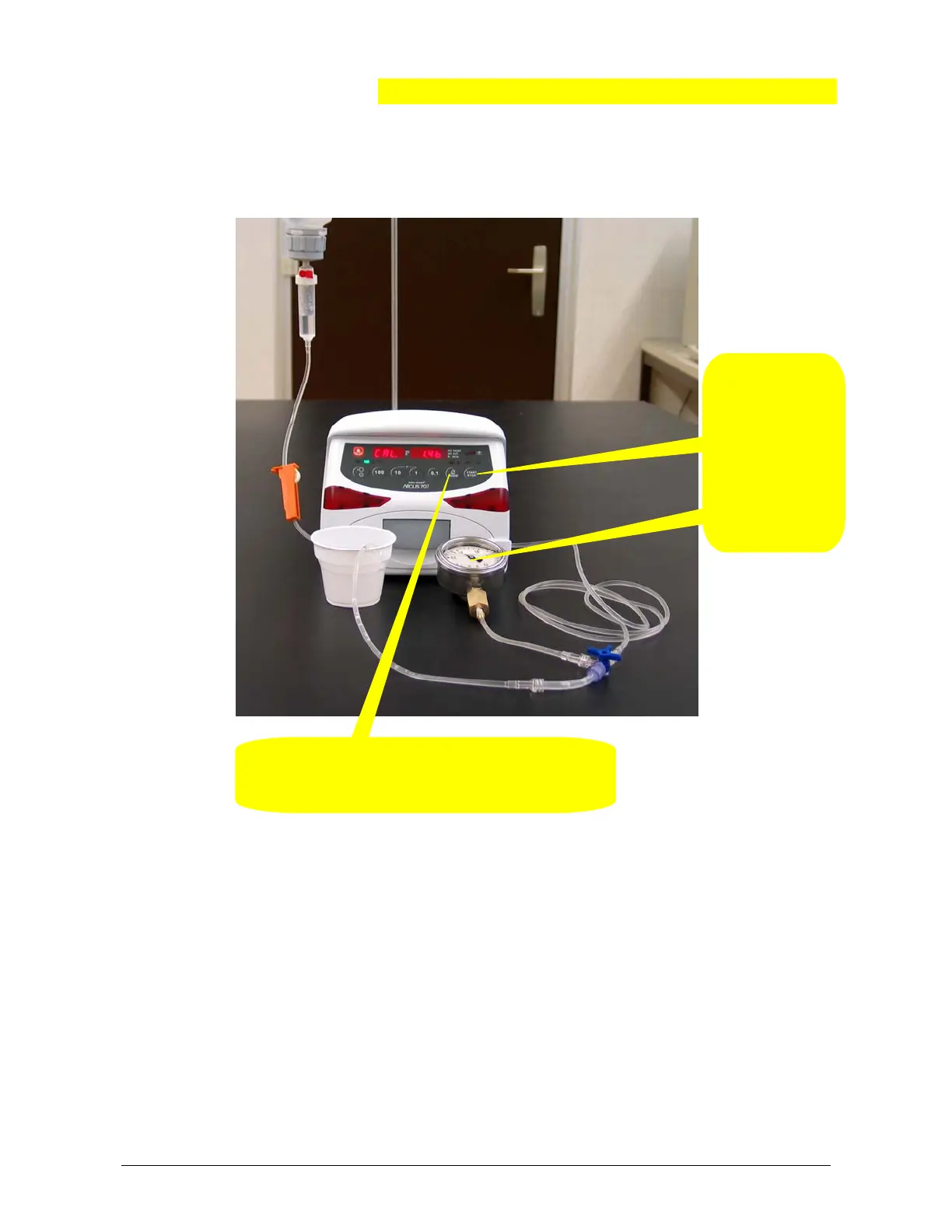
5. When the
occlusion pres-
sure reaches
1.4 bar press
the "START /
STOP" key.
The stored
value will be
acknowledged
by a sound.
4. Press the "MODE" key. The display shows
“CAL. -0.4b”. The pump starts to deliver backwards
and the pressure in the system decreases.
Remark:
By pressing the key "1" the pump display changes to “Pr S xxxx” where the right
display shows the actual downstream pressure sensor signal in mV.
Return to the original state by pressing the key "1" again.


 To Next Page