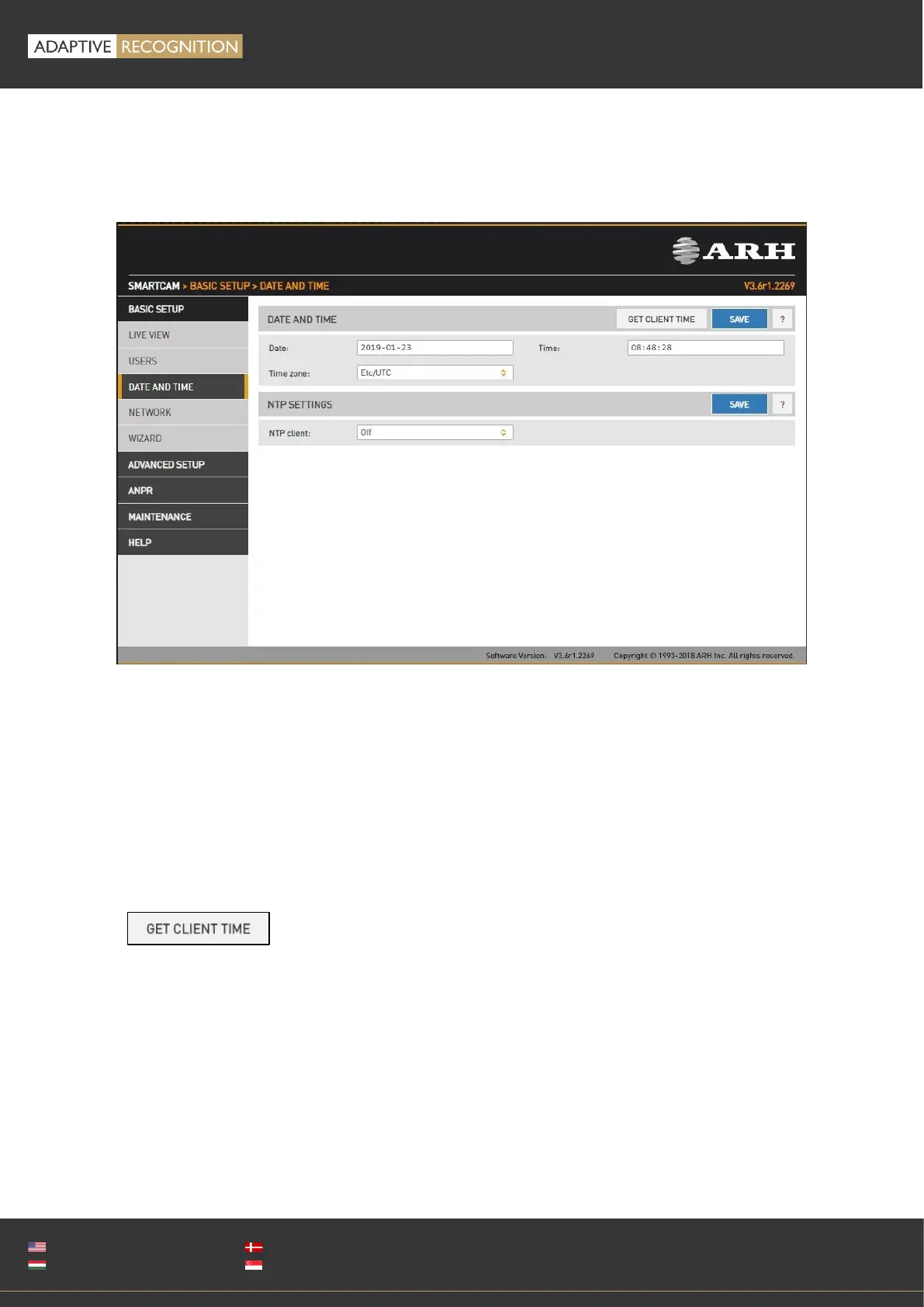
11.1. DATE & TIME
WEB INTERFACE > BASIC SETUP > DATE AND TIME
Current date and time and timekeeping settings are managed from this page. Users can choose to set
date and time manually once, or to use a time synchronization protocol (NTP), which will keep time
synchronized to a server over network.
Before you set the time please make sure that your time zone is valid (has the correct continent /
Capital City). You can do this by using the Time zone’s drop-down list.
For manual time adjustment, either enter date and time in the corresponding fields, or
click to adjust the internal clock of the camera according to the PC’s clock. Please
note that the latter is a one-time adjustment only, it will not keep the camera synchronized to the client
PC.



 To Next Page