11.1. USERS
WEB INTERFACE > BASIC SETUP > USERS
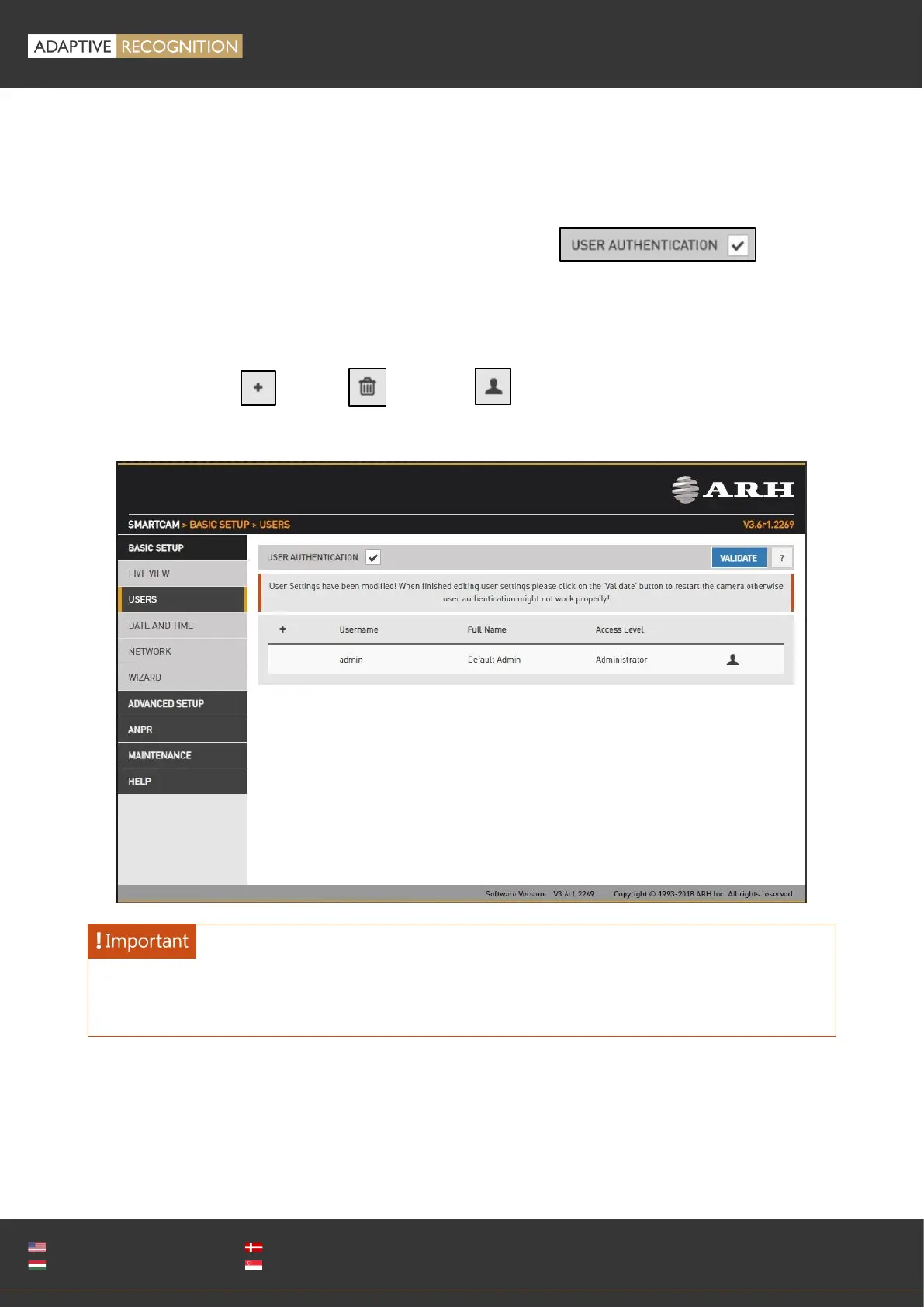
User management settings are displayed in this page.
If user management is not required, it can be turned off with the checkbox.
This increases performance. Administrator rights will be granted to all. This is also the factory default
state. In order to create new users, a user with 'Administrator' privileges must be created first.
Users can be added , deleted and edited with the corresponding buttons.
Adding a new user: On clicking the plus ('+') button a form appears requesting the following fields:
Name: The user name, this will be used to login.



 To Next Page