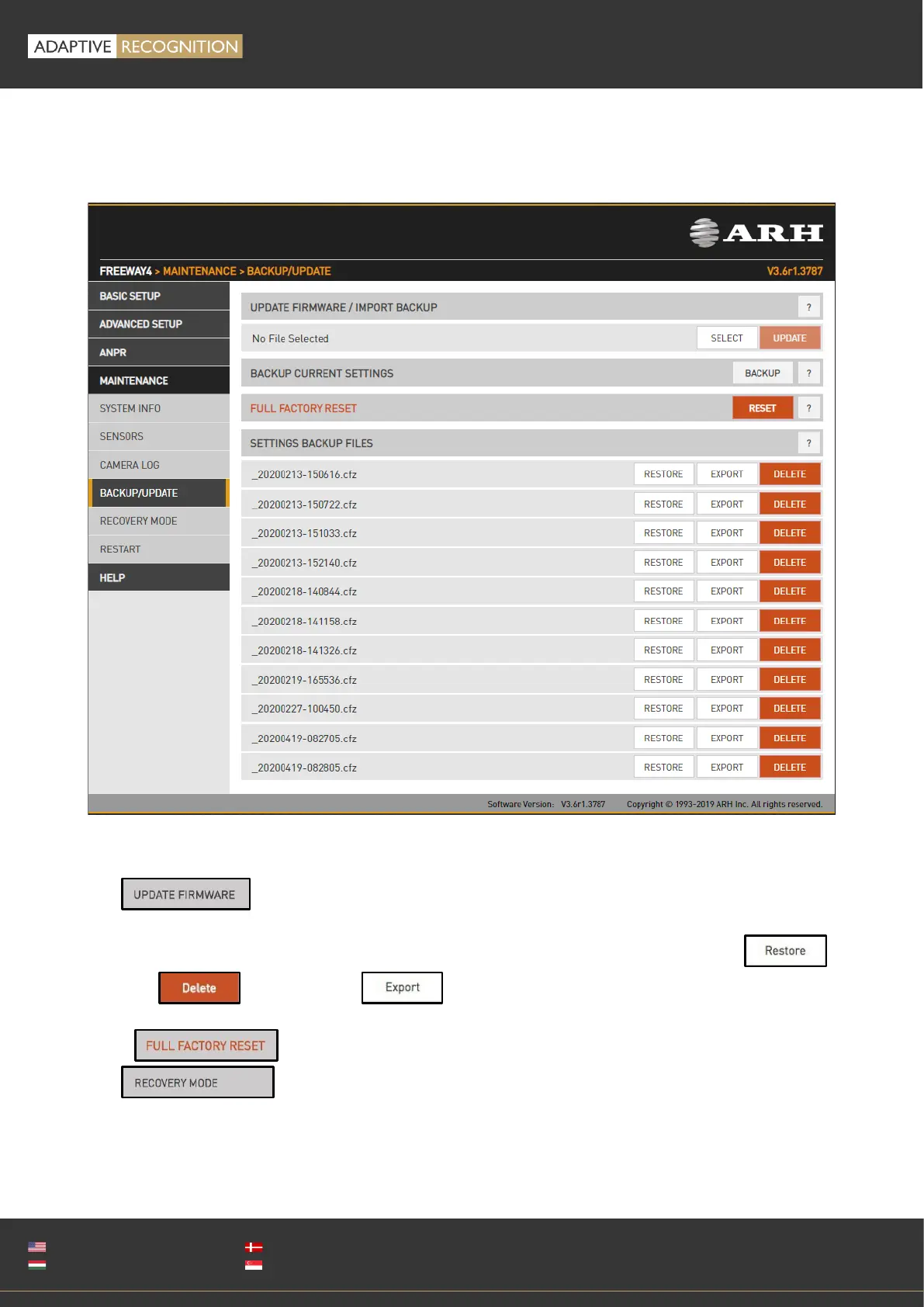
14.4. BACKUP/UPDATE
WEB INTERFACE > MAINTENANCE > BACKUP/UPDATE
This menu provides tools to manage camera firmware.
Use to upload a new firmware.
The camera will save a backup file upon each restart, which can be restored ,
removed or downloaded by clicking the appropriate button.
Click to return to default settings. The IP address remains unchanged.
Use to change the IP address.



 To Next Page