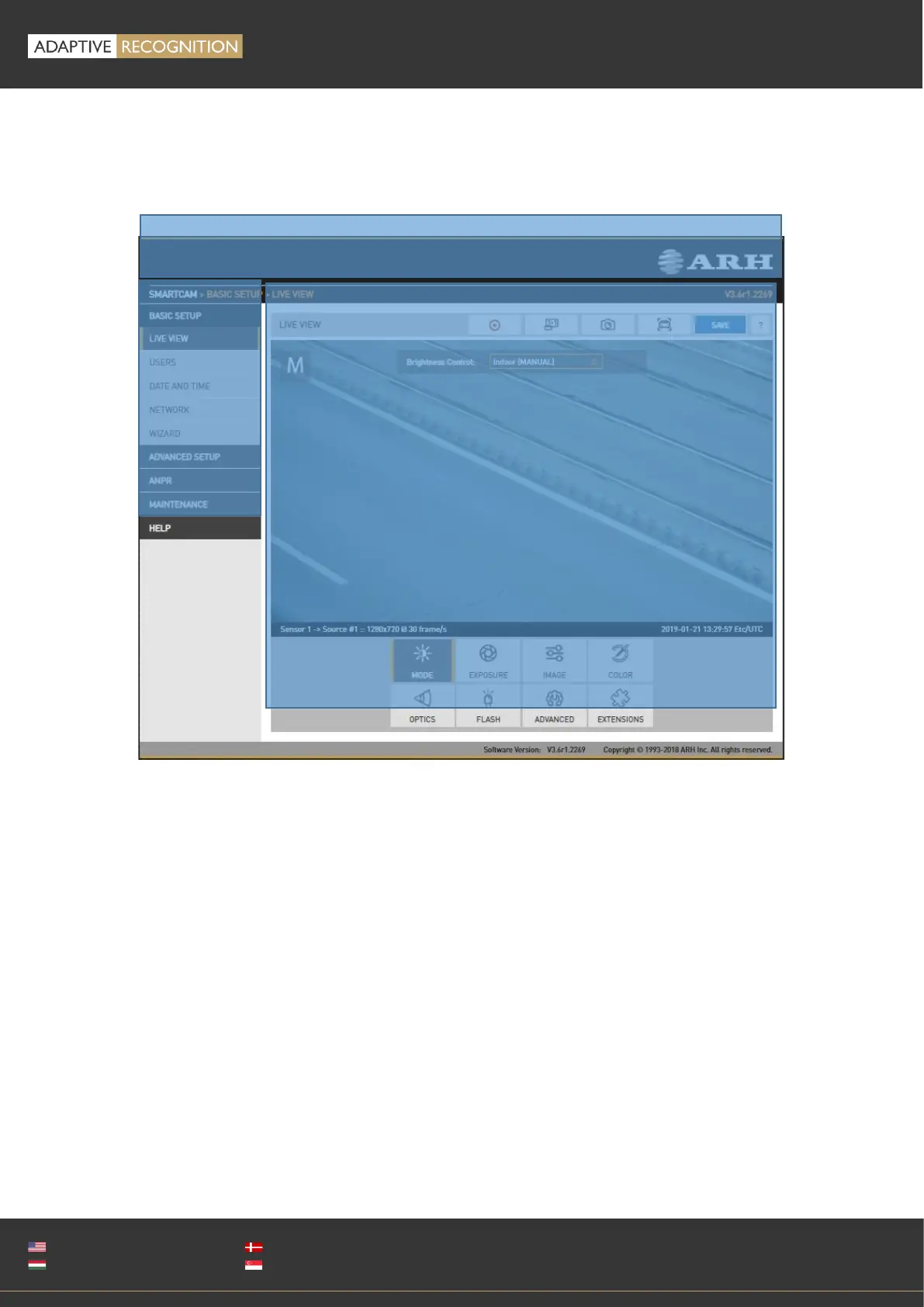
13. WEB INTERFACE
Main areas of the camera interface:
Info bar
The information bar displays the menu and the current SW version.
• ARH logo
• Version number
• Camera type, menu points
Side menu
• Basic Setup, advanced Setup, ANPR, Maintenance, Help menu – click to open
• Access camera settings via the navigator. Menu is organized into a tree structure.
Workspace
• Use the workspace for settings. Save your changes, otherwise the previous settings remain in
effect.



 To Next Page