FREEWAYCAM3/SMARTCAM3/SPEEDCAM3
User Manual
Adaptive Recognition America
Adaptive Recognition Hungary
Adaptive Recognition Nordic
Adaptive Recognition Singapore
WWW.ADAPTIVERECOGNITION.COM
Click the icon on the workspace to display Help on the page.
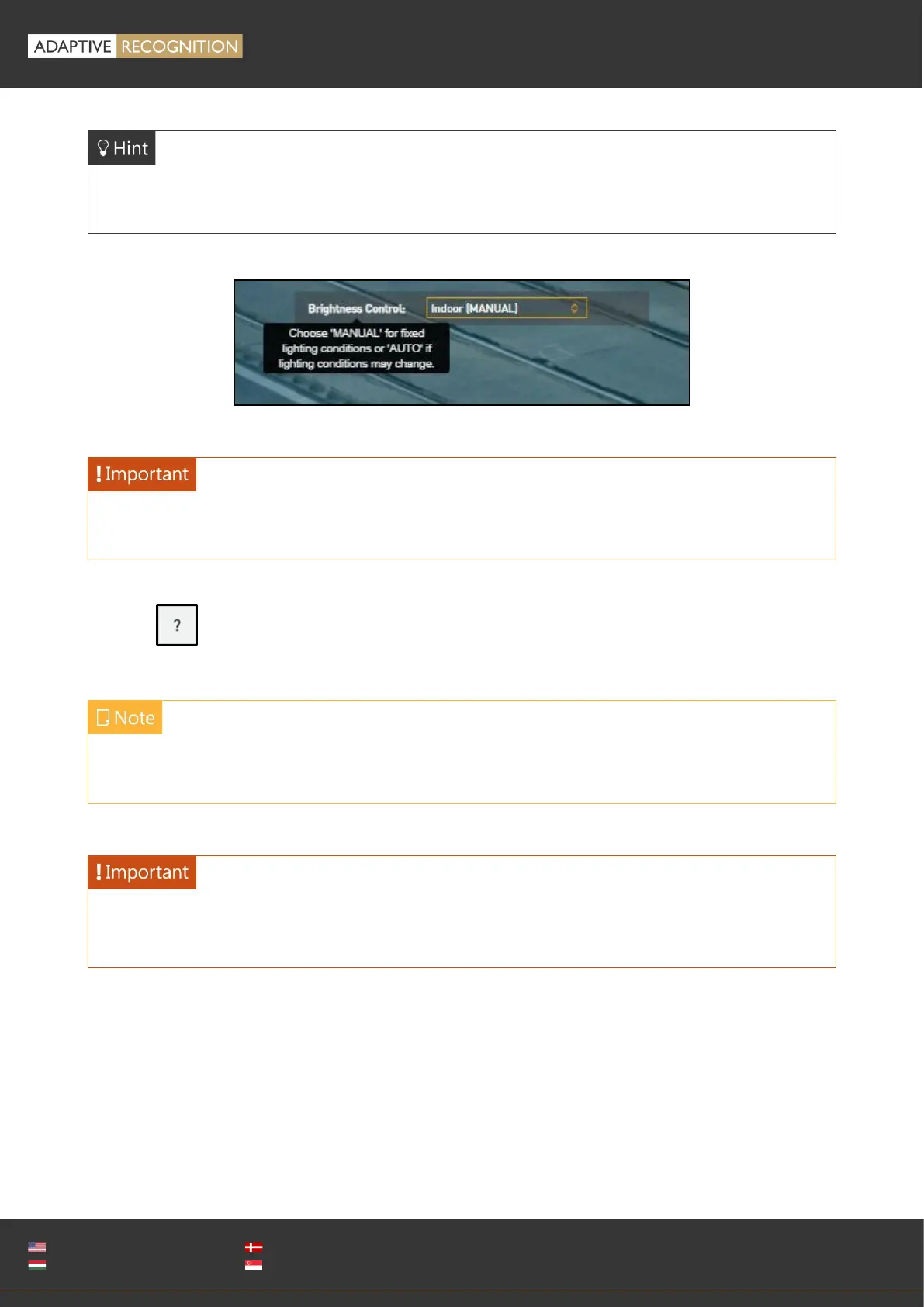
Workspace buttons have a popup help. Hover the mouse over the label of the setting to see the
tooltip. This function only available with some of the settings.
Use the Save button to save settings. All settings will be lost if you leave the page without saving
settings. A popup window will remind you to save settings.
Menu subpages can also be addressed via direct links, like http://192.0.2.3/#liveview/,
http://192.0.2.3/#eventman, etc.
Using Internet Explorer, you may encounter problems with certain sections of the Web User
Interface. For best user experience use a recent edition of Google Chrome or Firefox.



 To Next Page