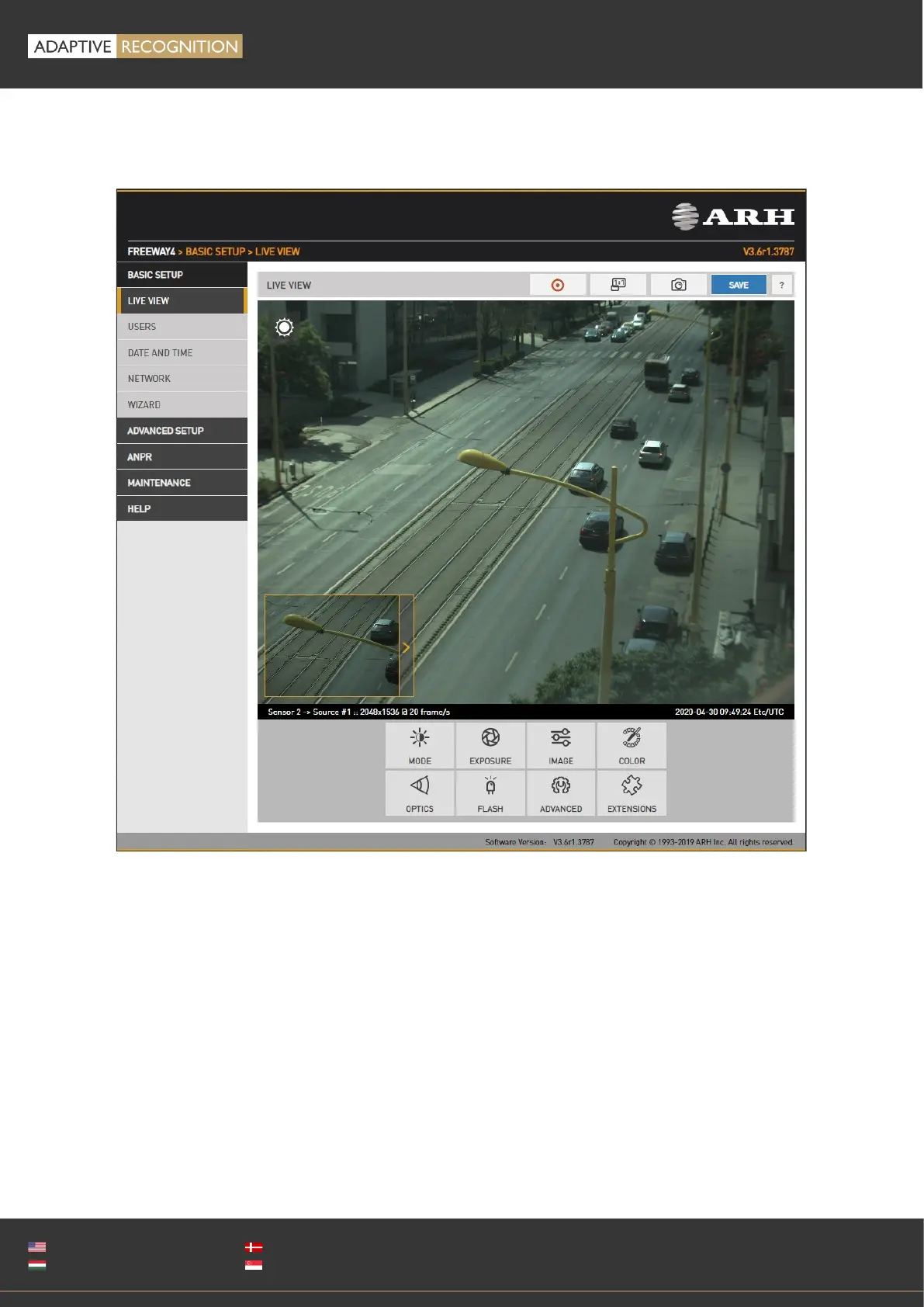
12.1. SECONDARY SENSOR
The live stream of the secondary sensor is shown in the box below (picture in picture). By clicking the
live stream box, the main view switches to the secondary sensor, and all settings (Brightness control,
Color, Optics etc.) will be applied to the secondary sensor.
The secondary sensor box will be shown only if none of the on-screen tools are active.



 To Next Page