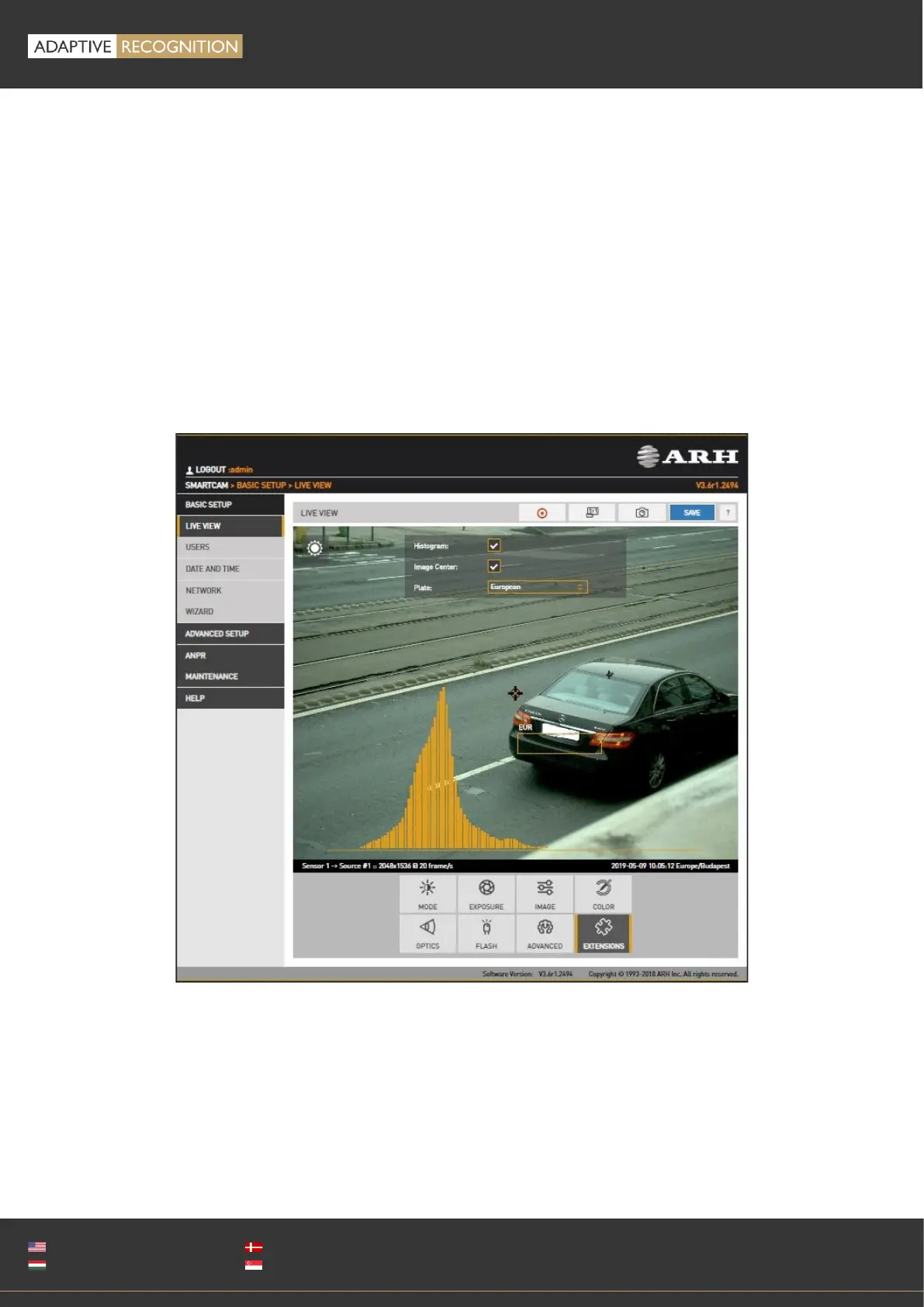
12.1.2. VISUAL AIDS
WEB INTERFACE > BASIC SETUP > LIVE VIEW > EXTENSIONS
This menu offers visual aids to set up the camera.
• Histogram: Enable it to draw a luminance histogram on the live video stream
• Plate: There is an optimal character size for license plate recognition. With this visual aid, a
frame will be shown (either for Latin or Arabic license plates): if the license plate of the vehicle
fits into and fills completely, the frame drawn on the live video stream, the character size will
be optimal. Use the mouse to drag the frame on the image field to the required position.
• Image Center: Black cross is positioned to the center of the image.



 To Next Page