FREEWAYCAM3/SMARTCAM3/SPEEDCAM3
User Manual
Adaptive Recognition America
Adaptive Recognition Hungary
Adaptive Recognition Nordic
Adaptive Recognition Singapore
WWW.ADAPTIVERECOGNITION.COM
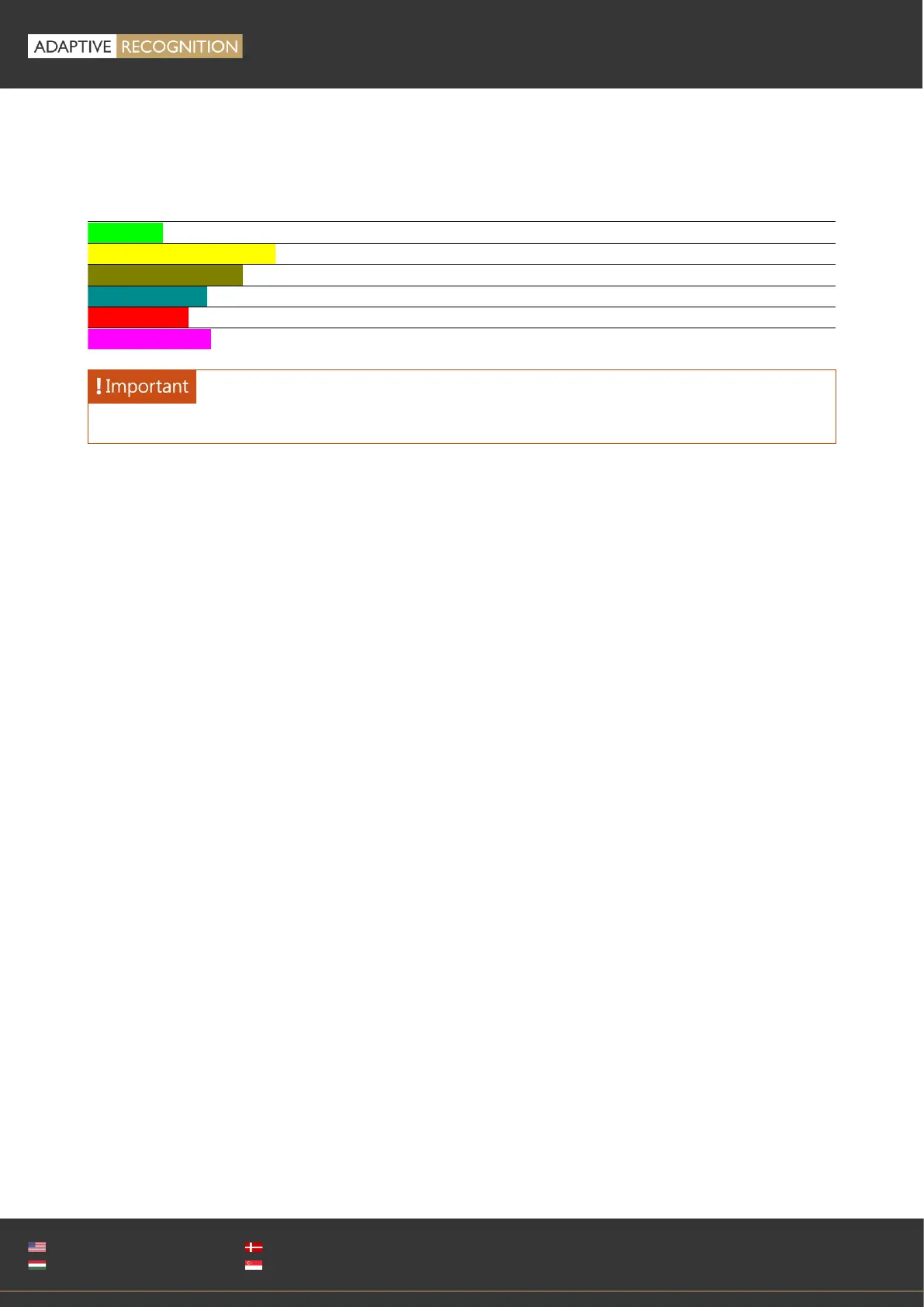
The lane separator can be configured from the keyboard also. Click the image to place the active
focus to the image. Press and hold 'Ctrl' to use the following controls:
Canvas focus. You can then change the separator lane.
Move the image separator center
Rotate the lane separator (counter clockwise/clockwise)
Center the control point on the lane separator
Center the control point horizontally
Center the control point vertically
ROIs have to be on different sides of the lane separator!



 To Next Page