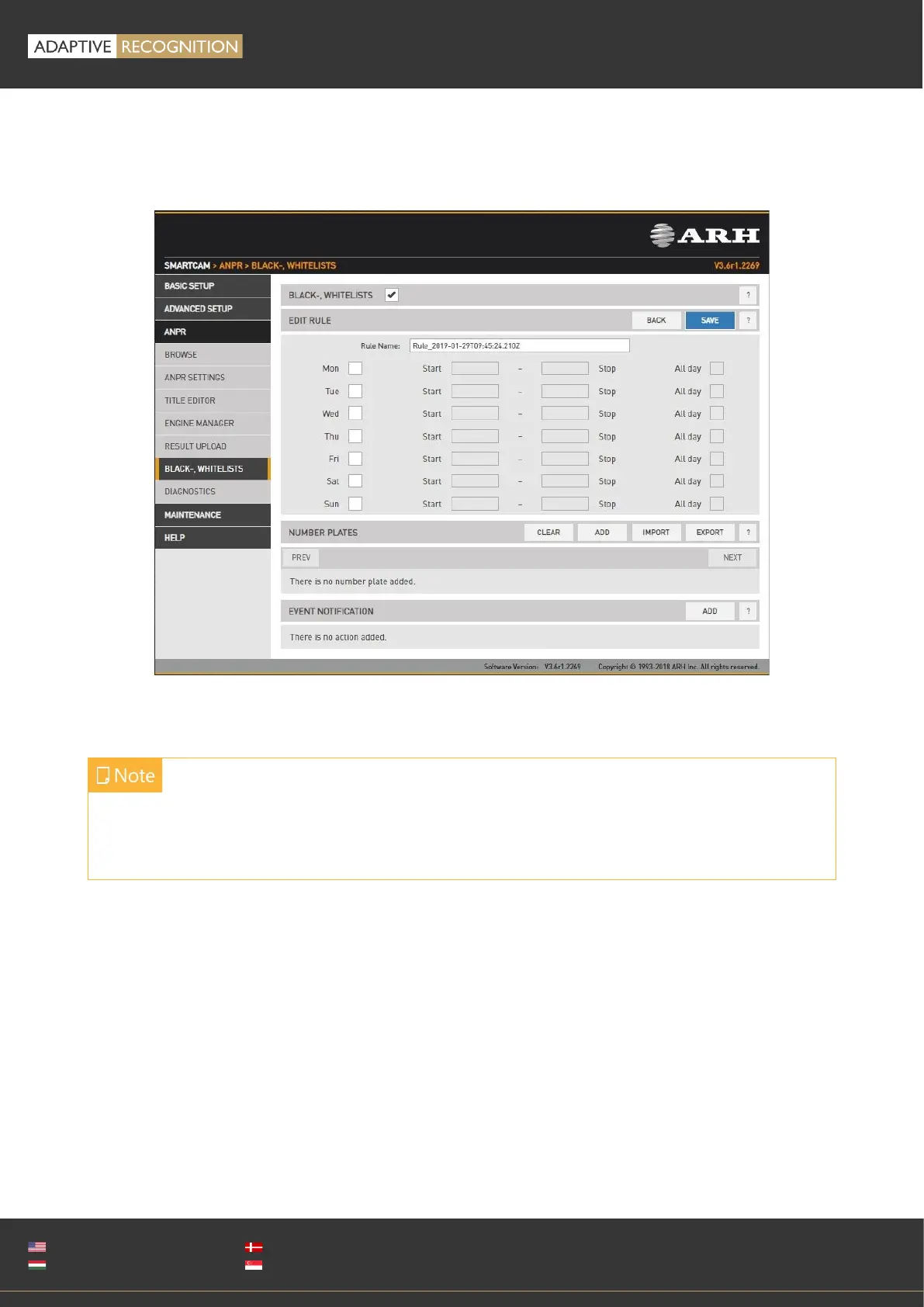
13.2.5. BLACK/WHITE LISTS
WEB INTERFACE > ANPR > BLACK/WHITE LISTS
The purpose of this feature is to execute tasks upon reading a certain license plate.
To enable the Black/White List feature use the check box.
The Black/White List feature is based on rules. Rules consist of a time condition (e.g. workdays 9:00-
16:00), a license plate condition (ABC123 and DEF456) and an event notification (pull GP output to
high or upload event data to an FTP server). If and only if both the time and license condition is
satisfied, then the event notification will be executed.
Rules must have unique names (LP's corresponding to one rule must be unique). A rule can be
deactivated, so users don’t have to delete/re-enter the rule if they want to temporarily suspend its
action. If it exists, a special rule named ‘default’ will be executed if no other rule applies. You can
add/edit a rule by clicking add/edit.
If the feature is disabled, the settings under Upload Manager 0 will be applied. That is all license
plates will be uploaded if Upload Manager 0 is enabled and configured. This way compatibility
is ensured with previous releases.



 To Next Page