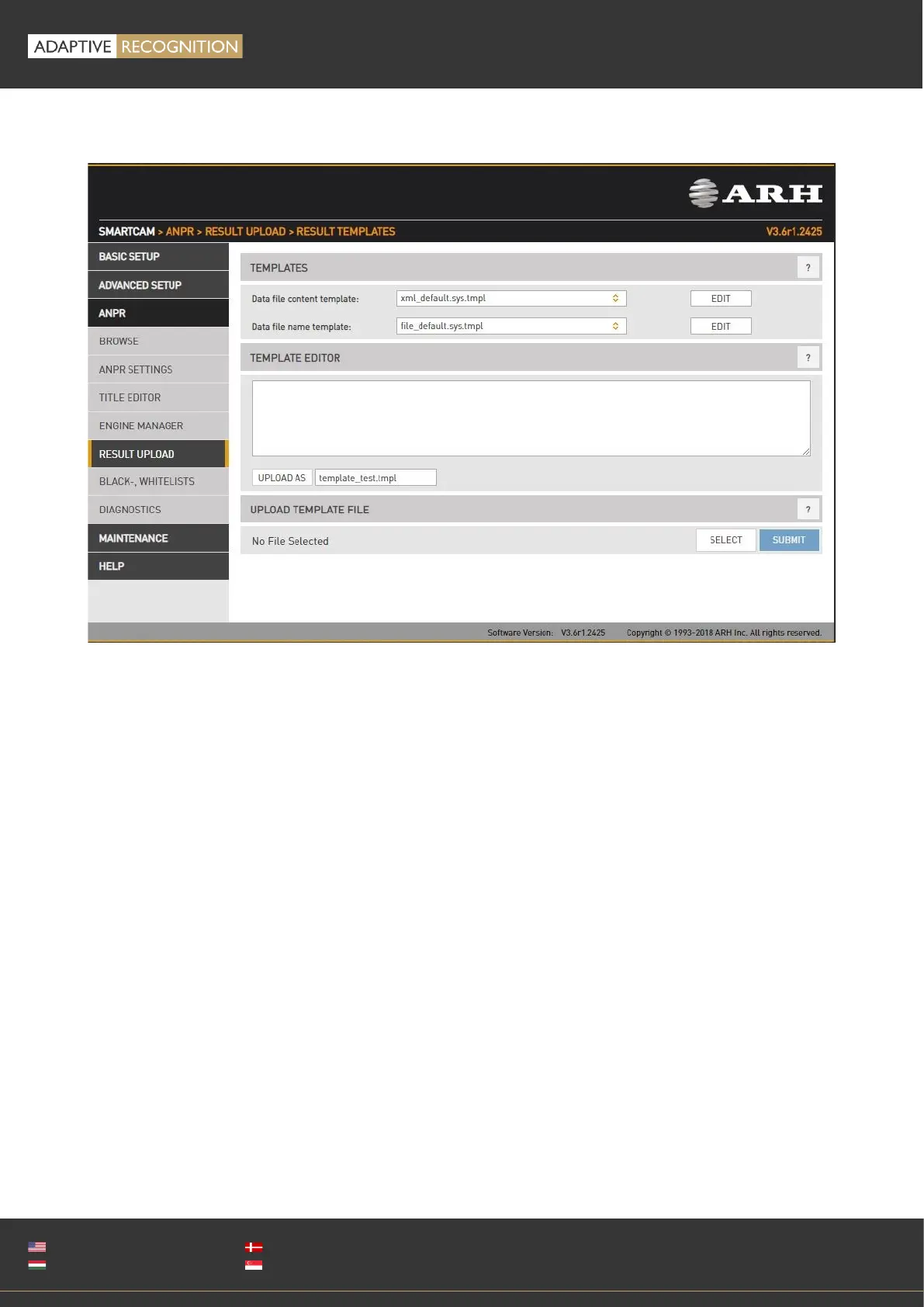
Configure result file format: You can edit and check trigger information in a selected format.
The content of the result data file (and the file name) is customizable using templates. The following
short example, which will describe a result formatted as an XML contains all features:
1. <?xml version="1.0" encoding="UTF-8"?>
2. <result>
3. <ID value ="$(ID);"/>
4. <text value="$DB2XML($(ANPR_TEXT));"/>
5. <location value="$(location);"/>
6. <image value="$(normal_img);"/>
7. </result>
Lines #1, #2 and #7 are text only (of course in this example we have to adhere to the XML standard).
Line #3 is an example of a database field, line #4 is an example of a function, line 5 and 6 are
examples of a property/special field. This template may evaluate to something like:
<?xml version="1.0" encoding="UTF-8"?>
<result>
<ID value ="123456789"/>
<text value="ABC123"/>
<location value="Test Site 34b"/>
<image value="/9j/4AAQSkZJRgABAQAAAQABA[... a base 64 encoded image...]"/>
</result>



 To Next Page