ARIESAUTOMOTIVE.COM • NEED ASSISTANCE? • 877.287.8634 • 2074106-INS-RB • PAGE 2
Step 1
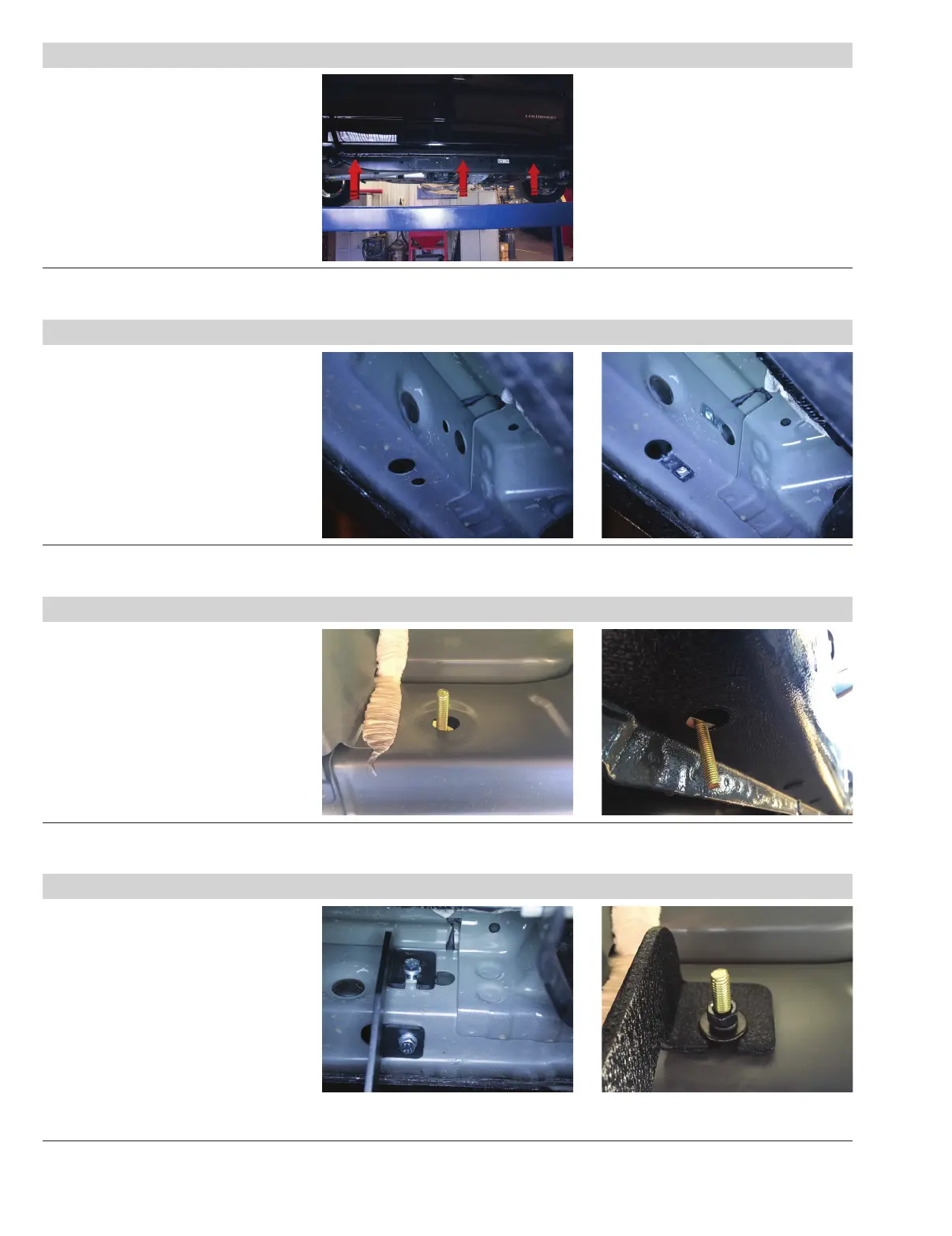
Starting on the driver side, locate
the three mounting locations
underneath the vehicle.
Step 2
Remove the two hole plugs.
Insert a clip nut through the access hole
and align it over the adjacent smaller
hole. Insert a second clip nut over the
lower mounting tab.
Repeat this step for the
middle mounting location.
Step 3
Locate and remove the two hole plugs
located along the edge of the vehicle
and on the inner rocker panel.
Insert an M8 bolt into each mounting
hole. Slide a plastic bolt retainer over
the thread of each bolt to hold the bolt
in place.
Step 4
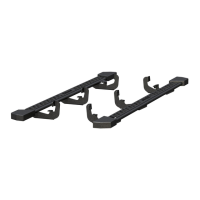
With help, lift the rocker step into
position and align the brackets on
the rocker step with the mounting
points on the vehicle.
Secure the front and middle mounting
brackets with two M8 hex bolts, two
lock washers and two flat washers.
Secure the rear mounting bracket with
two M8 hex nuts, two lock washers
and two flat washers.
Tighten all hardware to the
recommended torque specifications
listed in the table on the first page.


 To Next Page