PAGE 3 • S224045-INS-RC • 800.798.0813 • NEED ASSISTANCE? • ARIESAUTOMOTIVE.COM
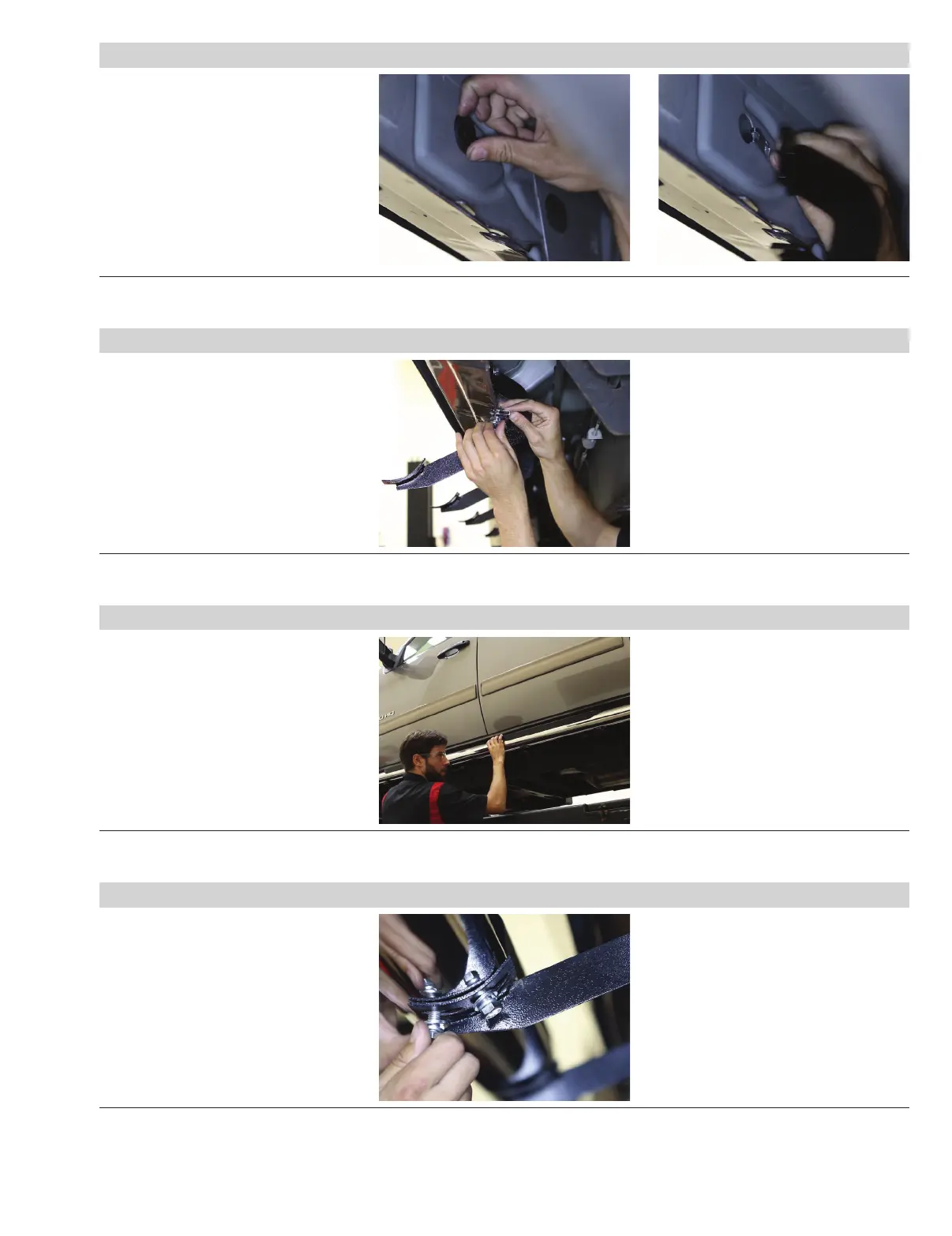
Step 5
Locate the fourth mounting tab from step 1
and remove the rubber plug from the
access hole.
Insert a clip nut through the access hole
and align it over the adjacent small hole.
Secure the top of the bracket with
an 8mm hex bolt, lock washer and
flat washer.
Repeat step 3 to secure
the bottom of the bracket.
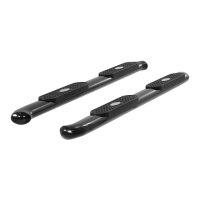
Step 6
Locate the fifth mounting tab from step 1.
Repeat step 5 to install the fourth
and final bracket on the driver side
of the vehicle.
Step 7
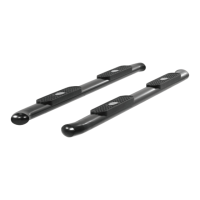
Carefully position the side bar
onto the mounting brackets.
Ensure all the mount locations on
the bottom of the side bar line up
with the mounting brackets.
Note: If the holes on the side bar to
not match up with the brackets, ensure
all brackets have been installed in the
correct locations and the correct side
bar is being used.
Step 8
Attach the side bar to the brackets
with eight of the 10mm hex bolts,
lock washers and flat washers.
Snug the hardware,
but do not fully tighten.


 To Next Page