
 Need help?
Do you have a question about the Arista DCS-7124SX and is the answer not in the manual?
The following tasks are required to install and use the switch: Select site, assemble tools, attach brackets, connect power, configure switch.
Information regarding Class 1 Laser Products and ultimate disposal of the product should be in accordance with applicable laws and regulations.
Guidelines to avoid ESD damage during installation and servicing, emphasizing static-free work areas and protective measures.
Instructions for connecting AC and DC power supplies to the switch, emphasizing compliance with electrical codes and proper grounding.
Guide for connecting console, management, and USB ports using provided adapter cables, detailing port functions and default settings.
 General
| Model Number | DCS-7124SX |
|---|---|
| Category | Switch |
| Operating System | Arista EOS |
| Form Factor | 1U |
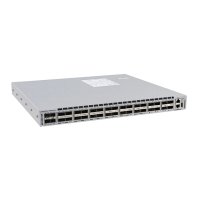
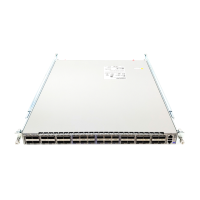
| Ports | 24 x SFP+ |
| Latency | 600 nanoseconds |
| Power Supply | Dual, hot-swappable |
| MAC Address Table Size | 32, 000 entries |





 To Next Page