22 Quick S ta rt Guide : 7000 S e rie s 1 RU-Ge n 2 Da ta Ce nte r S witche s
Front Indicators Status Indicators
A.1.2 Port Indica tors
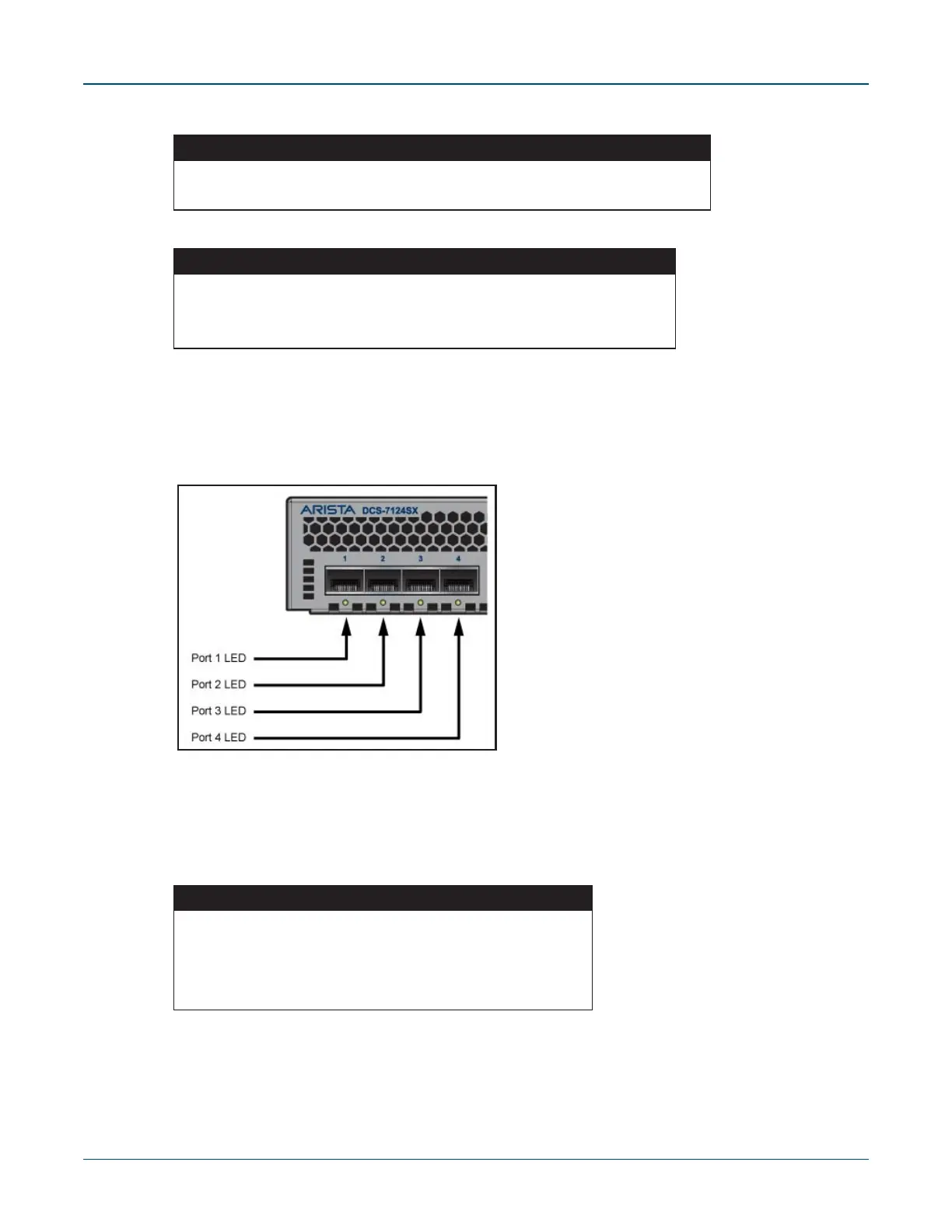
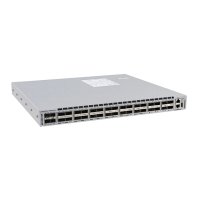
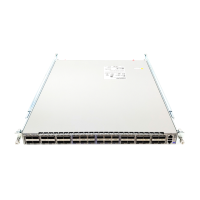
Port LEDs, located in the vicinity of their corresponding ports, provide link and operational status.
Figure A-2 displays the Port LED location on the 7124SX switch. Appendix C dis pla ys the port LED
loca tions of all s witche s cove red by this guide.
Figure A-2: Port LEDs
Ta ble A-4 provides status conditions that correspond to port LED states. Port LED behavior for QSFP+
and S FP + ports is cons iste nt.
Table A-2 Fan Module Status LED States
LED State Status
Gre e n All fa ns are opera ting norma lly.
Re d One or more fans a re not ins e rte d or have fa ile d.
Table A-3 Power Supply Status LED States
LED State Status
Off Powe r s upply is not inserted or is not powe re d.
Gre e n P owe r supply operating norma lly.
Re d P owe r supply has fa ile d.
Table A-4 Port LED States
LED State Status
Off Port link is down.
Gre e n P o rt lin k is u p .
Yellow Port is s oftware dis a ble d.
Flashing Yellow Port failed diagnostics.



 To Next Page