20
Armstrong International
Parc Industriel Des Hants-Sarts, 2ème Avenue No. 4, Haerstal, B-4040, Belgium
armstronginternational.com/brain
Temperature Adjust Using Laptop or PC
Operating System: Microsoft Windows XP, Vista or Windows 7, Windows 8 - 8.1 and Windows 10.
Minimum Screen Resolution: 1024 x 768 (Recommended 1280 x 1024 or higher.)
Download and install:
USB Driver - www.ftdichip.com/Drivers/VCP.htm
The Brain(R) DRV Programming Software - www.armstronginternational.com/brain
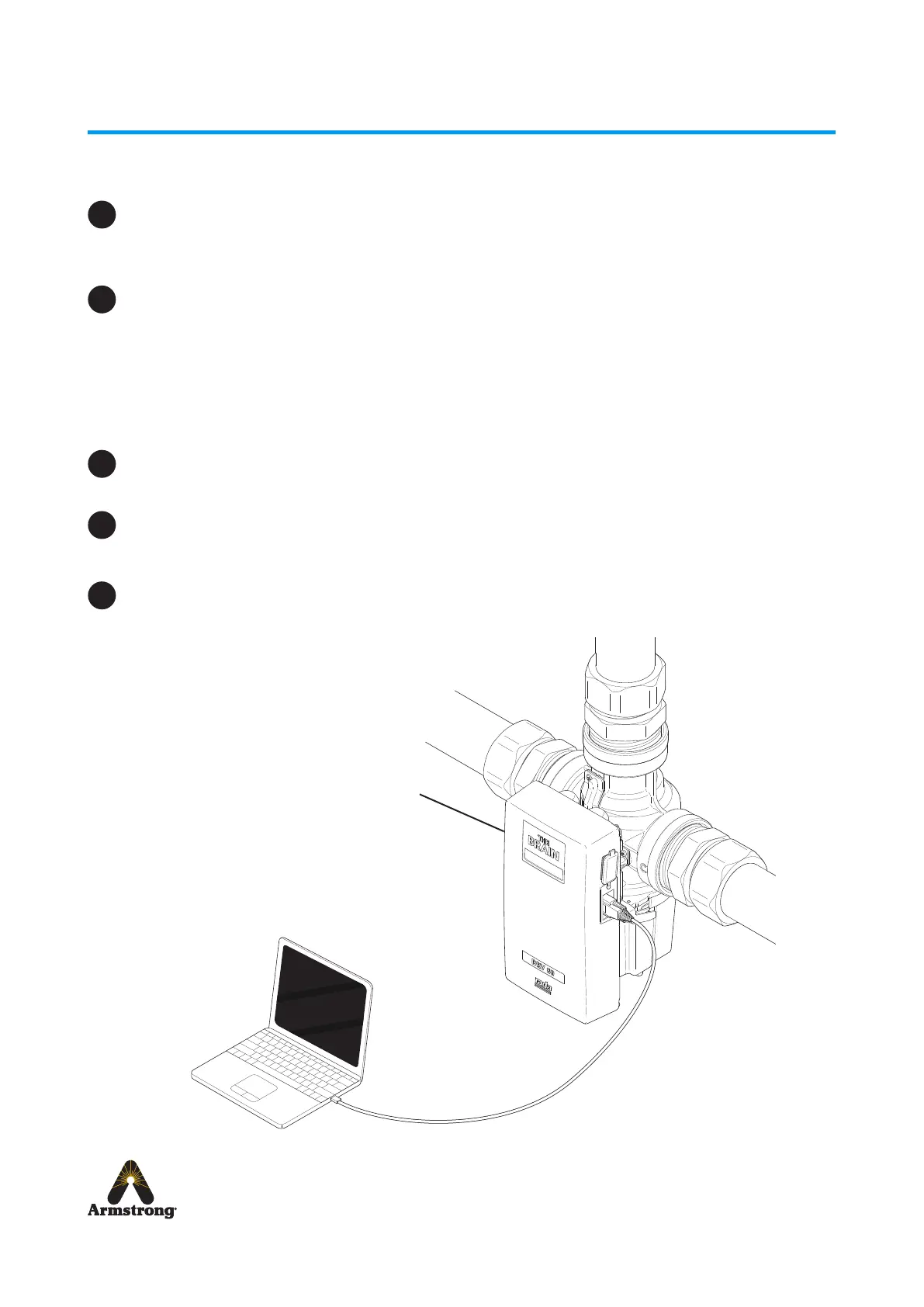
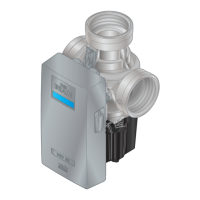
Connect the Laptop / PC to the Electronics Module with PC USB Cable supplied.
Connect the cable to the serial port on the Electronics Module and the Laptop / PC.
Run the DRV80 Control Software by double clicking the icon on the desktop or search for and run the
le Brain DRV Programming Software.exe
Operation
1
2
3
4
5
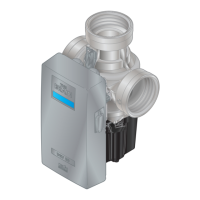
Electronics Module


 To Next Page