69
Armstrong International
Parc Industriel Des Hants-Sarts, 2ème Avenue No. 4, Haerstal, B-4040, Belgium
armstronginternational.com/brain
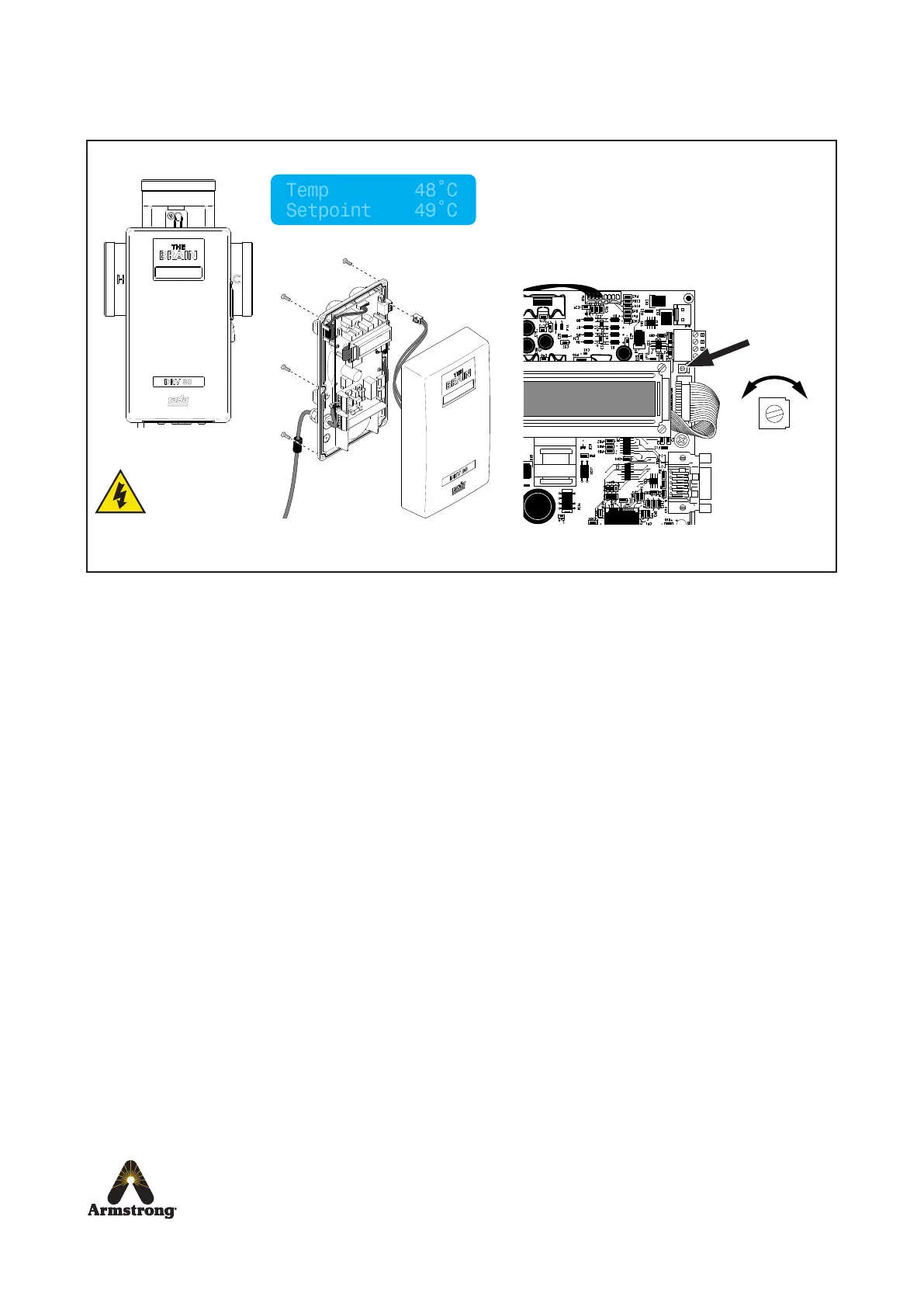
Problem: “Cannot read the LCD display...”
DRV80 display errors
If any other error message is displayed see DRV80 Display Errors on page 59 - 61.
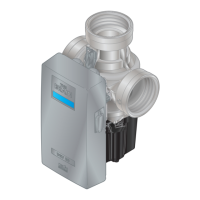
Isolate power to the DRV80 before
disconnecting and removing the
Electronics Module, see pages 43-46.
Adjust the brightness setting on the PCB
and reconnect the Electronics Module.
Brightness
Setting
+ -
High Voltage
supply exposed
when cover is
removed


 To Next Page