64
Armstrong International
Parc Industriel Des Hants-Sarts, 2ème Avenue No. 4, Haerstal, B-4040, Belgium
armstronginternational.com/brain
H C
Problem: “LCD Display shows any of the following...”
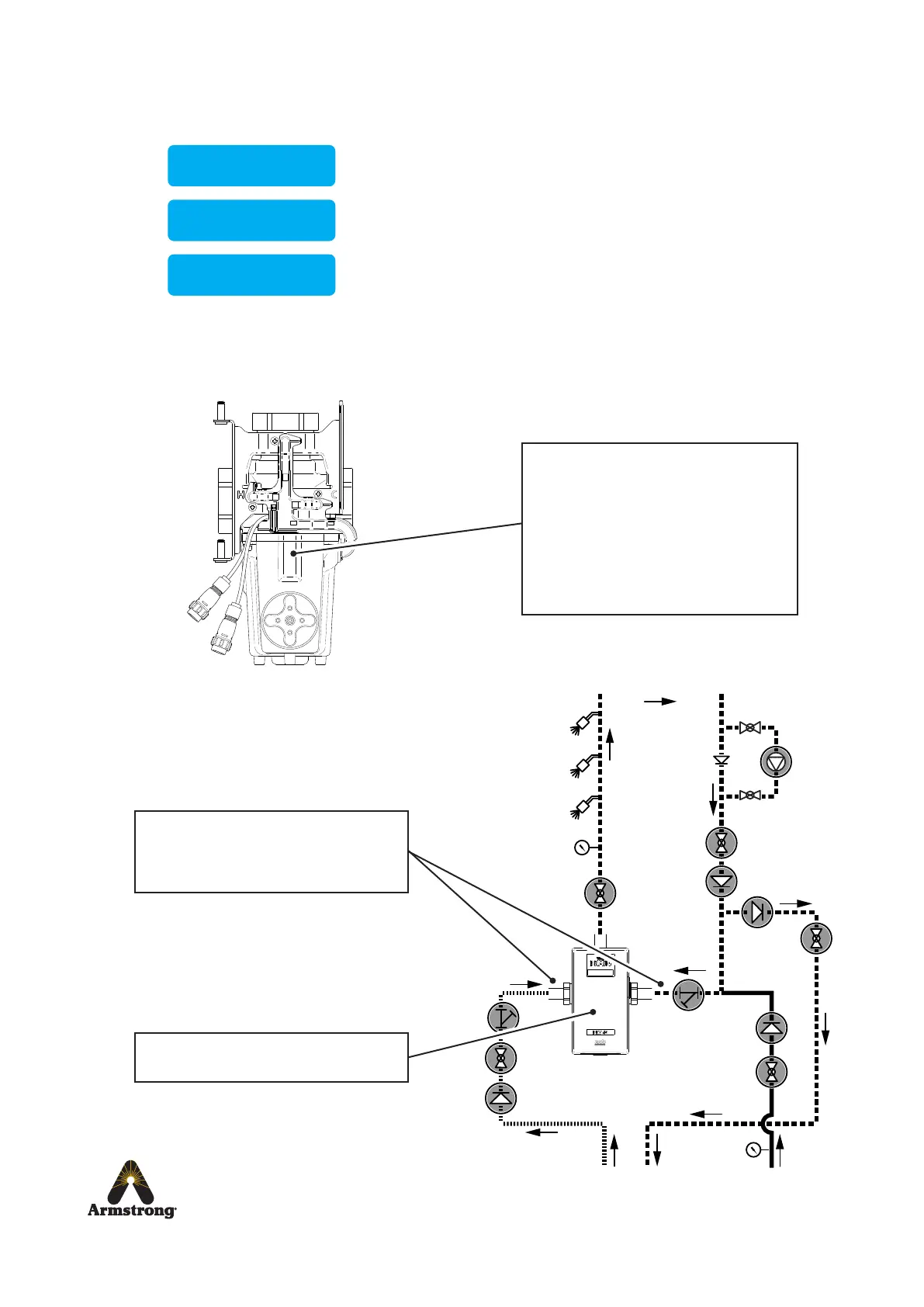
Check internal mechanism
Mechanism is jamming or slow to control.
Clean and descale the following parts:
• Proportioning Assembly
• Gear Drive Assembly
• Magnetic Rotor
Renew separator seal and lubricate internal
mechanism using silicone based grease
suitable for plumbing applications
Reset DRV80
Turn power off for 10 seconds and restart.
Inlet water temperatures
Check water supplies are connected to the
correct inlet ports.
Check inlet supply temperature
If any other error message is displayed see DRV80 Display Errors on pages 59-61.
Return to Hot
Water Supply Inlet
Outlet temperature exceeds the above setpoint value.
This condition causes an alert signal to be activated.
Outlet temperature is below the below setpoint value.
This condition causes an alert signal to be activated.
Outlet temperature exceeds the Error Temp value.
This condition causes the DRV80 to switch to full cold.
For the most probable causes and solutions see
DRV80 Display Errors on page 60.
Temp High 53˚C
Temp Low 38˚C
Temp 49˚C


 To Next Page