Menu overview 23
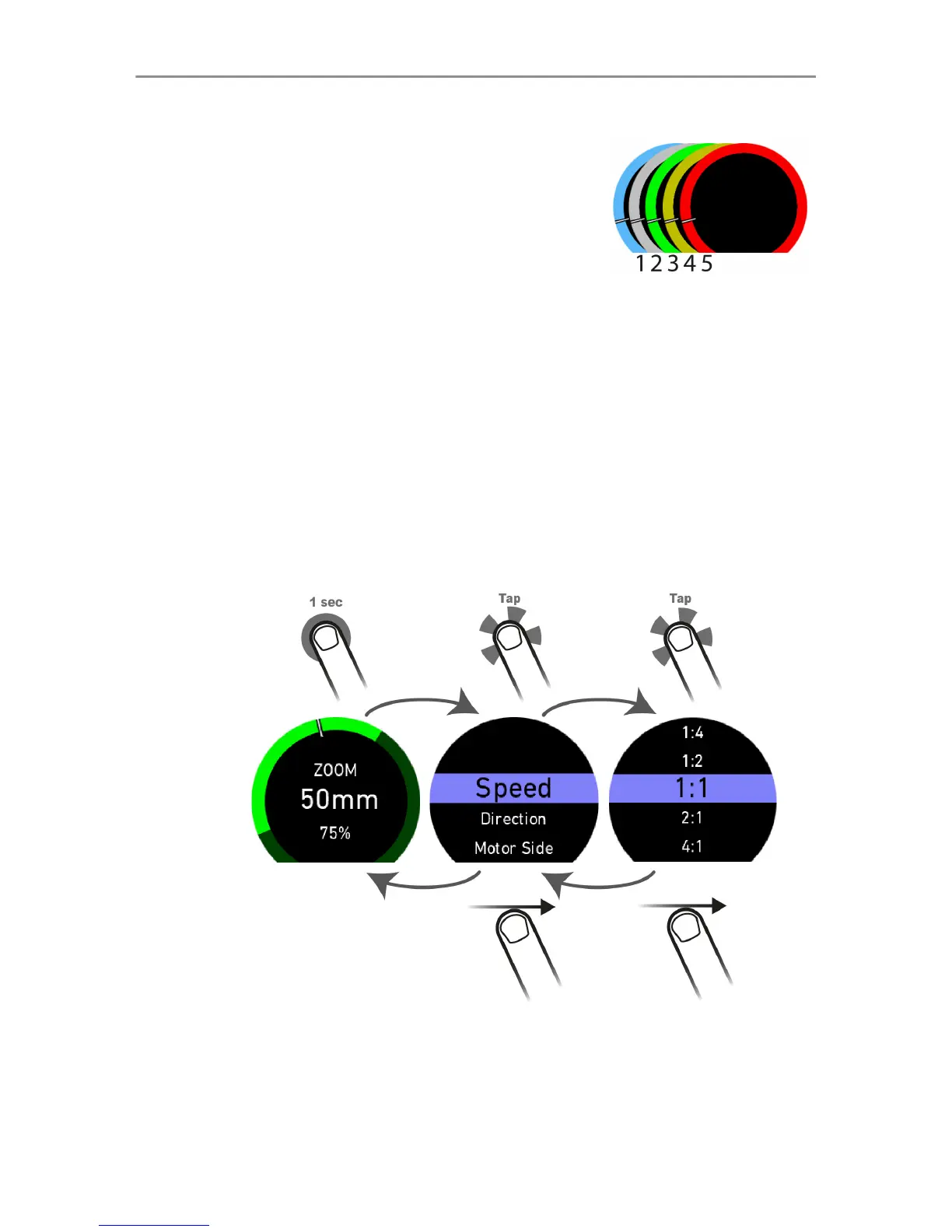
Gauge colors:
1 Blue: No camera
2 Grey: Camera not ready to record
(insert media)
3 Green: Standby - ready to record
4 Orange: Pre-Recording
5 Red: Recording
Setup menus:
Every top-level screen has its own setup menu. To enter the
setup menu, perform a long touch on the top-level screen or, in
case of the joystick screen, on one of its segments.
Top-level
screen
Setup menu Setup menu
To navigate the sub-menus scroll up or down and tap for
selection. To navigate one menu level up, swipe right. If multi-
mode menu control (See "System screen", page 29) is



 To Next Page