Menu overview 29
7.4 System screen
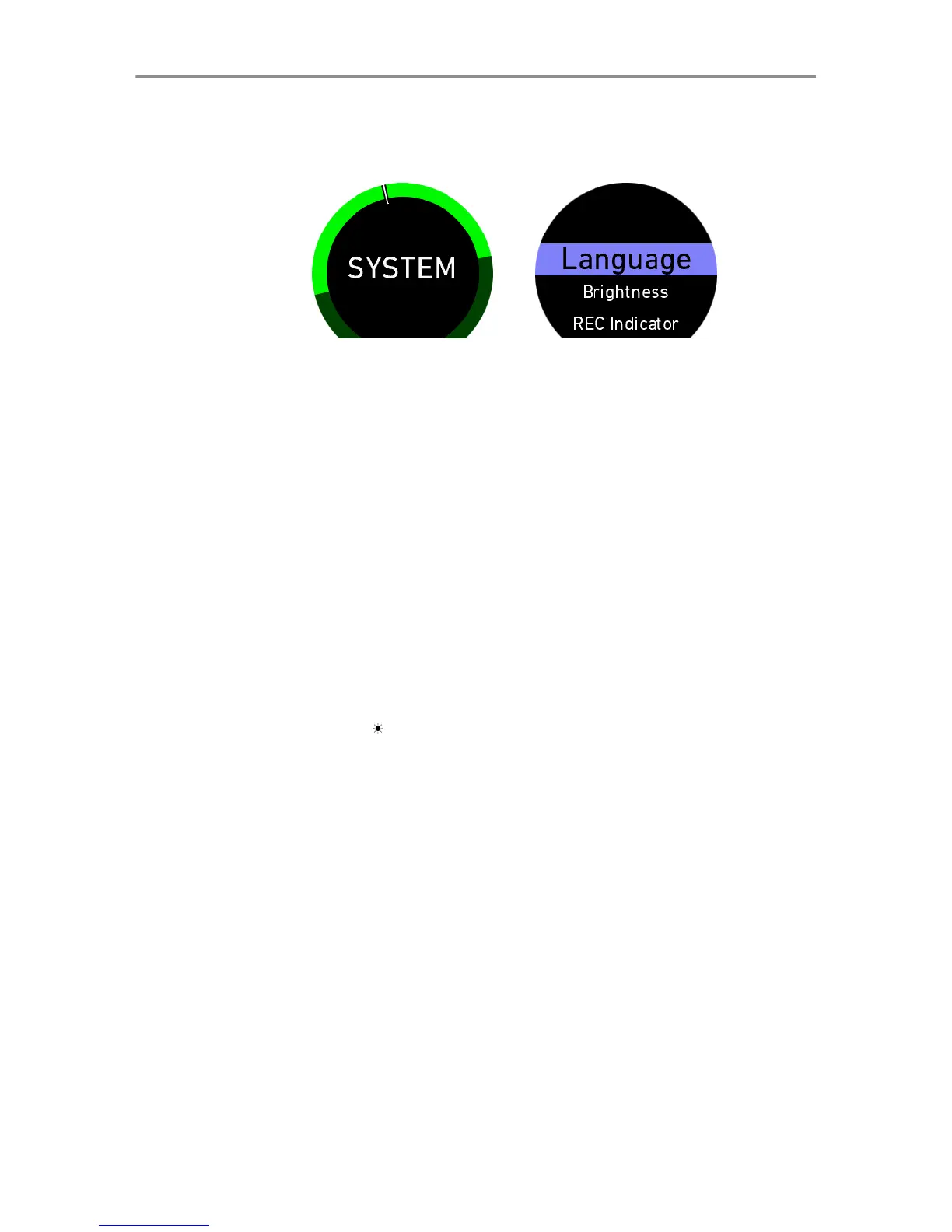
Fig 6: System
top-level screen
Fig. 7: System
setup menu
The System top-level screen provides access to system-related
settings. To enter the system setup menu, perform a long touch
on the System top-level screen (Fig. 6). Scroll up/down to
highlight the function. Perform a short tap to select the highlighted
function (Fig. 7).
Language Set the system language. Available
languages are English, Spanish,
Chinese, German
Flip Display Flips the display
Display Set the display illumination from 1
(lowest) to 5 (brightest)
OVR Mode Set Override mode: override works
always (ALWAYS) or only in Stand-
by mode (STBY ONLY)
REC Indicator Activate/Deactivate the gauge indi-
cating the camera recording status.
Menu Control Control the menu via touch screen
(TOUCH ONLY) or touch screen
and joystick (MULTI).
Disp. Timeout Set timeout of the display illumina-
tion. Options are: NEVER (=always
on), 3 SEC, 10 SEC, 30 SEC



 To Next Page