Menu overview 27
7.2 Joystick screen
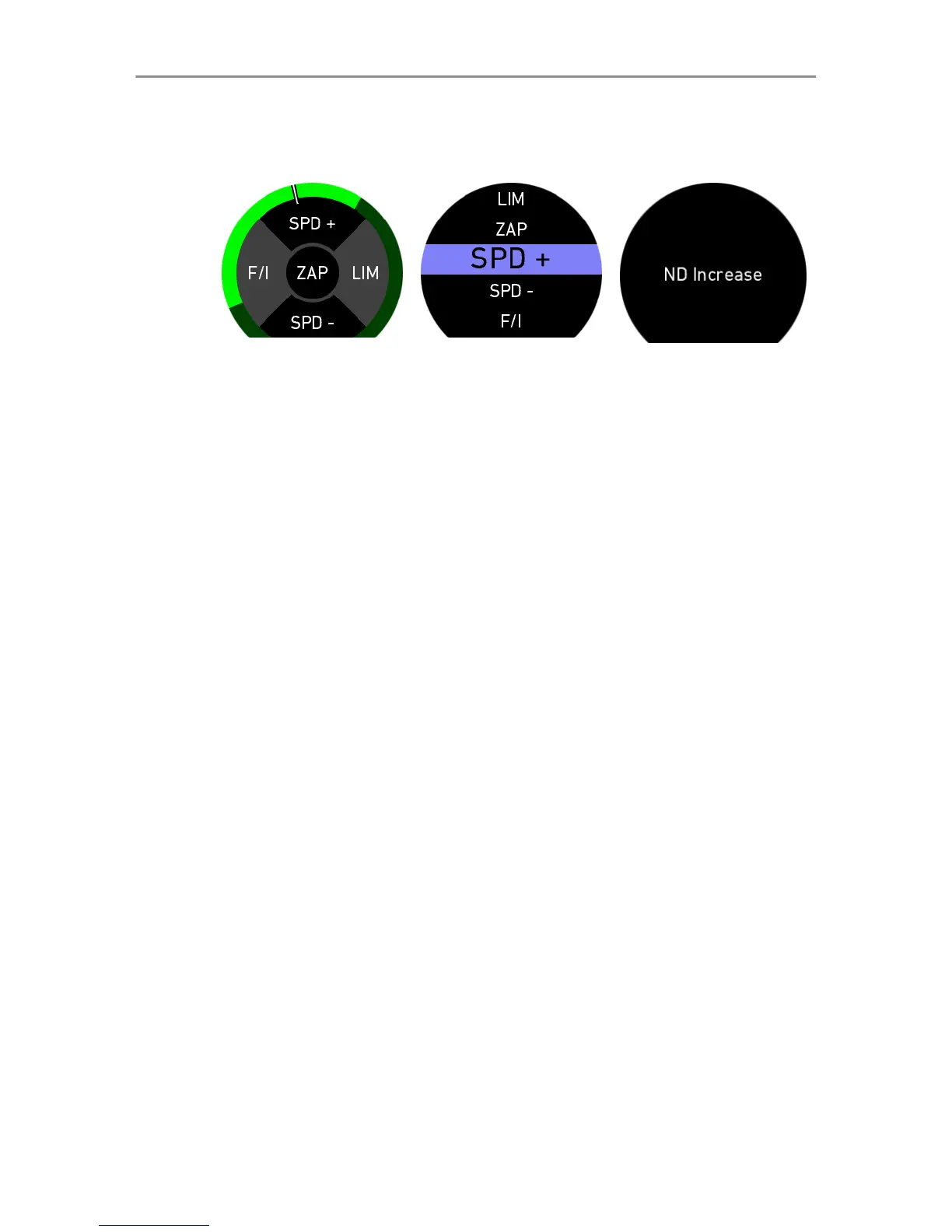
Fig. 1: Joystick
top-level screen
Fig. 2: Joystick
setup menu
Fig. 3: Func-
tion info screen
The five joystick positions can be assigned to several functions
(See "Assignable functions", page 32 for all available options).
To assign a function, perform a long touch on one of the five
segments of the joystick top-level screen (Fig. 1). Scroll up/
down to highlight the function. Perform a short tap to select the
highlighted function (Fig. 2).
If a camera user button is assigned, perform a short tap on one of
the segments in the main screen and the respectively assigned
camera user button function will be displayed (Fig. 3).



 To Next Page