12
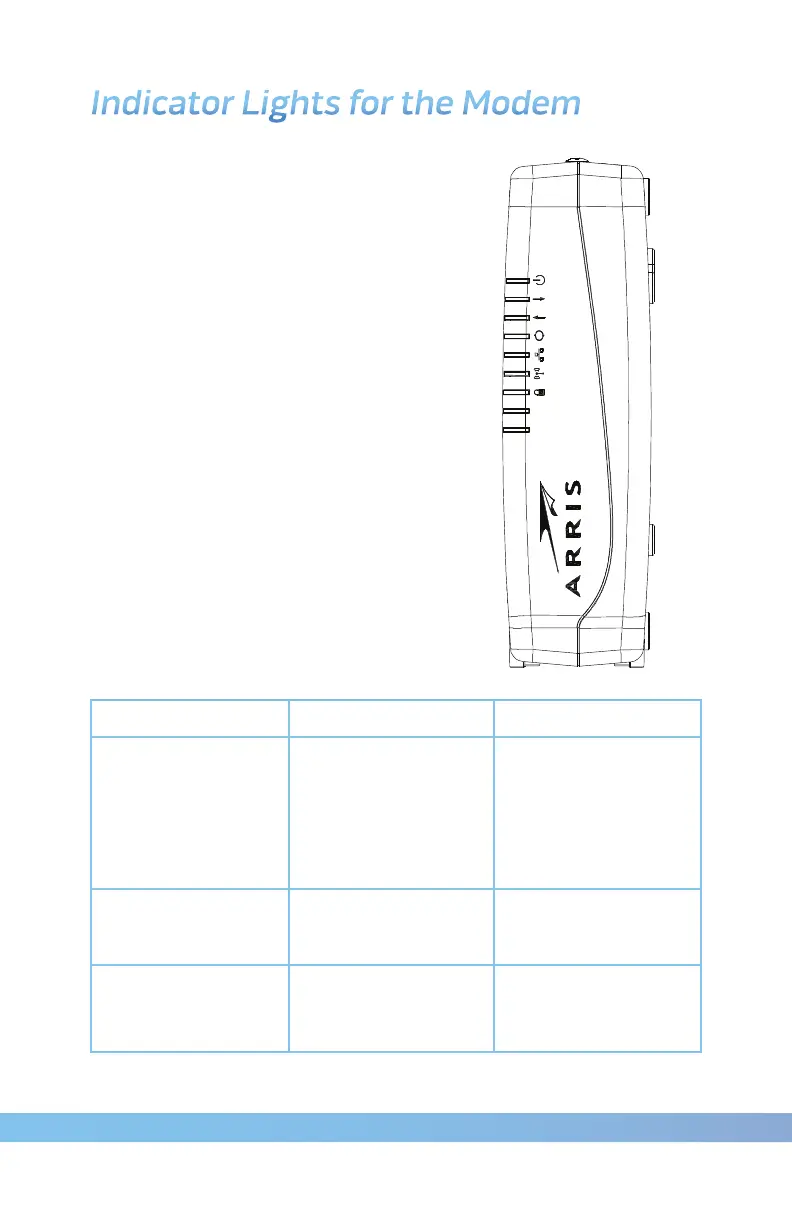
DG860
Power
Ethernet
DS
Online
WiFi
Secure
US
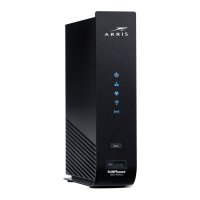
Indicator Lights for the Modem
Your modem has various LED indicator
lights to assist in troubleshooting.
Patterns: Normal Operation (LAN)
The following table shows light patterns
for the Ethernet and wireless LANs
during normal operation.
Mode Ethernet WiFi
AC Power
On = Computer
Connected
Off = Computer
not connected
Flash = Computer
Activity
On = WiFi
Enabled
Off = WiFi
Disabled
Flash =
Computer Activity
No AC Power Off Off
Firmware Upgrade (normal operation) (normal operation)









 To Next Page