Home Prev Next CM550 Cable Modem User’s Guide 36
Safety Getting Started Installation USB Drivers Usage Troubleshooting Glossary
Removing USB Drivers
You use a Remove utility to remove ARRIS USB drivers. The 64-bit version of Vista
uses a special utility; other versions of Windows use a single utility.
Removing USB Drivers (all but 64-bit Vista)
If you connect the Cable Modem USB to your computer before inserting the ARRIS
driver installation CD, Windows may install a “composite” USB driver that does not
properly support the Cable Modem. To correct this problem, you must first remove
the composite driver using the Remove utility on the ARRIS driver installation CD.
Follow these steps to use the Remove utility:
1 Insert the ARRIS driver installation CD.
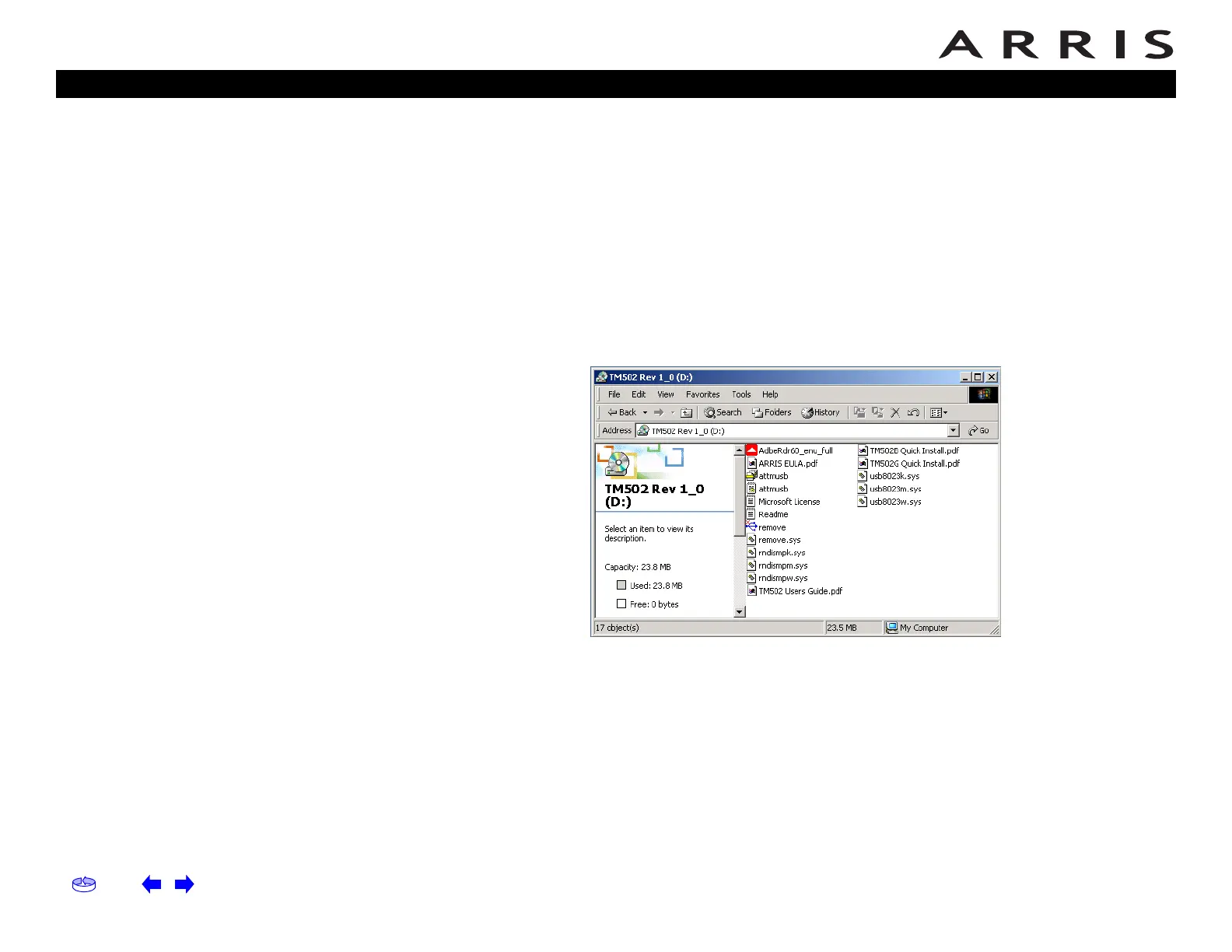
2 Navigate to the CD drive:
3 Start the Remove utility by double-clicking it in the window.
The Remove utility prompts you to click OK to remove the USB driver, or
Cancel to quit.














 To Next Page