Home Prev Next CM550 Cable Modem User’s Guide 37
Safety Getting Started Installation USB Drivers Usage Troubleshooting Glossary
4 Click the OK button.
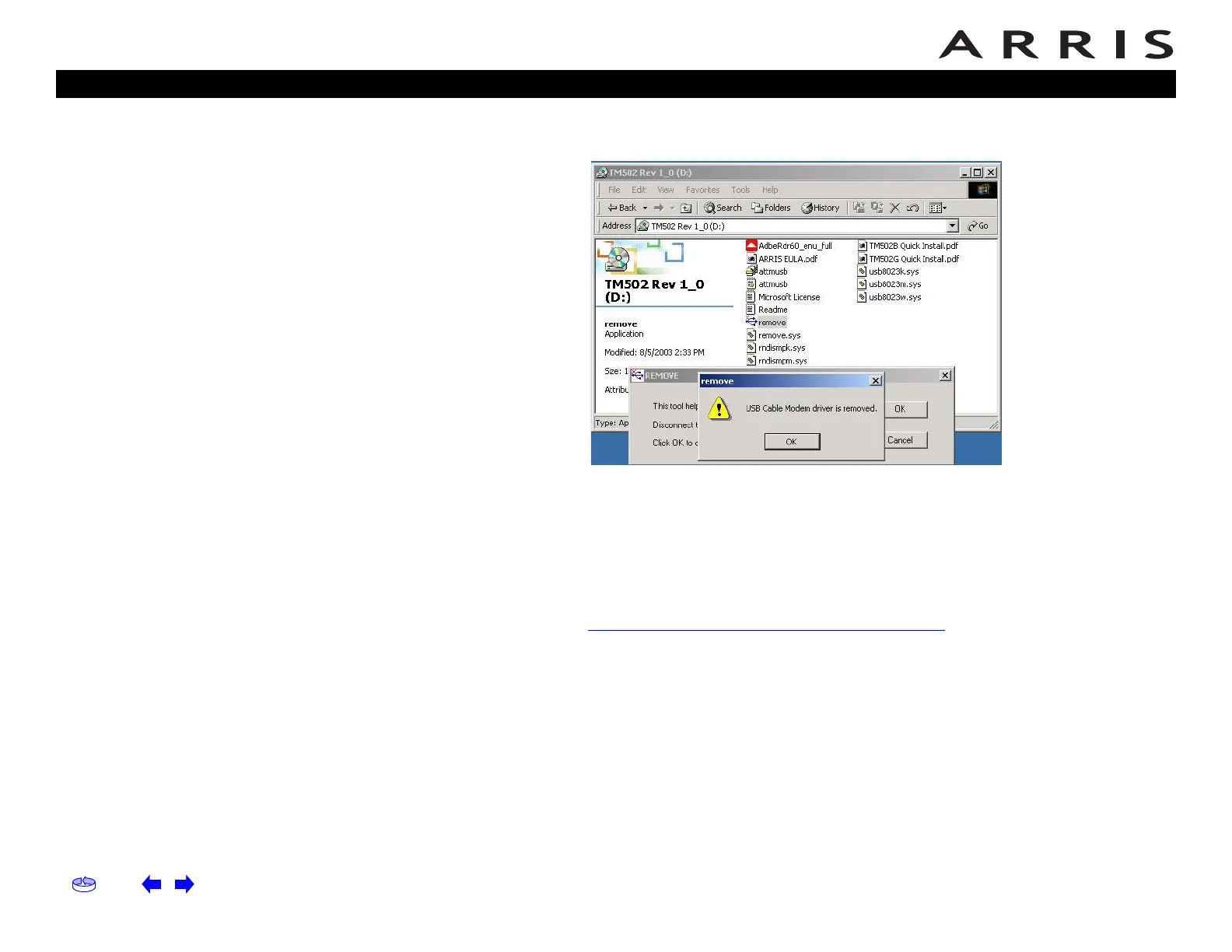
The Remove utility displays the following message:
5 Leave the CD in the drive, reconnect the Cable Modem, and install the USB
driver as appropriate for your operating system.
Removing USB Drivers (64-bit Vista)
Follow these steps to uninstall the 64-bit USB driver, if necessary.
1 If you no longer have the USB driver, download the zipped Vista USB driver
from the ARRIS website at the following link:
http://www.arrisi.com/support/usb/index.asp
2 If necessary, unzip the files to a directory that can be accessed for the un-
installation.
3 Connect the USB cable between the Cable Modem and personal computer
running Vista.
4 Open the directory created in step 2 (or during the original driver installa-
tion, if you kept it).
5 Locate the file remove.exe.














 To Next Page