Indicator Lights: Startup Sequence
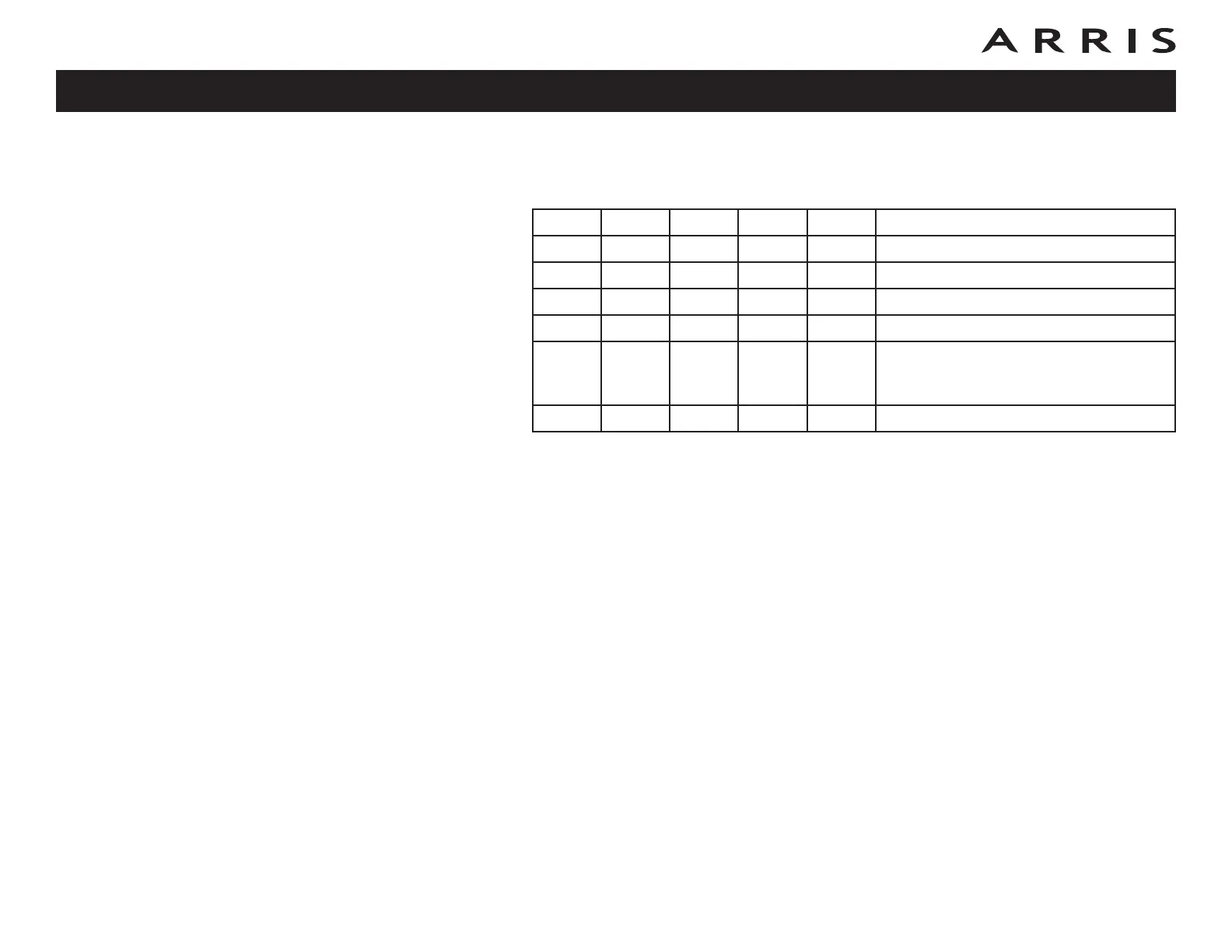
The following table shows the start-up sequence for the cable modem.
Note: The DS and US indicators flash yellow during startup, and turn green if
the Cable Modem establishes and ultra-high speed connection. For some
cable companies these colors may be reversed. The Link indicator may
be yellow or green, as determined by the table on the previous page.
Power DS US Online Link Description
Off Off Off Off Off No power to Cable Modem
Flash Flash Flash Flash Flash Power-on Self Test
On Flash Off Off Off Downstream search
On On Flash Off Off Downstream found; upstream search
On On On Flash Off
Downstream and Upstream found;
retrieving setup information from
cable operator
On On On On On Ready for service
Touchstone CM820 Cable Modem User’s Guide
Safety
Getting
Started Installation
Ethernet
Configuration Usage Troubleshooting Glossary
38














 To Next Page