Using the Reset Button
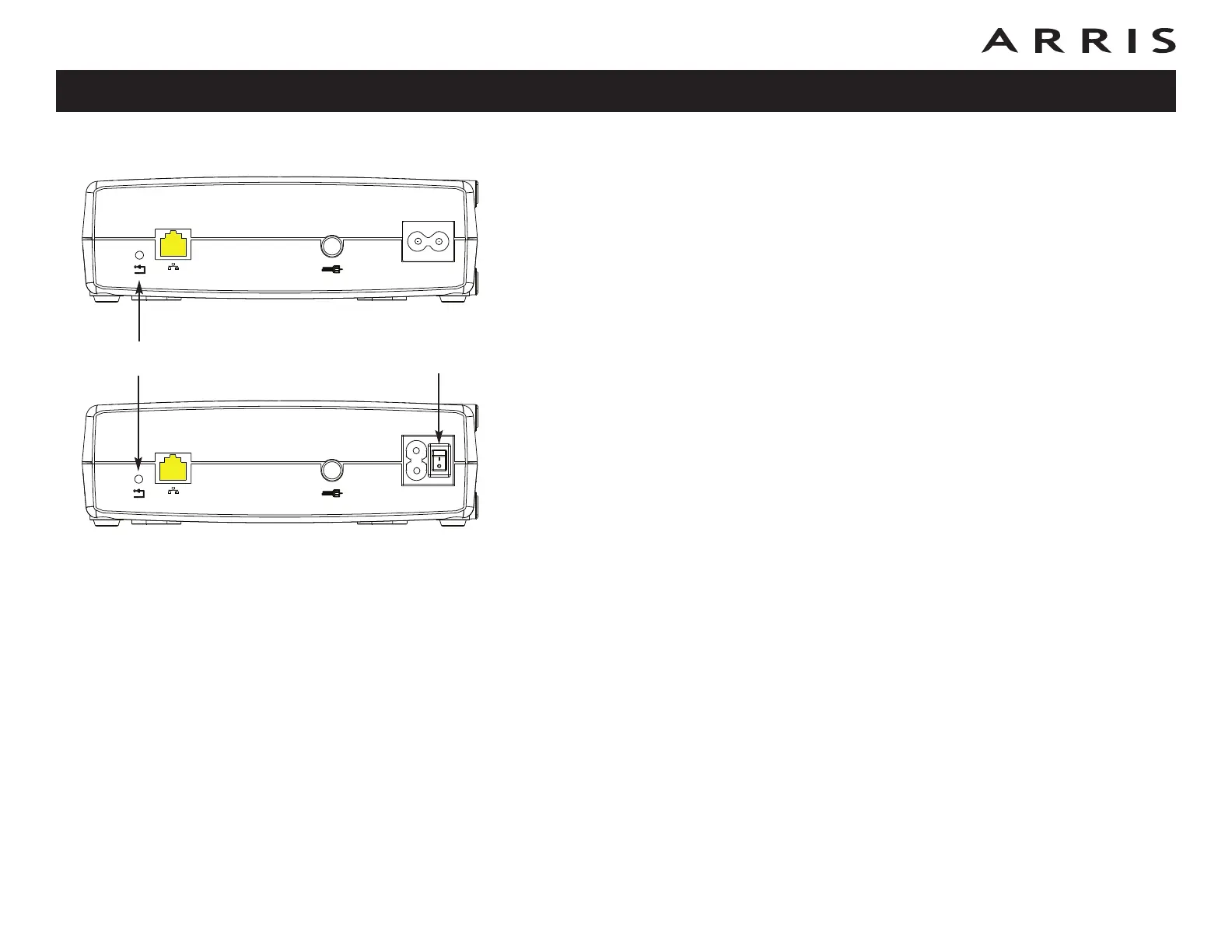
Use the Reset button, on the back of the Cable Modem, to reset the modem as if
you power cycled the unit. You may need to reset the Cable Modem if you are hav-
ing problems connecting to the Internet. Using this button will be rare.
Use a pointed non-metallic object to press this button. The photo to the left shows
the location of the Reset button. The Reset button is recessed to prevent acci-
dental resets.
Model CM820S only: The rear panel power switch can also be used to power cycle
the unit.
Touchstone CM820 Cable Modem User’s Guide
Safety
Getting
Started Installation
Ethernet
Configuration Usage Troubleshooting Glossary
39
Reset Button Power Switch
Ethernet
10/100/1000
Reset
Cable
Ethernet
10/100/1000
Reset
Cable
CM820A
CM820S














 To Next Page