Chapter 6: Using the Telephony Gateway
Release 24 STANDARD 1.2 April 2016 Touchstone TG2492 Telephony Gateway User Guide
© ARRIS Enterprises, LLC, 2015-2016. All Rights Reserved. 33
Patterns: Normal Operation (LAN and Telephone)
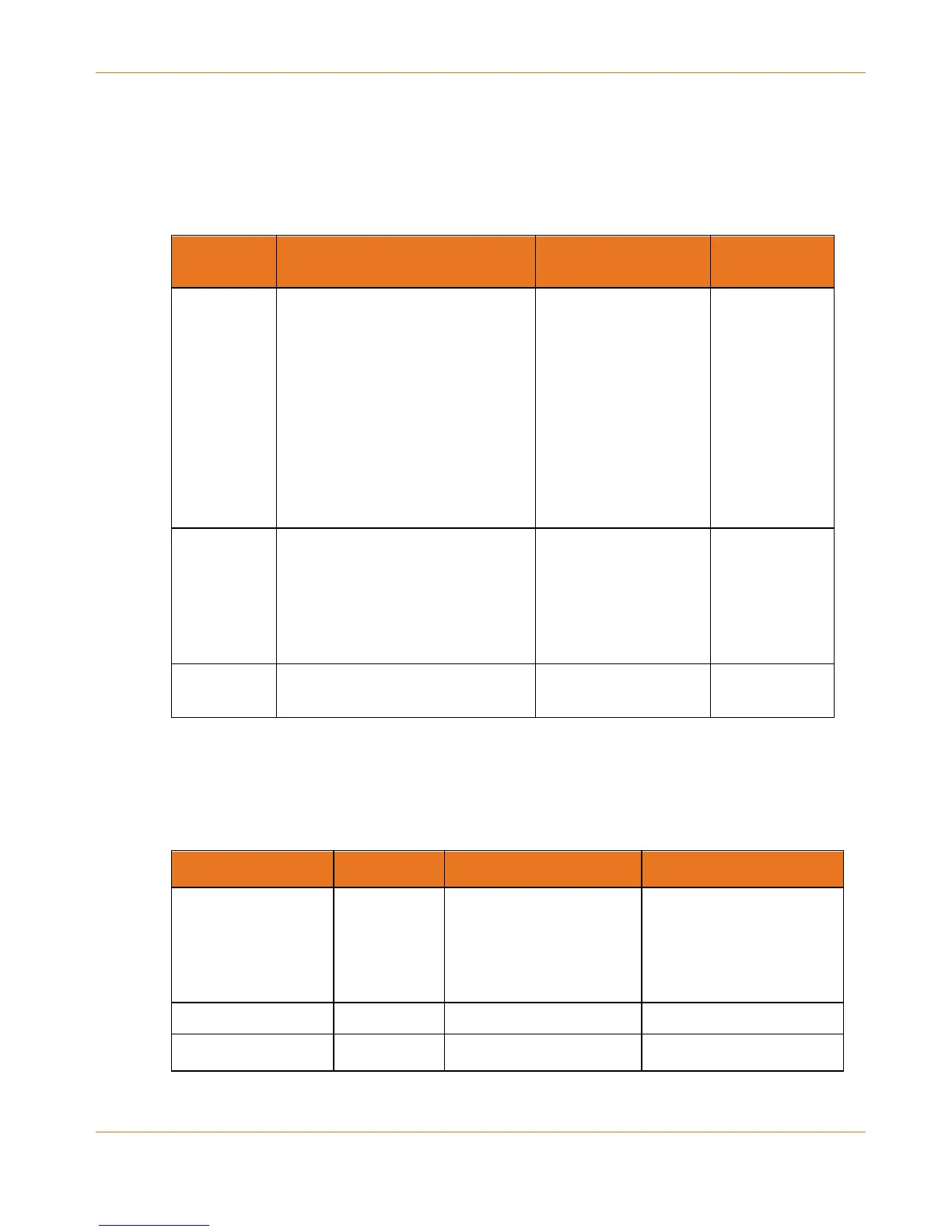
The following table shows light patterns for the Ethernet and wireless LANs, and the
telephones, during normal operation.
Mode Ethernet
(LEDs on rear panel connector)
2.4G Wi-Fi / 5G Wi-Fi Tel 1 / Tel 2
AC Power Green LED On = Computer with
1Gbps port connected
Amber LED On = Computer with
100 Mbps/10Mbps port connected
Amber/Green LED Flash =
Computer activity
Both LEDs Off = Computer not
connected
On = Wi-Fi enabled
Flash = Computer
activity
Off = Wi-Fi disabled
On = On-hook
Flash = Off-
hook
Off = disabled
No AC
Power
Off Off On = On-hook
Flash = Off-
hook
Off = disabled
Firmware
Upgrade
(normal operation) (normal operation) (normal
operation)
Patterns: Normal Operation (WAN)
The following table shows light patterns during normal operation.
Mode Power US/DS Online
AC Power Good On On = Connected to the
Internet
Flash = Not connected to
the Internet
On = Internet available
Off = Internet not
available
No AC Power Off Off Off
Firmware Upgrade On Flash On



 To Next Page