Chapter 4: Installing and Connecting your Telephony Gateway
Release 34 DRAFT 1.6 June 2017 Touchstone TG3452 Telephony Gateway User Guide
© 2017 ARRIS Enterprises LLC. All Rights Reserved. 18
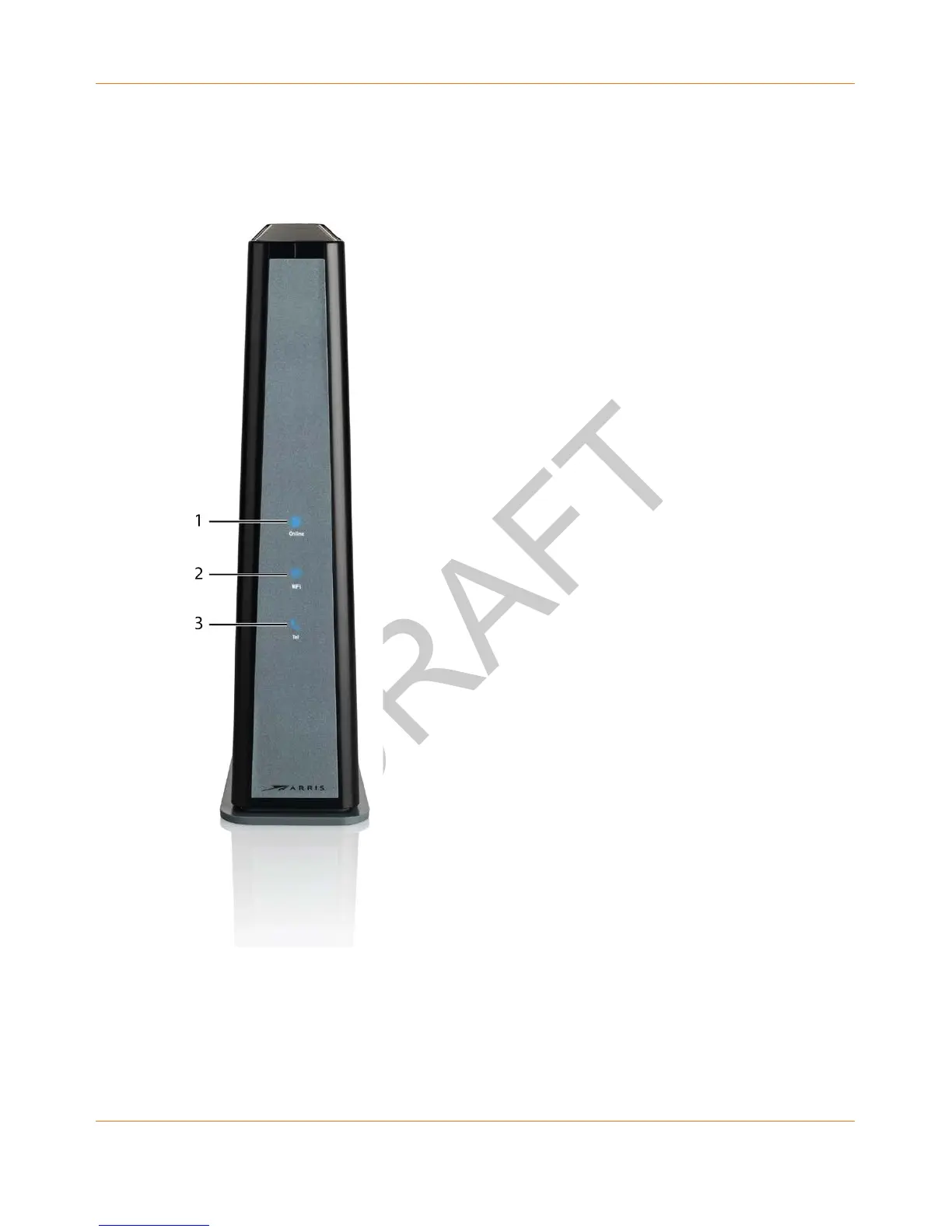
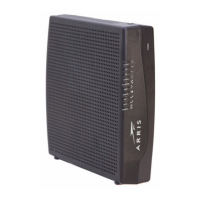
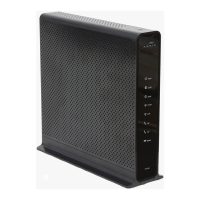
Front Panel
The front of the TG3452 has the following indicators.
1. Online: indicates internet data transmission status.
2. WiFi: indicates the status of the wireless LAN.
3. Tel: indicates the status of the telephone line.









 To Next Page