Chapter 5: Installing and Connecting your Telephony Modem
Release 8 STANDARD 1.1 August 2016 Touchstone TM804G Telephony Modem User Guide
© 2011-2016 ARRIS Enterprises LLC. All Rights Reserved. 27
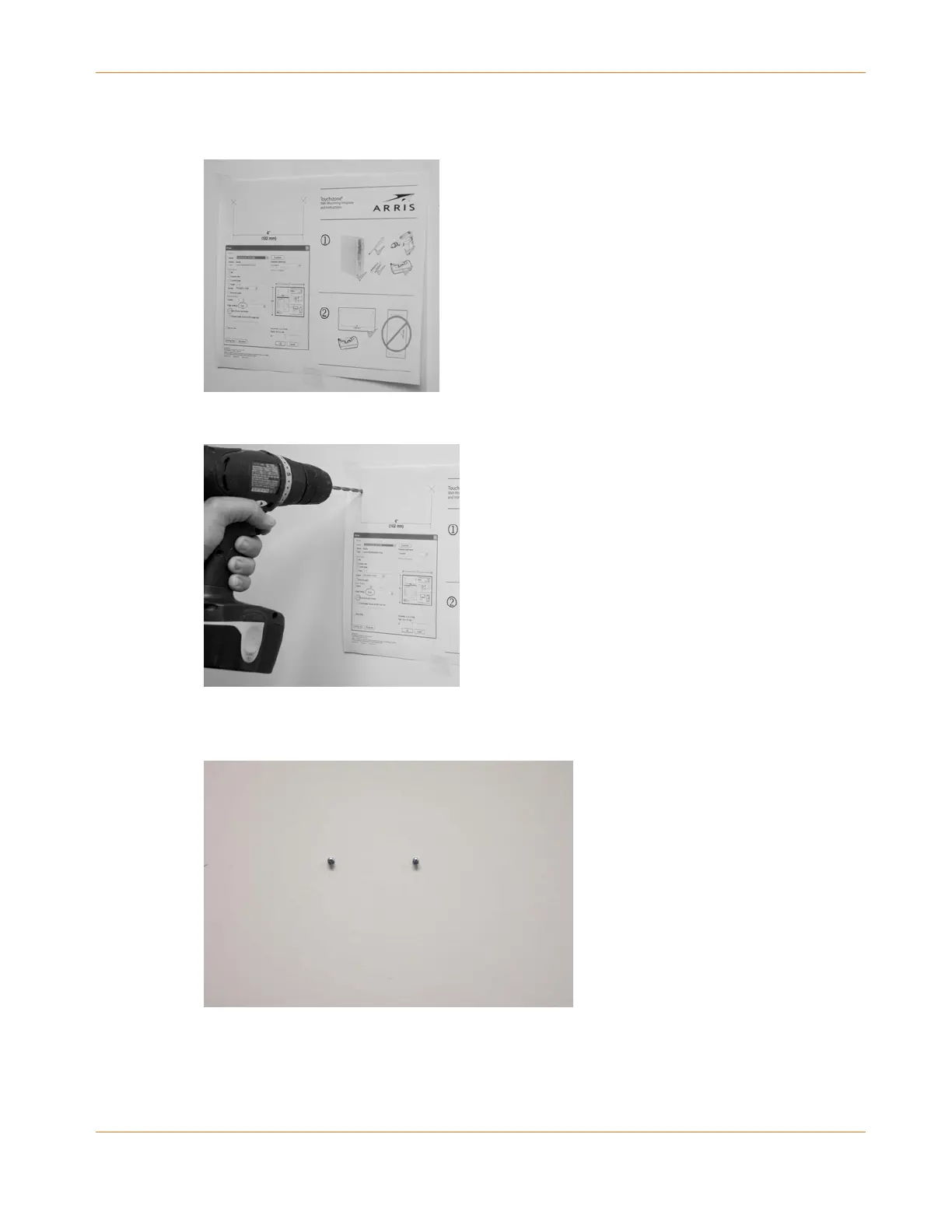
1. Position the mounting template on the surface where you intend to mount the Telephony
Modem and sercure in place with transparent tape.
2. Drill holes through the template in the specified locations for the mounting screws. After
drilling holes, remove the template from the service.
3. If using drywall anchors, set them into the wall. Then, drive the screws into the wall
leaving a gap of about 1/8” (3 mm) between the screw head and the wall. If not using
anchors, just drive the screws.















 To Next Page