Chapter 7: Using the Telephony Modem
Release 8 STANDARD 1.1 August 2016 Touchstone TM804G Telephony Modem User Guide
© 2011-2016 ARRIS Enterprises LLC. All Rights Reserved. 35
Mode Power US/DS Online Link Tel 1/2/3/4 Battery
Firmware
Upgrade
On Flash On (normal
operation)
(normal
operation)
(normal
operation)
Note 1: Your service provider may configure the Telephony Modem to always display the DS,
US, and Link indicators in green regardless of the connection speed or swap the meaning
(speed indication) of yellow and green.
Patterns: Startup Sequence
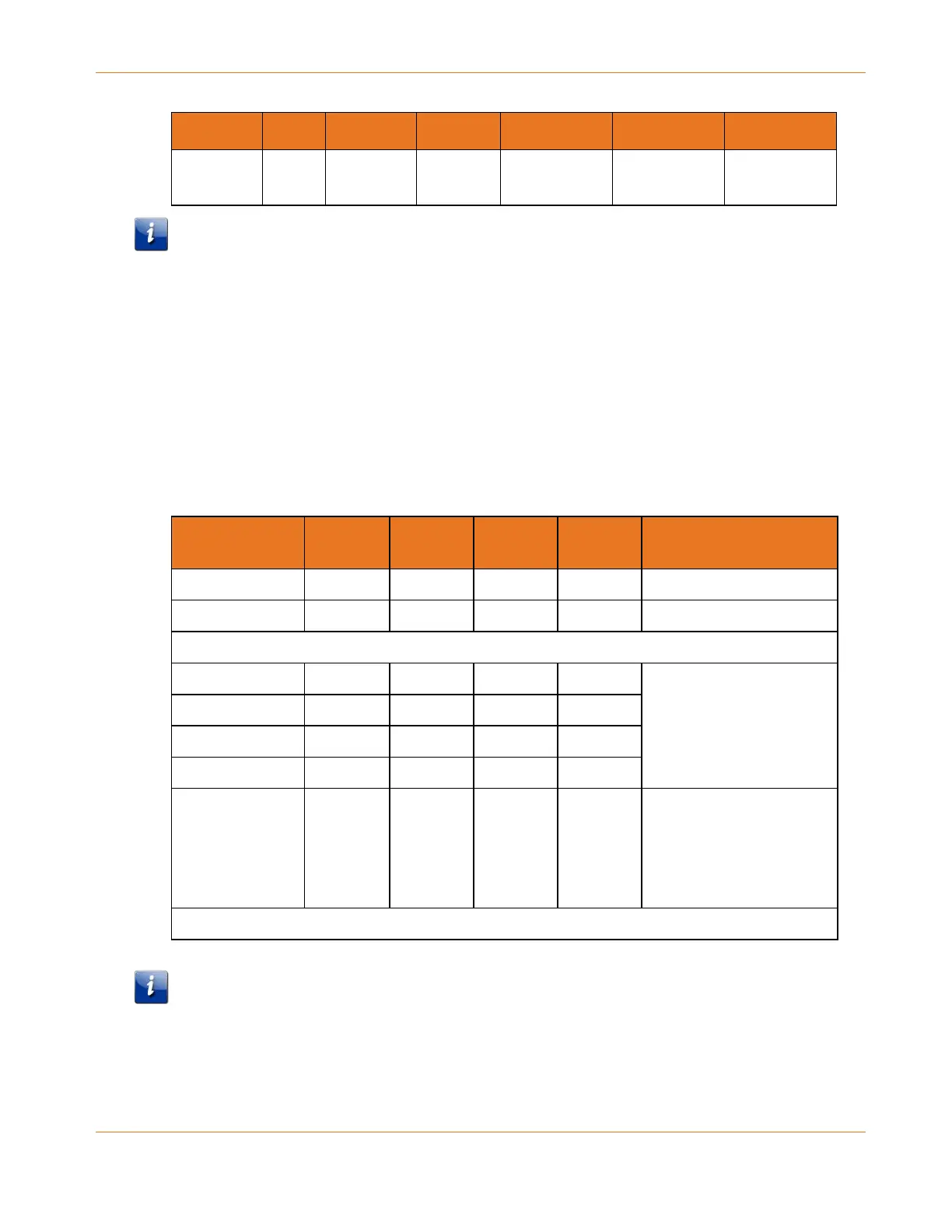
The following tables show the Telephony Modem light patterns during each phase of the
startup sequence. There are two phases of startup; the telephony phase and the cable
modem phase. Both are outlined below.
Telephony Startup Sequence
Power, US/DS,
Online
Tel 1 Tel 2 Tel 3 Tel 4 Descrption
Off Off Off Off Off No power to modem
Flash Flash Flash Flash Flash Power-on Self Test
See Cable Modem Startup Sequence (page 35)
On Flash Off Off Off Retrieving telephone
network information
On Off Flash Off Off
On Off Off Flash Off
On Off Off Off Flash
On Flash Flash Flash Flash Activating telephone
service
Note: Only phone lines
being provisioned will
flash
Normal Operation Begins
Note: The US/DS indicator flashes yellow during startup and turns green if the Telephony
Modem establishes an ultra-high speed connection. For some service providers, these colors
may be reversed.















 To Next Page