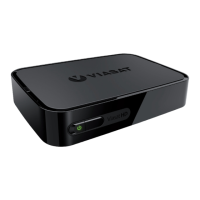
6 VIP5602WT Wireless IPTV Receiver Installation Guide
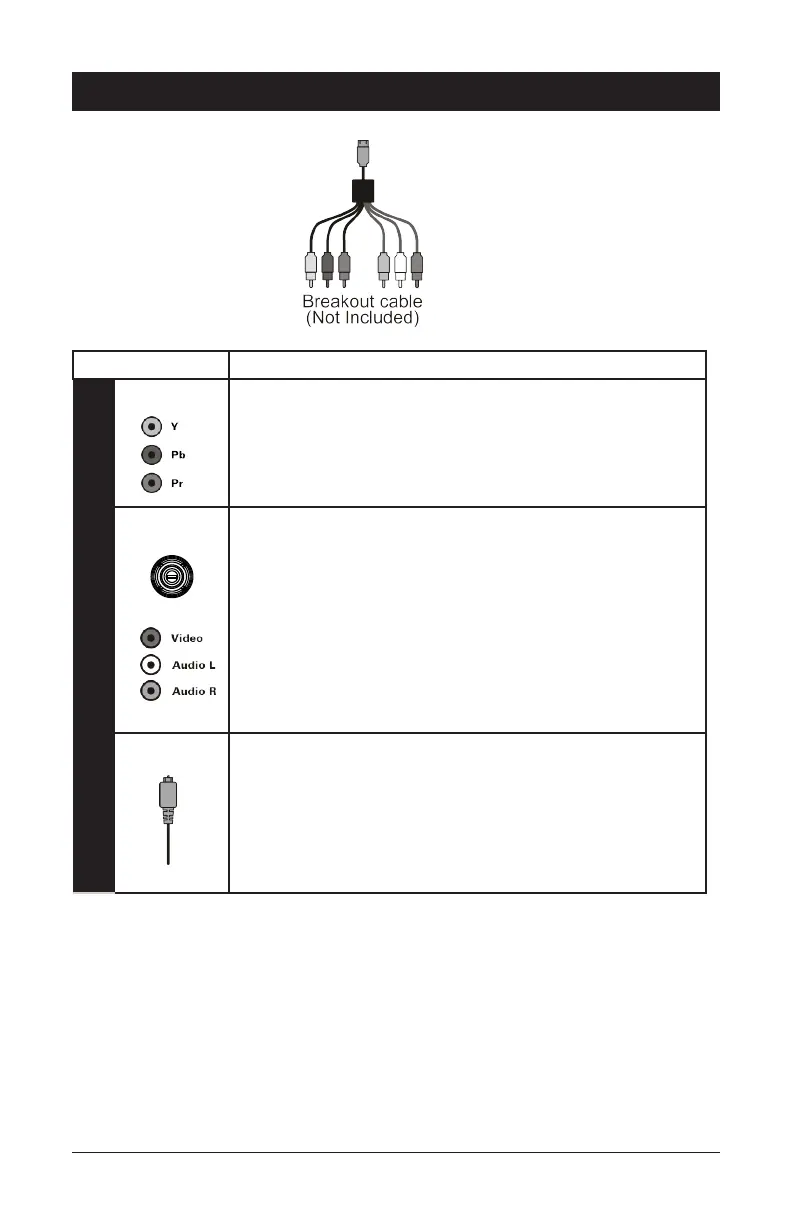
Connector Description
Standard-Definition
Component The component outputs provide component video outputs using
the three standard video connections: Y, Pb, Pr (green, blue, red).
Audio
+Composite
The Audio +Composite output provides both composite video
and baseband stereo audio using RCA connectors.
Composite video provides a Standard-Definition analog video
signal using the video RCA connector (yellow) and the stereo
audio RCA connectors (white/left, red/white).
Optical
Audio
If your equipment supports an optical S/PDIF audio connection,
use the OPTICAL connection for the audio.
Common Cabling Examples
The following cabling diagrams illustrate common sample audio/video (A/V) connections.
When connecting other components to your TV Receiver, refer to the other component
installation manuals for additional connection information.
Connecting Your TV Receiver


 To Next Page