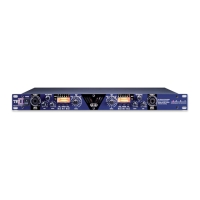
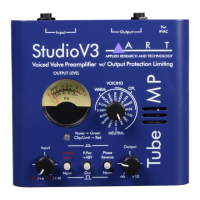
For example, if you are recording an acoustic guitar, V3 has a preset
that has been optimized for that instrument. Once the preset is chosen,
the user can even fine tune the signal – which shows the true power of
V3 technology…it’s tweakable. V3 even features a multi setting, which
is useful for a wide variety of applications – like overhead micing,
broadcast and field recording.
This means that it is now quicker and easier than ever to make great
recordings! Musicians want to play, not spend hours adjusting knobs.
No other microphone preamp is as user-friendly as the TPS.
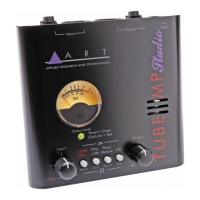
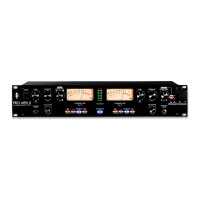
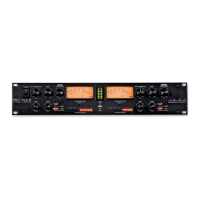
VU METER
The VU Meter gives an analog representation of the TPS tube signal
level. Besides showing the average analog level, it is sensitive to
attack transients. When not using OPL, the VU Meter is a great
indicator of how hard you are running the tube. It also helps in setting a
consistent level as you change mics and instrument sources.
The VU Meter also reflects the impact of the OPL circuitry on the
signal. For example, if the signal is “in the red” on the meter, the meter
will reflect the attenuation of the signal when the OPL is activated,
and the signal is brought out of the “red.”
OUTPUT CONTROL
The Output Control sets the output level of the TPS. When the
control is fully counterclockwise, there is no output. Turning the control
clockwise increases the level of the output signal. When setting the
Output level control, refer to the VU Meter for an accurate level leaving
the preamp.


 To Next Page