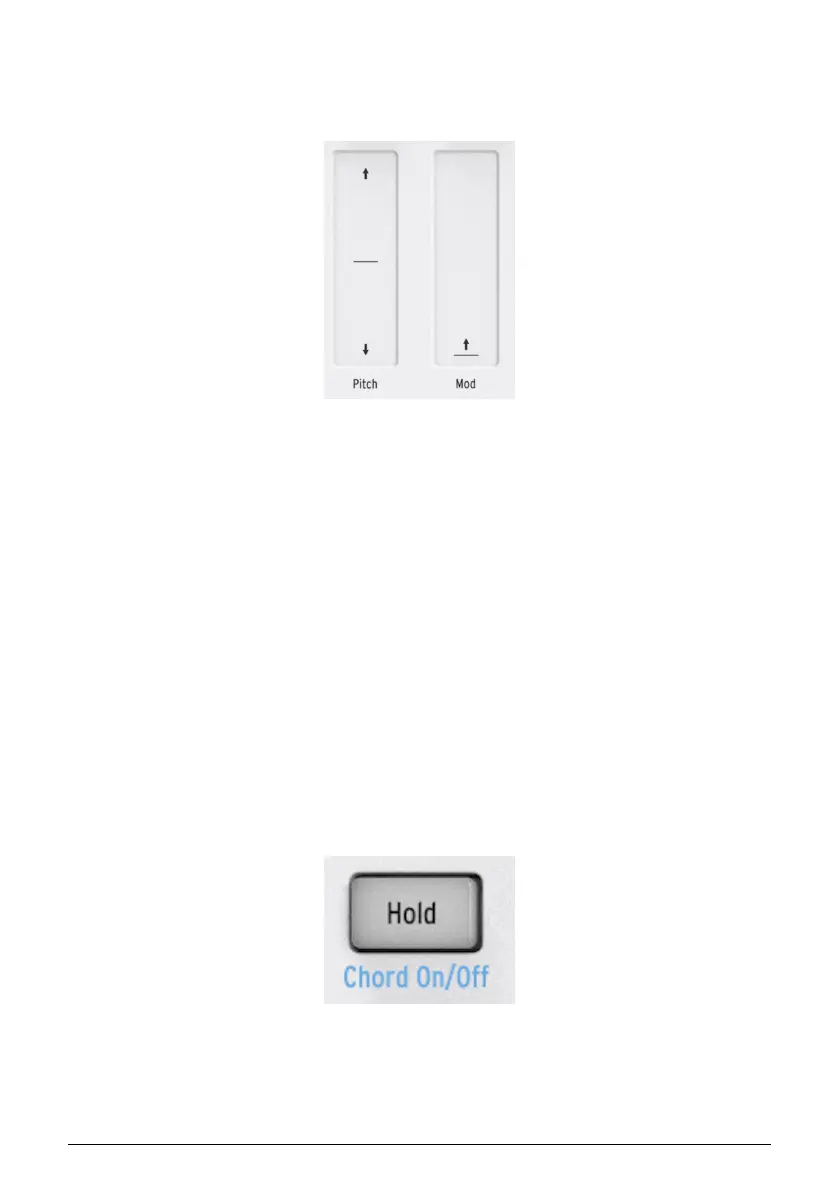
2.1.3. Pitch and Mod touch strips
The Pitch and Mod touch strips work the same as standard wheels, except that you slide
your finger along the track instead of moving a wheel.
2.1.3.1. The Pitch strip
The Pitch strip has a center zone which equals no change. Moving your finger forward bends
the pitch upward, and moving backward bends the pitch downward.
When you release your finger the Pitch strip will snap back to zero.
2.1.3.2. The Mod strip
The Mod strip works like a mod wheel: from minimum to maximum. Placing your finger at
the bottom of the Mod strip (the side closest to you) equals no modulation, and moving your
finger all the way up causes maximum modulation. But when you lift your finger the Mod
strip does not snap to zero.
2.1.4. The Hold button
The Hold button enables the arpeggiator to keep playing after you take your fingers off the
keys. But there's another way to use it, too: when Hold mode is active, you can keep adding
notes to an arpeggio as long as you continue holding down at least one key.
We'll provide step-by-step instructions in chapter 5: The arpeggiator [p.52].
Arturia - User Manual KeyStep 37 - Basic Operations 18













 To Next Page