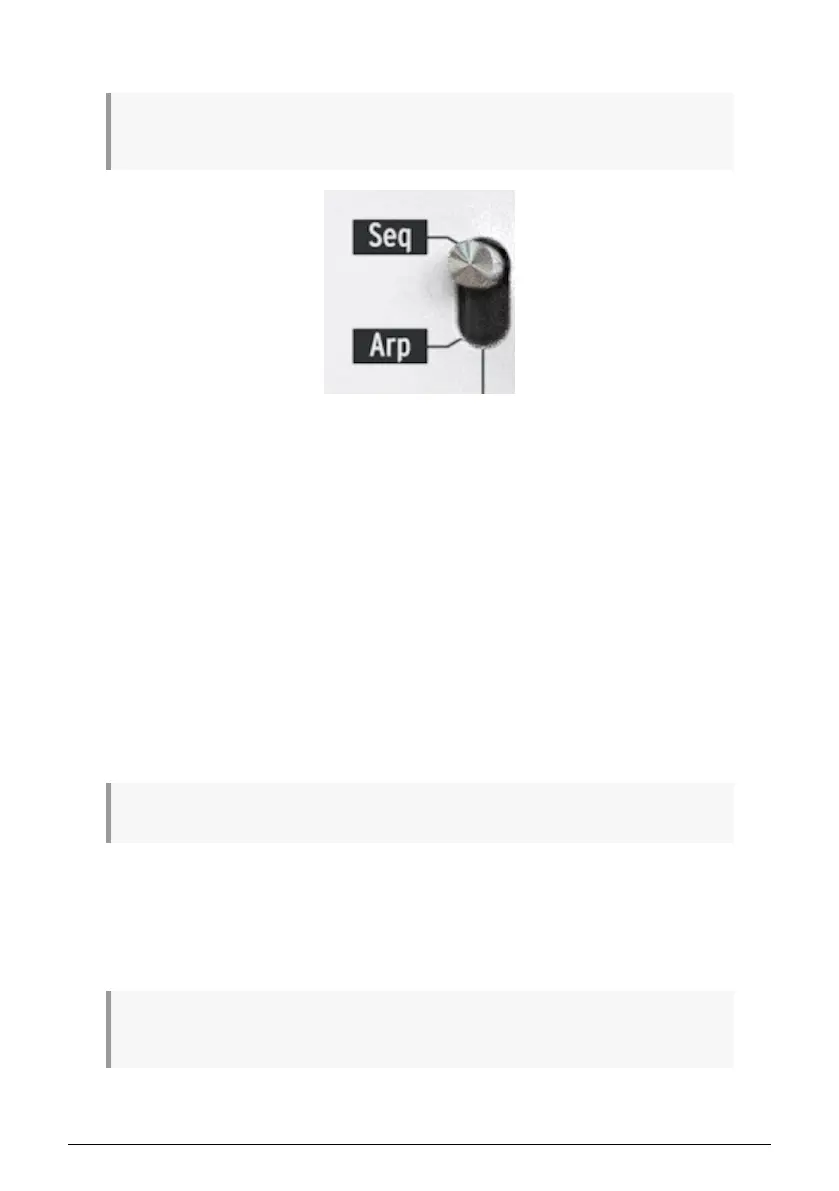
4.2. Creating a sequence
The sequencer will not run if the sync selection switches are set to something other than Internal
and no external clock is present.
There are three things you must do when you want to create a sequence:
• Move the Seq / Arp toggle switch to the Seq position, as shown
• Select a sequence location with the Seq / Arp Mode encoder
• If a sequence is already running, press the Stop button.
We already covered selecting and playing sequences in section 2.2 [p.20], so we'll only
discuss how to create and edit a sequence in this chapter.
KeyStep 37 provides two ways to input notes into your sequences: a step at a time or in real
time. We'll go through those options next.
4.2.1. Step recording
This may be the best place to start while you are learning to work with the sequencer. At the
most basic level, all you have to do to create a sequence is:
• Press the Record button
Caution: the next step will erase the existing sequence.
• Play one or more keys at the same time
• Lift all fingers to advance the step
Repeat the last two items
• When you're done, press the Stop button.
You must lift all fingers between each step in order for the sequence steps to advance. If you do not
lift every finger first you will keep adding notes to the same sequence step.
Arturia - User Manual KeyStep 37 - Creating Sequences 42













 To Next Page