9.4. Project Browser
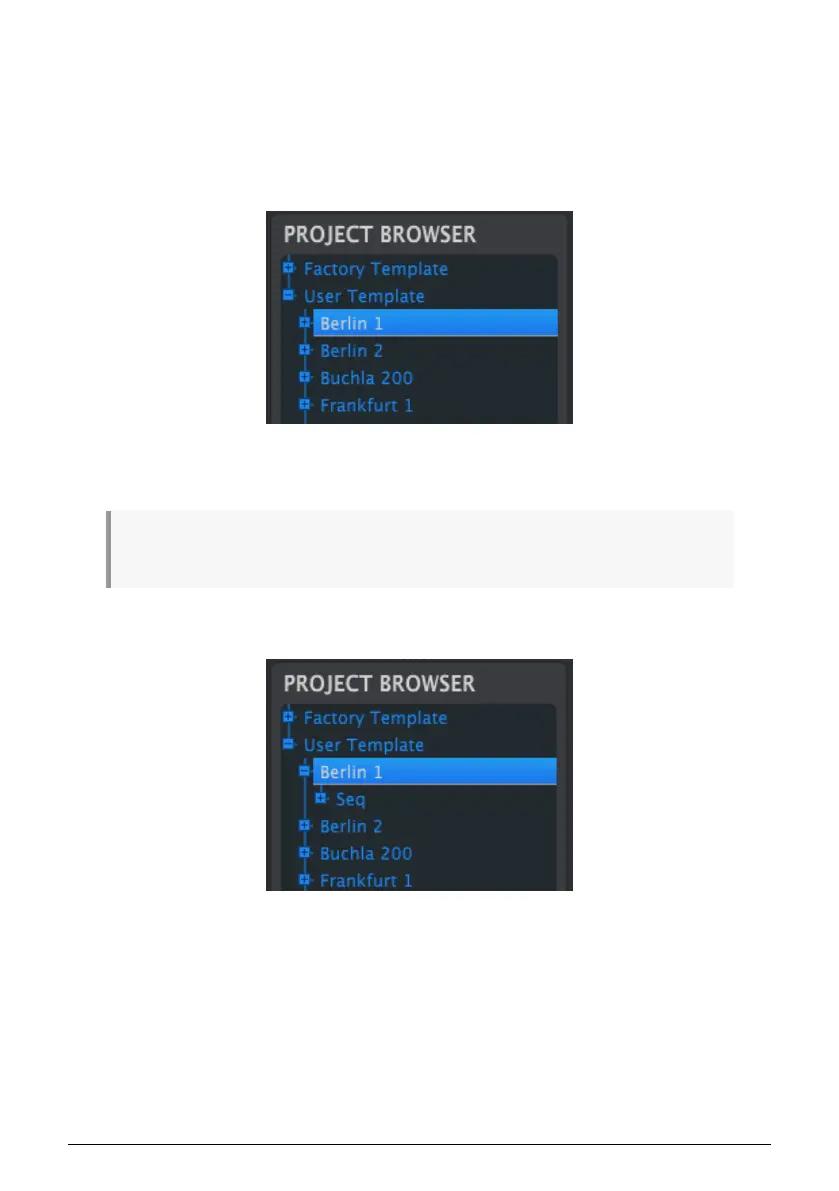
The Project Browser shows a list of all Projects available to you inside the MIDI Control
Center (MCC). They have been stored on your computer. These are divided into two main
groups of Templates: Factory and User.
The User Templates are the ones you have recalled from your KeyStep 37 with the MCC. See
section 8.5 [p.86] to learn how to do this.
A Template contains the patterns from the sequencer along with their settings for swing,
gate and sequence length.
A Template does not contain the Device Settings. We'll show you how to save those separately in
section 8.6 [p.87].
Here's an expanded view of the contents of a Template named 'Berlin 1'?, with a secondary
view of the sequences it contains.
81 Arturia - User Manual KeyStep 37 - The MIDI Control Center













 To Next Page