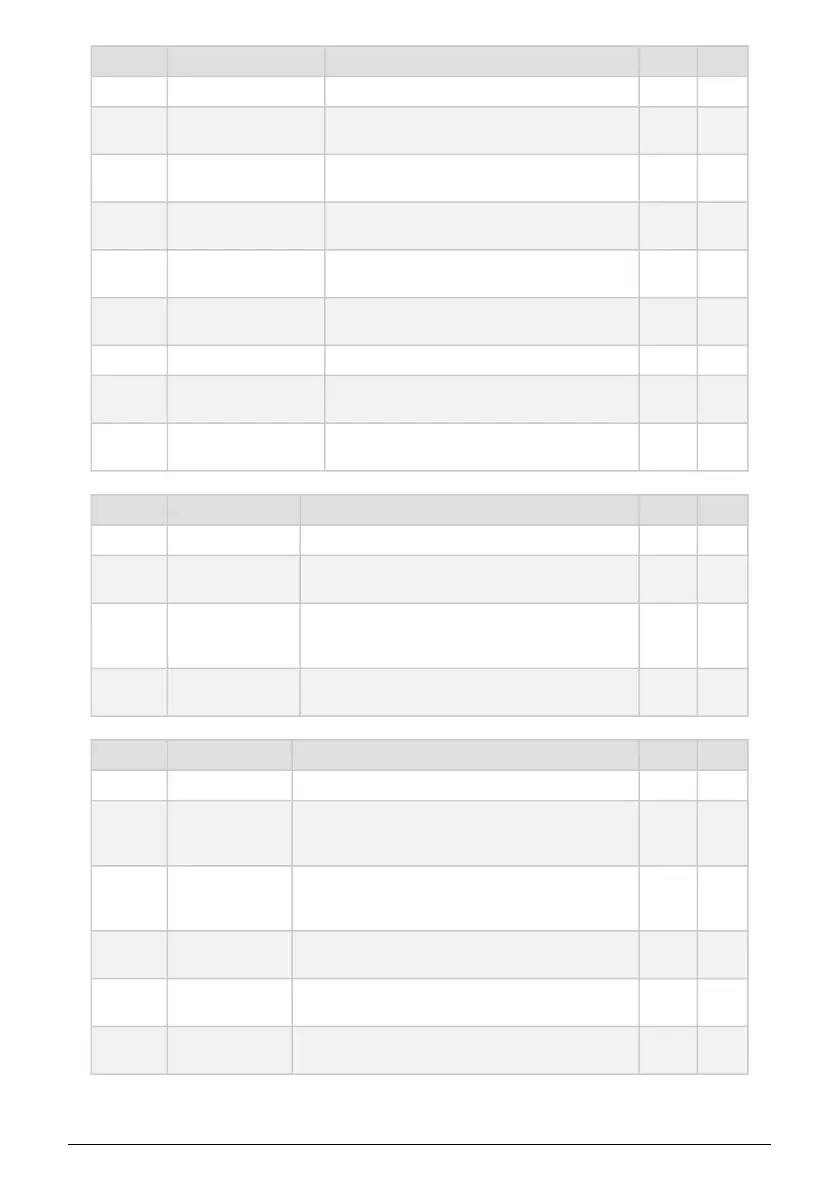
Category Parameter Description Utility MCC
MIDI
Input chan [All, 1 … 16,
None]
Sets the default channel on which the MicroFreak
receives MIDI
x x
Output chan [1 … 16]
Sets the default channel on which the MicroFreak
transmits MIDI
x x
Output dest [None,
USB, MIDI, BOTH]
Defines how MIDI data is transmitted x x
Local [Off, On]
Turn local editing of parameters (knobs) on or off;
default is "on"
x x
Arp/Seq MIDI out [Off,
On]
Defines whether Arp/Seq is transmitted over MIDI x x
Thru [Off, On] When "On", MIDI In data is echoed to the MIDI Out. x x
Knob send CCs [Off,
On]
Defines whether knobs send CC data. CC data
enables you to control external synths.
x x
Merge [USB+KBD,
MIDI+KBD, BOTH+KBD]
Defines how keyboard data is merged in the MIDI
stream
x x
Category Parameter Description Utility MCC
Sync
Source [Int, USB,
MIDI, Clock, Auto]
defines the tempo source of the MicroFreak x x
Clock [One step,
2PPQ, 24PPQ,
48PPQ]
allows you to adjust the Tempo setting to other PPQ
standards
x x
Global Tempo [Off,
On]
When set to "On" the tempo settings of a preset are
ignored. Tempo remains at the most recent set tempo.
x x
Category Parameter Description Utility MCC
CV/Gate
Pitch format [1V/
Oct, Hz/V, 1.2V/
Oct]
Defines the voltage level the MicroFreak will output at the
CV out. 1V/Oct (eurorack and others), Hz/V or 1.2V/Oct
(Buchla)
x x
Gate format [S-
Trig, V-Trig 5V, V-
Trig 12V]
Defines the gate voltage level the MicroFreak will output
at the gate out
x x
Pressure range
[1V … 10V]
Sets the pressure voltage range the MicroFreak will
output at the Press out
x x
0V reference [C-1
… G8]
Refers to which note will output zero volts when pitch
format is set to 1V/Oct or 1.2V/Oct
x x
1V reference [C-1
… G8]
Refers to which note will output one volt when pitch
format is set to Hz/V
x x
Arturia - User Manual MicroFreak - MicroFreak Configuration 84















 To Next Page