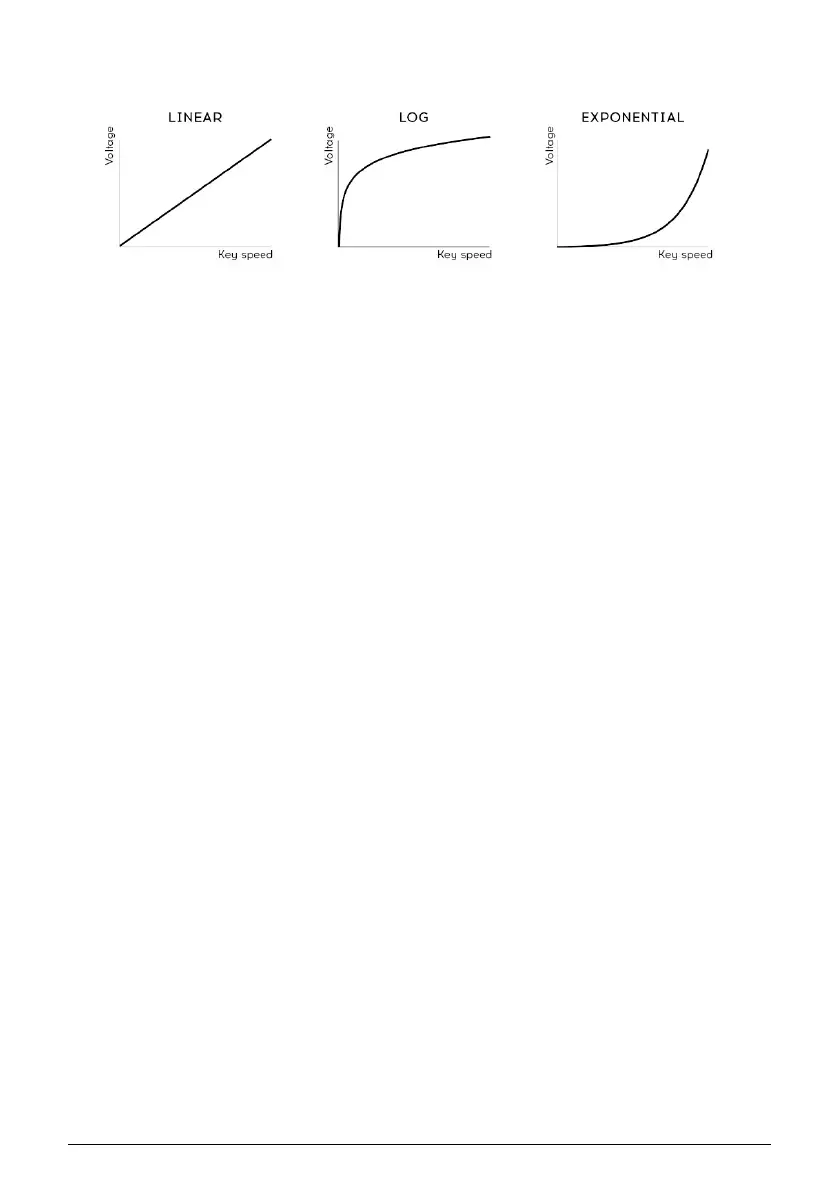
Velocity curve - This lets you adjust the keyboard response to your playing style and
preference.
• Linear (the default) has an even response across the dynamic range
• Log requires the least amount of force to play louder notes, but it's harder to
control the dynamics at lower levels
• Exponential is less jumpy at lower dynamic levels, but it takes more force to
reach high dynamic levels.
Velocity curve settings
89 Arturia - User Manual MicroFreak - MicroFreak Configuration















 To Next Page