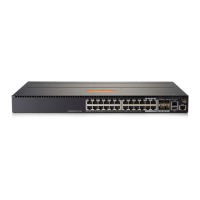
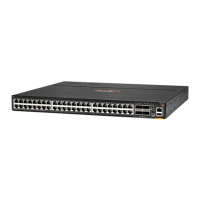
The switch drawings in this document are for illustration only and may not match your particular switch model.
1. Unpack and check included parts:
• Switch
• Accessory kit (installation hardware)
• Power cord
• Documentation kit
2. Prepare for installation.
To avoid personal injury or product damage, review the Installation Precautions.
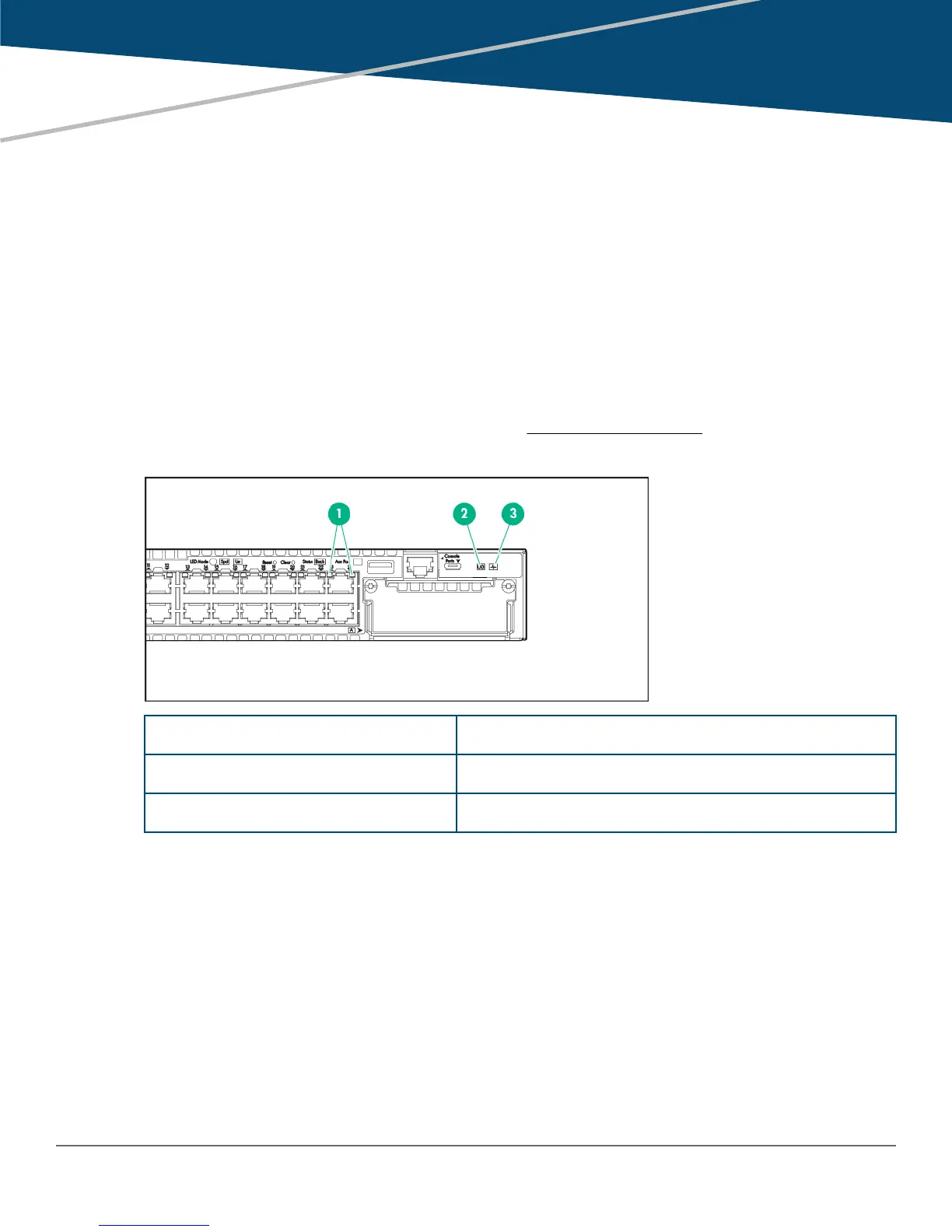
3. Power on and verify that self-test completes normally.
1 Port LEDs
2 Locator or Unit Identification LED
3 Global Status LED
4. (Optional) Install mounting hardware (included) for use in a two-post rack.
Chapter 1
Aruba 3810M Switch Quick Setup Guide and Safety/Regulatory Information
Chapter 1 Aruba 3810M Switch Quick Setup Guide and Safety/Regulatory Information 3



 To Next Page