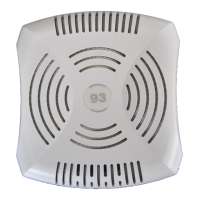
14 | AP-85 Series Hardware Overview Aruba AP-85 Outdoor Access Point Series | Installation Guide
Optional Accessories
The following items are available for use with AP-85 outdoor access points and are sold separately. Contact your Aruba sales
representative for details and assistance.
z Aruba 85 Field Replaceable Mount Kit: P/N AP-85-MNT-S
z Aruba 85 Low-Profile Wall Mount Bracket: P/N AP-85-MNT-2
z Aruba 85 Streetlight Power Tap Adapter (8 ft): P/N AP-85-PT-1
z Aruba 85 AC Power Provisioning Cable (3 ft; indoor rated): P/N AP-85-CBL-1
z Aruba 85 Antenna Mount Bracket: P/N AP-85-MNT-1
z Aruba 85 AC Power Cable (8 ft): P/N AP-85-CBL-2-US-S or AP-85-CBL-2-EU-S
z Aruba 85 AC Power Cable (40 ft): P/N AP-85-CBL-3-US-S or AP-85-CBL-3-EU-S
z Aruba 85 DC Power Cable (8 ft): P/N AP-85-CBL-4-S
z Aruba Lightning Arrester: P/N AP-LAR-1
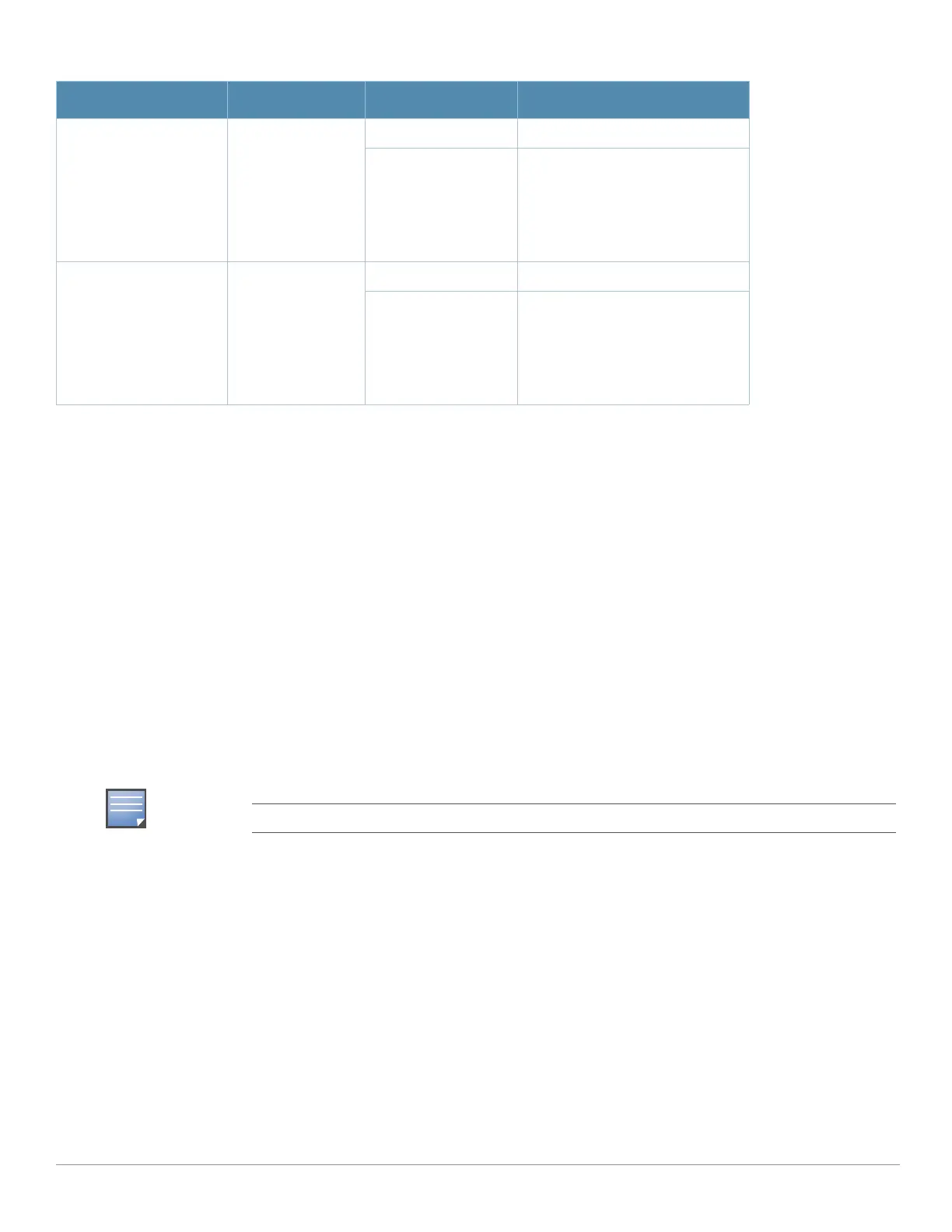
RSSI (Radio 0) RSSI Level for
Radio 0
Off RSSI disabled/no signal
7 Step Progressive
Bars
3/6/9/12/15/21/27 dB
RSSI
Each bar represents a progressive
increase in signal strength, with 7
bars representing maximum signal
strength (100%).
Minimum data rate: Two lit LEDs
Maximum data rate: Six lit LEDs
RSSI (Radio 1) RSSI Level for
Radio 1
Off RSSI disabled/no signal
7 Step Progressive
Bars
3/6/9/12/15/21/27 dB
RSSI
Each bar represents a progressive
increase in signal strength, with 7
bars representing maximum signal
strength (100%).
Minimum data rate: Two lit LEDs
Maximum data rate: Six lit LEDs
AC power cables are available for use with the AP-85FX/LX models only.
Table 2 AP-85 LED Status Indicators (Continued)
LED Function Indicator Status



 To Next Page