Aruba AP-85 Outdoor Access Point Series | Installation Guide AP-85 Series Installation | 31
Fiber Optic Cable
To use the fiber optic termination kit that is shipped with the AP-85FX/LX models, follow the instructions in the included
Tyco document Instruction Sheet 408-10079.
Aruba provides a multi-language document containing country specific restrictions and additional safety and regulatory
information for all Aruba hardware products. This document can be viewed or downloaded from the following location:
www.arubanetworks.com/safety_addendum.
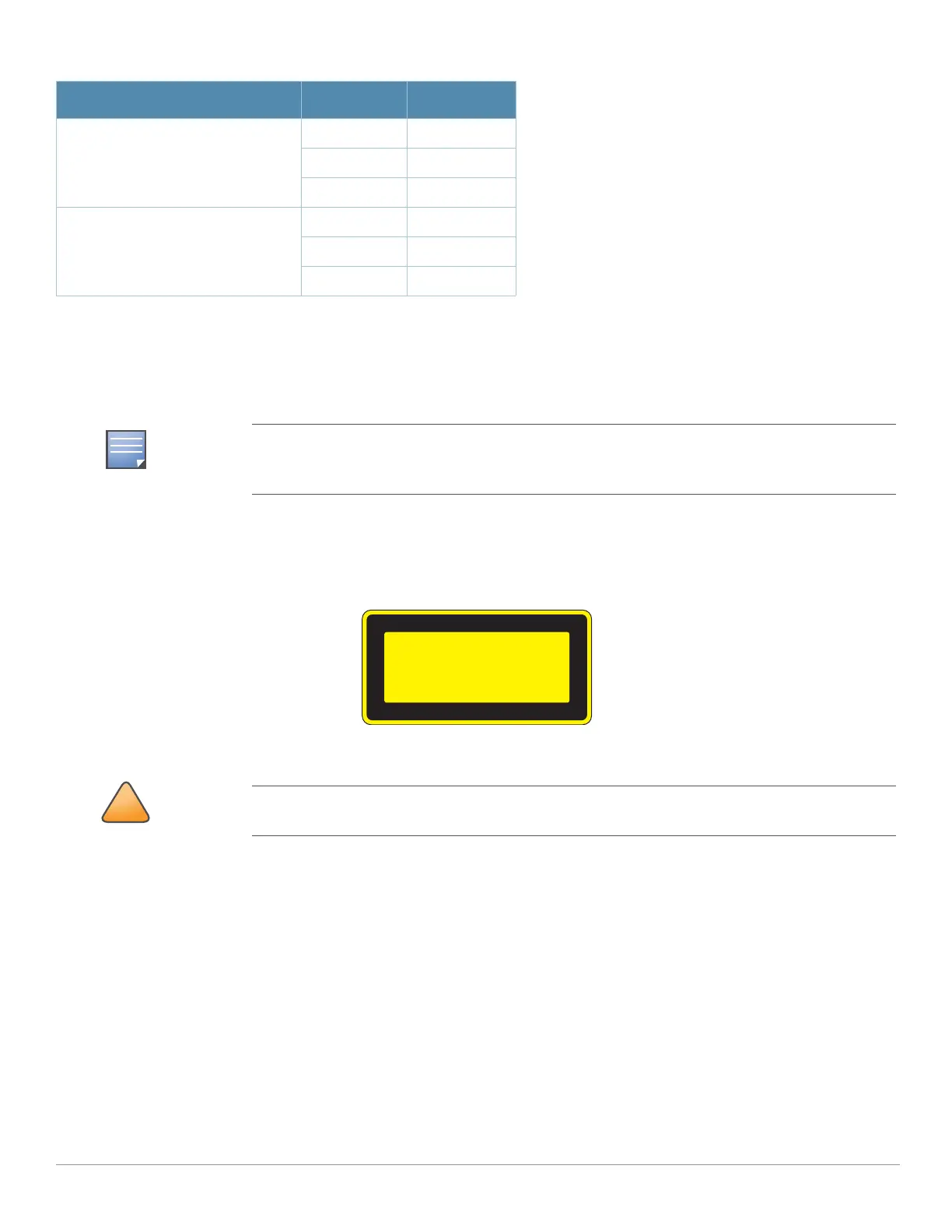
This product complies with 21 CFR Chapter 1, Subchapter J, Part 1040.10, and IEC 60825-1: 1993, A1: 1997, A2: 2001, IEC
60825-2: 2000.
For continued compliance with the above laser safety standards, only approved Class 1 modules from our approved vendors
should be installed in Aruba products.
Lightning Arrestor Installation
Refer to the instructions that are shipped with the Aruba lightning arrestor (AP-LAR-1).
Antenna Installation
Refer to the instructions that are shipped with your Aruba outdoor rated antenna.
AC Power Cable: United States (US) Black Line
White Neutral
Green Ground
AC Power Cable: Europe (EU) Brown Line
Blue Neutral
Green/Yellow Ground
Fiber optic cables are not included and must be purchased separately. Purchase a suitable UV-
resistant, outdoor rated, multi-mode fiber optic cable for use with the AP-85FX and a single-mode
fiber optic cable for use with the AP-85LX.
Use of controls or adjustments of performance or procedures other than those specified in this
manual may result in hazardous radiation exposure.
Table 5 AC and DC Power Cable Descriptions
Cable Type Wire Color Assignment



 To Next Page