Aruba AP-85 Outdoor Access Point Series | Installation Guide AP-85 Series Hardware Overview | 13
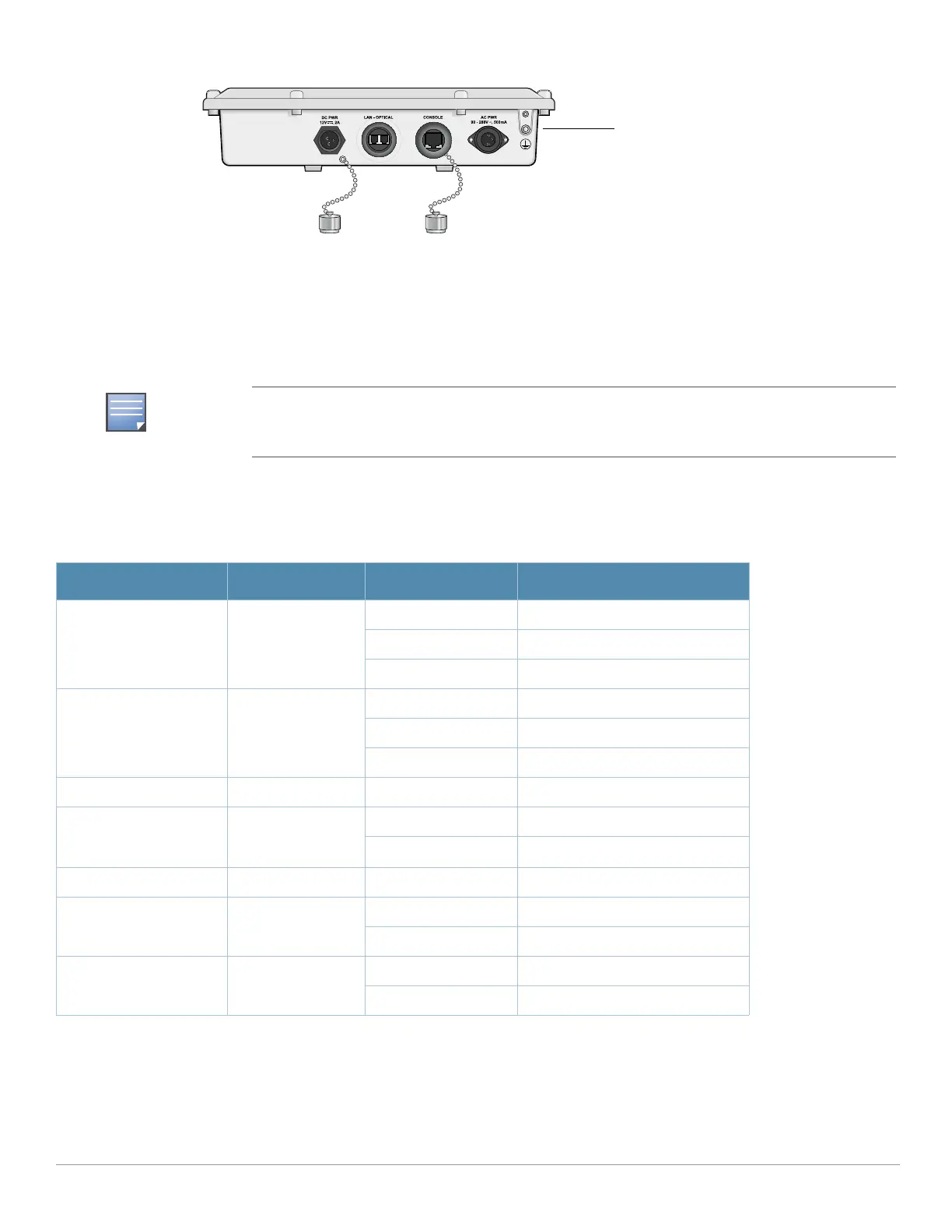
Figure 7 AP-85FX/LX Bottom View
LED Status Indicators
All AP-85 models include visual indicators for power, link, and radio status. Additionally, each radio has a seven-LED array
that indicates received signal strength (RSSI).
Table 2 lists the meanings of the LEDs on the AP-85 outdoor access points.
The RSSI LED indicators represent varying degrees in the RSSI level. The absence of a signal is
indicated by no LED response, and full signal strength is indicated when all seven LEDs are active
and lit.
Table 2 AP-85 LED Status Indicators
LED Function Indicator Status
PWR AP Power/Ready
Status
Off No power to AP
Flashing Device booting, not ready
On Device ready
LINK/ACT
(applicable to the
AP-85TX only)
LAN/Network Link
Status
Off Ethernet link unavailable
On (Yellow) 10 Mbs Ethernet link negotiated
On (Green) 100 Mbs Ethernet link negotiated
Blinking Traffic on Ethernet link
LINK/ACT
(applicable to the
AP-85FX/LX models only)
LAN/Network Link
Status
Off Ethernet link unavailable
On (Green) 100 Mbs Ethernet link negotiated
Blinking Traffic on Ethernet link
RADIO 0 Radio 0 Status Off Radio 0 disabled
On (Green) Radio 0 enabled in WLAN mode
RADIO 1 Radio 1 Status Off Radio 1disabled
On (Green) Radio 1 enabled in WLAN mode



 To Next Page