Operation
30 1590 99 002_1 - 21. February 2011
To write initial letters as caps, press the key once, but do not keep it pressed. After one
letter, the keyboard automatically returns to small letters again.
You can change the keyboard to caps by pressing the key.
By activating the or key you can add special characters.
Use the äü key to add special characters of foreign languages. Also here, you can press the
or key to write caps. To return to the original keyboard layout press the äü key again.
Tip
four digits and m
sense. Otherwise, your entry will not be saved.
5.4 Library
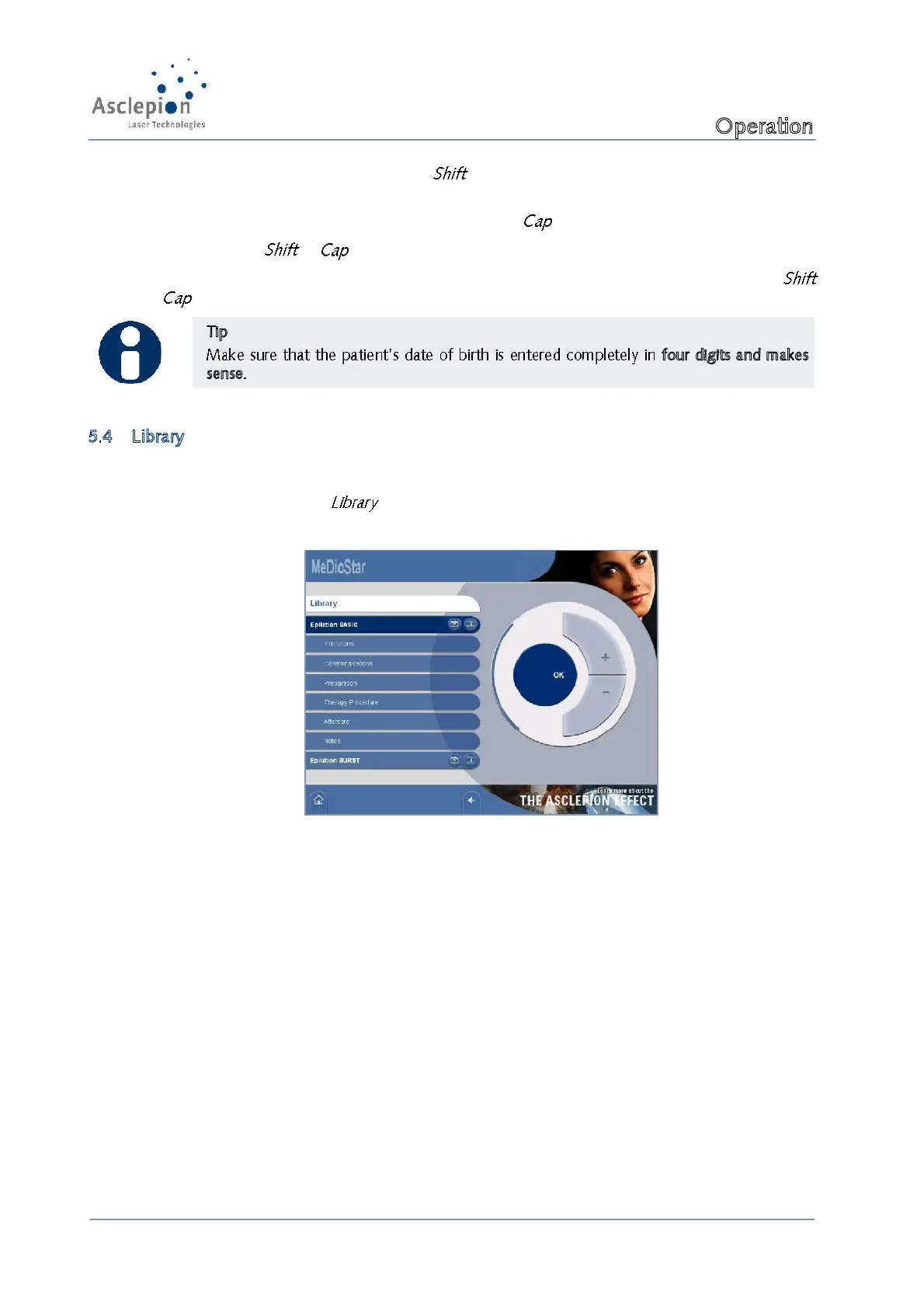
The library contains information about the individual indications such as application, side effects and
performance of the therapy. Moreover, you can display before and after photos as well as videos.
To call the library, press the key in the main menu.
Figure 22: Library


 To Next Page