EasyManua.ls Logo

ASCOM d62 Talker - Connections

ASCOM d62 Talker
97 pages
Print Icon
To Next Page IconTo Next Page
To Previous Page IconTo Previous Page
Loading...
TD 92477EN
15 June 2012 / Ver. G
User Manual
Ascom d62 DECT Handset
22
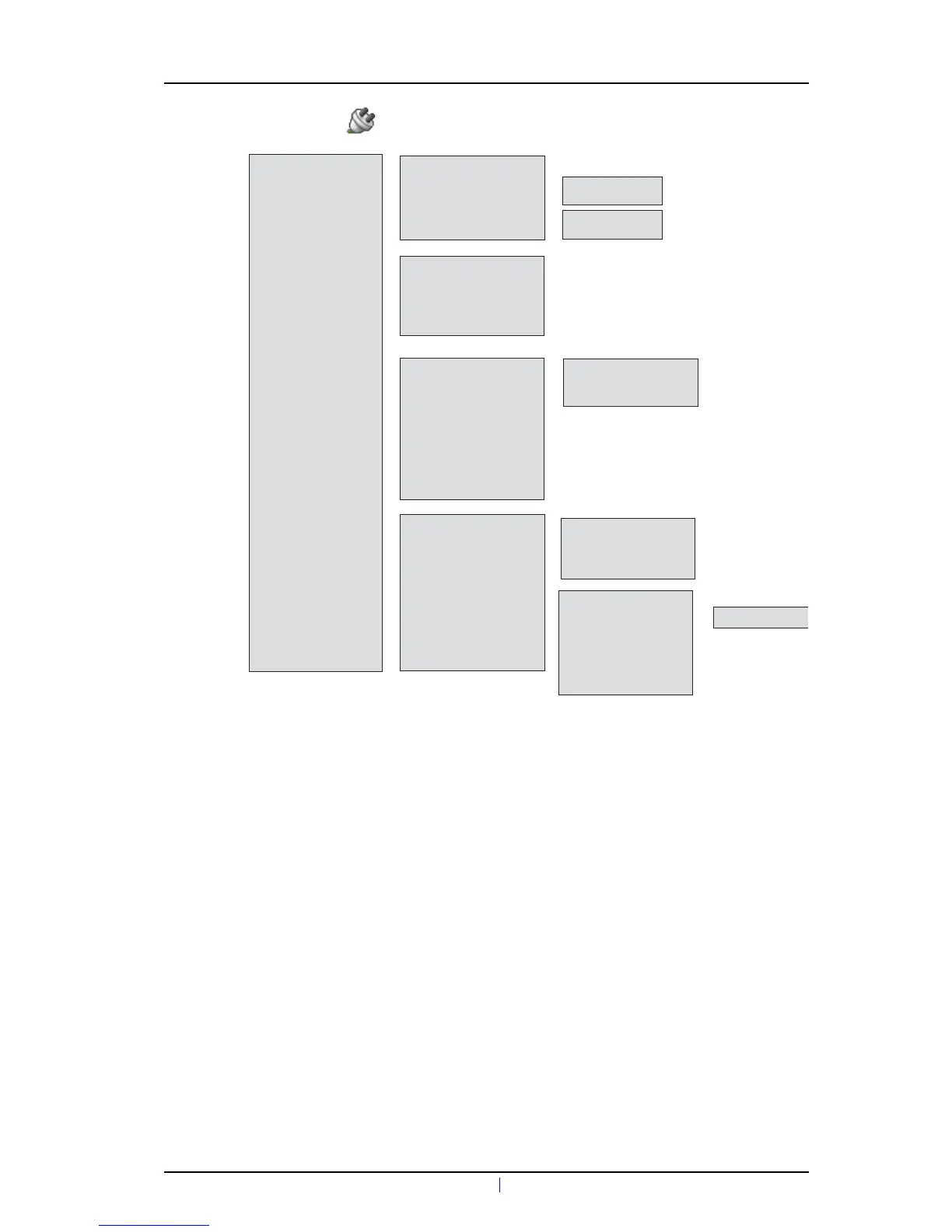
4.7 Connections
• Bluetooth*
• Enable / Disable
• Headset
• Add new
—>
• Headset
>
—>
• Mic on boom
• Mic on cable
—>
• System
• In charger
• Change system
• Subscribe
• Unsubscribe***
>
—>
• Rename system
• Priority
>
>
—>
• Automatically
—>
• System A (example)
>
• Hearing Protection
• Barcode reader**
—>
• Add new
>
*) Visible if the handset’s hardware supports Bluetooth.
**) This is a license dependent featu
re.
***) It is not possible to unsubcribe a protected system via the System menu.
Unsubcribtion of the system must be made via the Admin menu or the DECT system.
• Call behavior
• Other actions
• No action
—>
• Loudspeaking
• End call
• No action
—>
• Switch off
• End call
• Logout**
• Change profile
• Message absence
—>
• Profile A (exa

Table of Contents

Other manuals for ASCOM d62 Talker

Related product manuals