TD 92477EN
15 June 2012 / Ver. G
User Manual
Ascom d62 DECT Handset
69
10 Procedure Call
When configuring the functions Call services
1
, In Call menu
1
, Contacts, or a shortcut/service
2
to the Phone call function; the data added in these functions is static. When entering the
data for the function to be used, it is possible to add a variable/character U that allows the
user to enter additional numerical characters before calling the number/sending the data to
a system.
See the following example for more information.
Example of configuration:
A user wants to create a service with the Phone call function. The PBX requires that a prefix
must be added to a phone number. In this case, the user can pre-program the prefix and
then enter the applicable phone number when using the Phone call function.
1 Press "Menu", or the confirmation button.
2 Select "Services".
3 Select "Add new".
4In the Name field, enter "Call no.".
5 Select the function "Phone call".
6In the Number field, enter the prefix to be used followed by the character "U". In this
case, the text string is as follows *21*U. The character U represents an Enter number
dialog where the user can enter the phone number.
7 Press "Save".
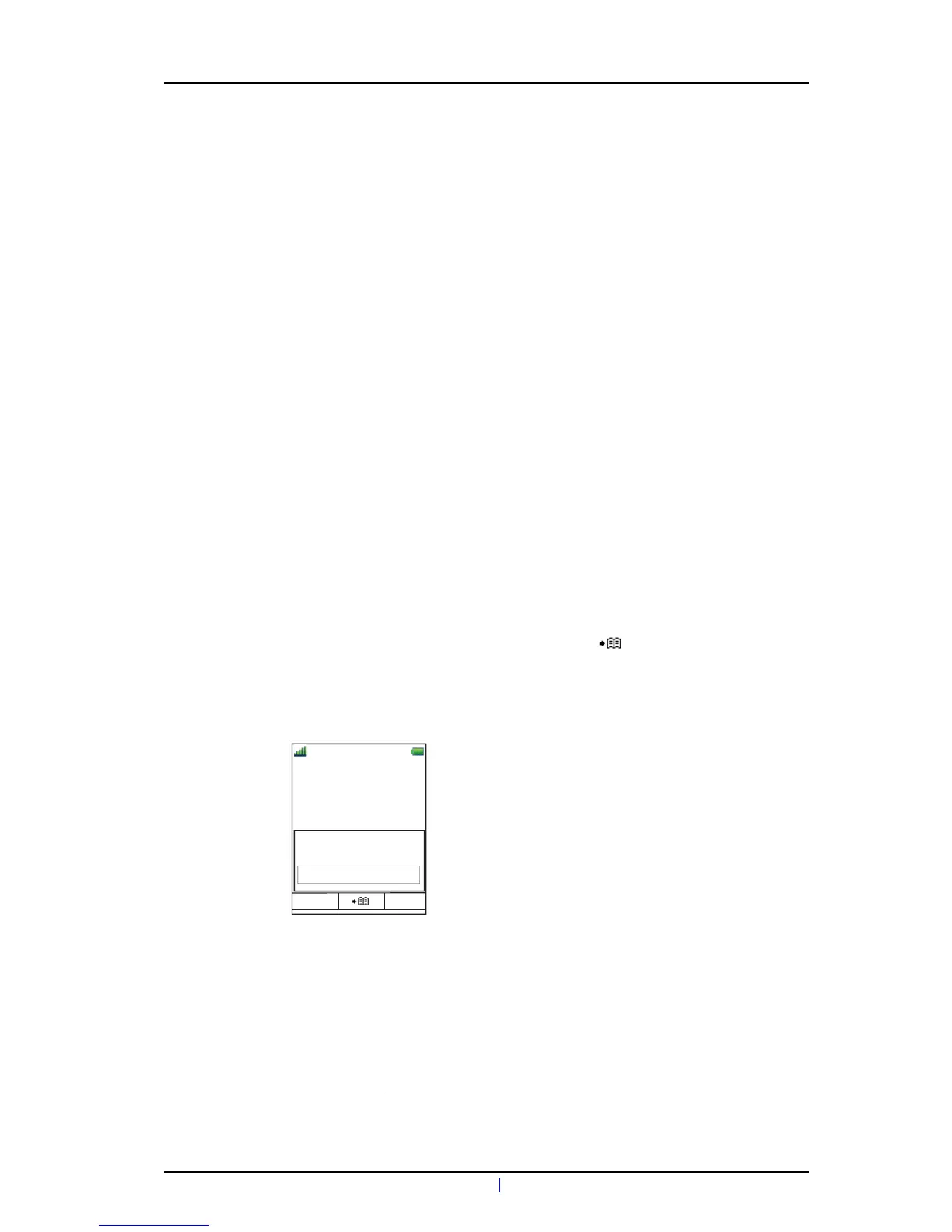
When using the function, an Enter number dialog appears, see figure 12. If the user enters
"123" (or selects a contact with this number by pressing ) and presses "OK", the
number *21*123 will be dialled. Note that no call is established before the user presses
"OK", that is, post-dial.
Figure 12. Enter number dialog.
1.Configuration of this function requires PDM/IMS3.
2.Service is only applicable for d62 Messenger and d62 Protector.
Figure 2.
13:00
Services
OK Back
Enter number:
123



 To Next Page