TD 92477EN
15 June 2012 / Ver. G
User Manual
Ascom d62 DECT Handset
40
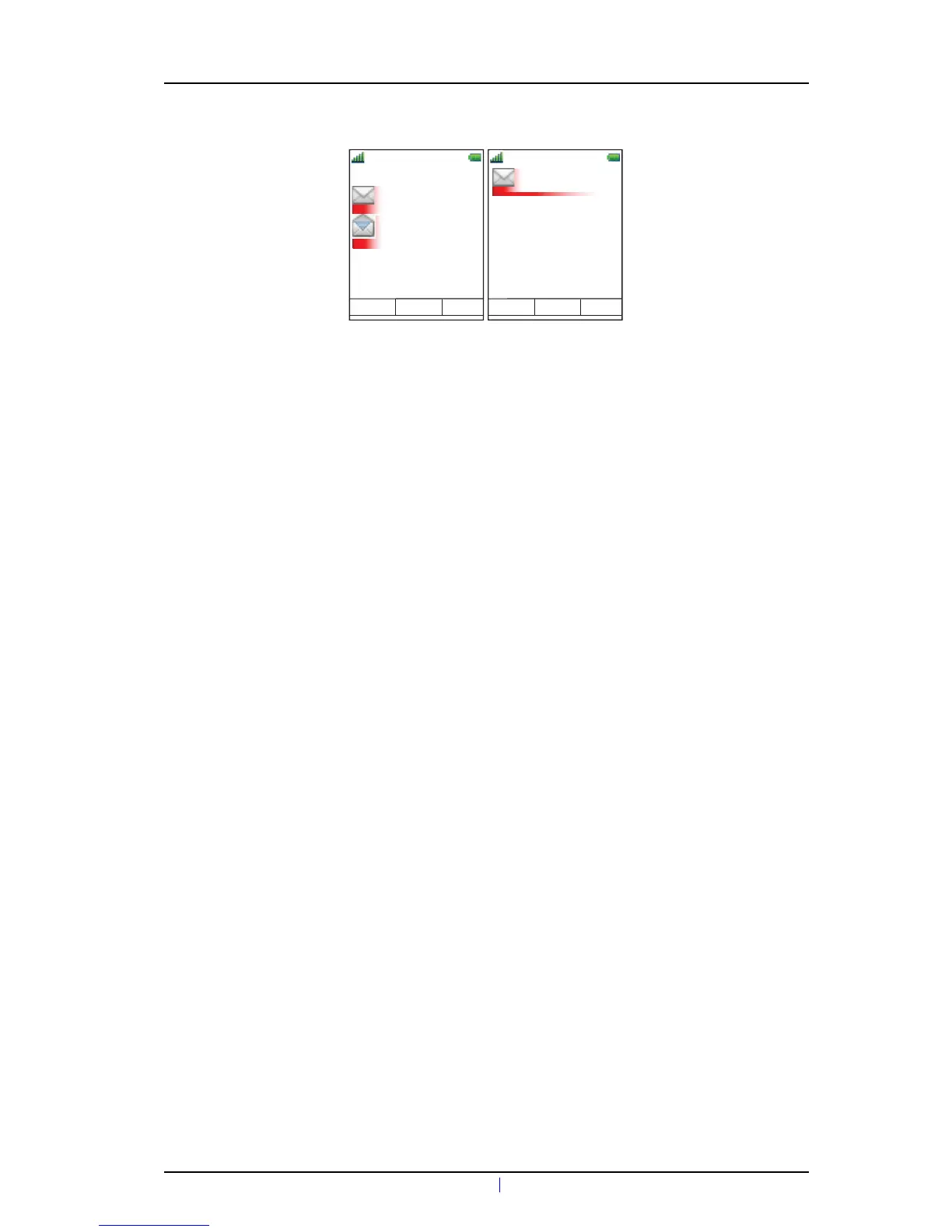
Figure 7. Shows an example of a coloured message.
To enable coloured messaging, see the corresponding manual for the application used. In
addition, coloured labels can be mapped to message beep codes. See Installation and
Operation Manual, IMS3, TD 92586GB.
7.10 Mobile Data
NOTE: This is a system dependent feature for d62 Messenger and d62 Protector only.
7.10.1 Send Mobile Data
It is possible to send user entered data from the handset by pressing a pre-programmed Hot
key or Soft key, or selecting a Service. Mobile data can be used for opening a door, starting/
stopping a machine etc. The data can either be predefined, or entered after the Hot key/Soft
key is pressed or Service is selected.
The data can be predefined when programming the Soft/Hot key or Service, see 9.3.1 Define
Soft Keys on page 55, 9.3.2 Define Hot Keys on page 55, or 9.4.1 Add Services on page 56.
7.10.2 Send Mobile Data with a Prefix
Mobile data with a prefix is sent from the handset by entering data and then pressing a pre-
programmed Hot key or Soft key or select a Service. Mobile data with prefix can be used to
send information to an application in the system.
The prefix is predefined by the user when programming the Hot/Soft key or Service, 9.3.1
Define Soft Keys on page 55 on page 46 or 9.3.2 Define Hot Keys on page 55.
7.11 Send Data with Bluetooth Barcode Reader
The handset can be configured to receive data from a Bluetooth barcode reader and then
send the data to another destination. When the handset receives data, it is automatically
transmitted to the destination and is not stored in the handset. A dialog window "Message
sent" will be displayed.
For more information about configuration, see Configuration Manual, Ascom d62 DECT
Handset, TD 92639GB. See also Pair/Connect Bluetooth Barcode Reader on page 45, and
user manual for the Bluetooth barcode reader.



 To Next Page