EN 10
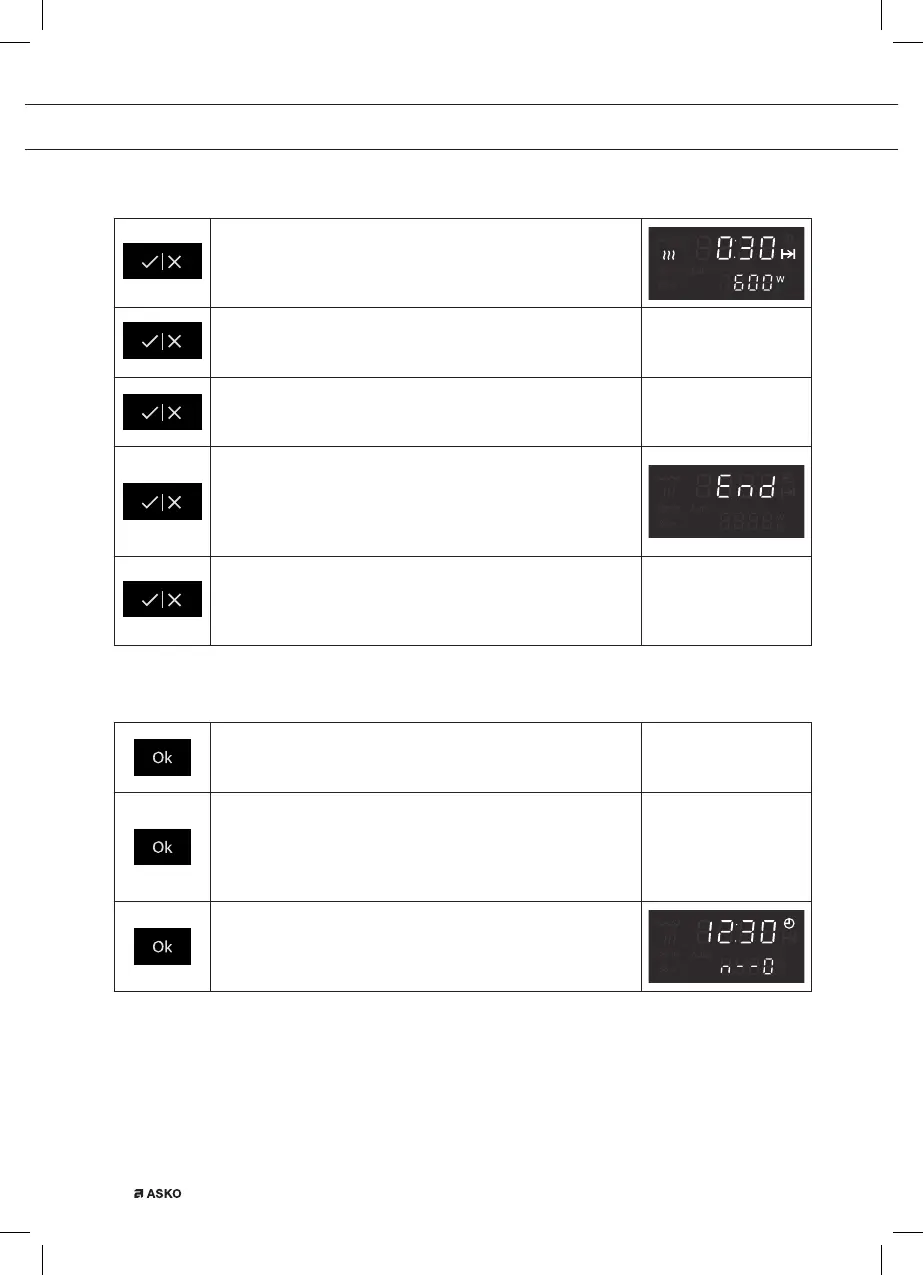
Start key / Stop key
Quick Start
Touch this key to start the appliance immediately for
30 seconds with 600 Watt power.
Start
Touch this key to start the operation of the appliance with
the displayed settings.
Temporary stop
Touch this key during operation for a temporary stop of a
cooking process.
Stop
Touch this key after the end of a cooking process.
• The display will show the time of the day.
• The audible signal will stop.
• The fan will continue to run; this is normal.
Cancel
Touch and hold this key for several seconds to cancel the
operation of the appliance.
• You will hear three short audible signals.
Ok key
Confirm
Touch this key to confirm a chosen or adapted setting,
belonging to a chosen function.
Select a setting to change
Touch this key if you want to change a setting, belonging
to a chosen function.
• The setting will start blinking and can be changed by
turning the selection knob.
Child lock
Touch and hold this key for several seconds to lock/
unlock the appliance (child lock).
• You will hear a long audible signal.
OPERATION


 To Next Page