EN 11
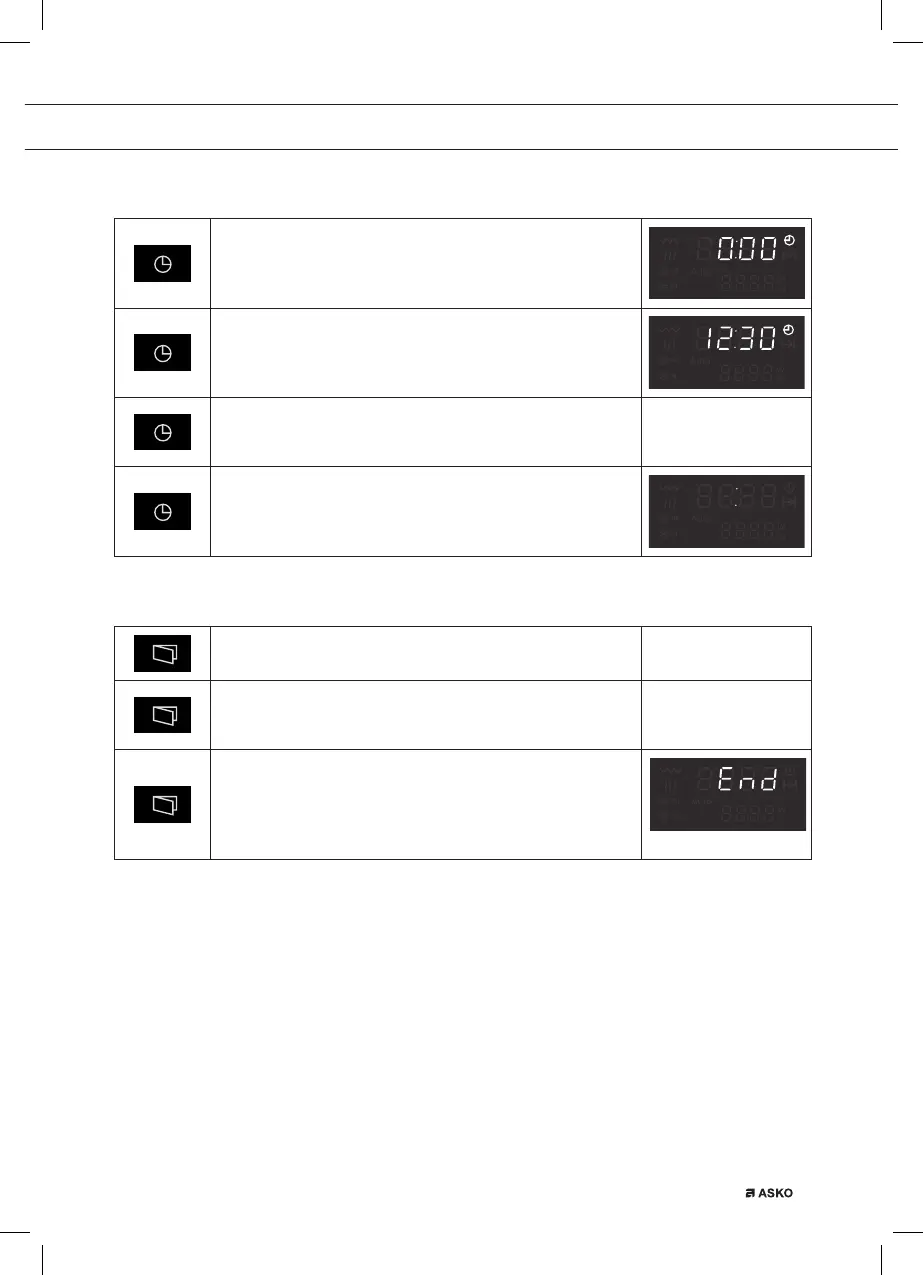
Timer key
Set the time of the day
Touch this key to make it possible to set the hours and
minutes after connecting the appliance to the mains (or
after a power failure).
Change the time of the day
Touch this key to make it possible to change the hours
and minutes.
Confirm the setting of hours/minutes
Touch this key to confirm the hours and minutes that have
been set.
Hide and show the time of the day in the display
Touch and hold this key for several seconds to hide/show
the time of the day in the display.
• You will hear a long audible signal.
Door release key
Open the door
Touch this key to open the door.
Temporary stop
Touch this key during operation for a temporary stop of a
cooking process.
Stop
Touch this key after the end of a cooking process.
• The display will show the time of the day.
• The audible signal will stop.
• The fan will continue to run; this is normal.
OPERATION


 To Next Page