76
CV – Pitch Gate: Page 12
These settings are compatible with most modular synthesizer equipment. Please refer to the specica-
tions of other devices and match those settings on the Hydrasynth Explorer.
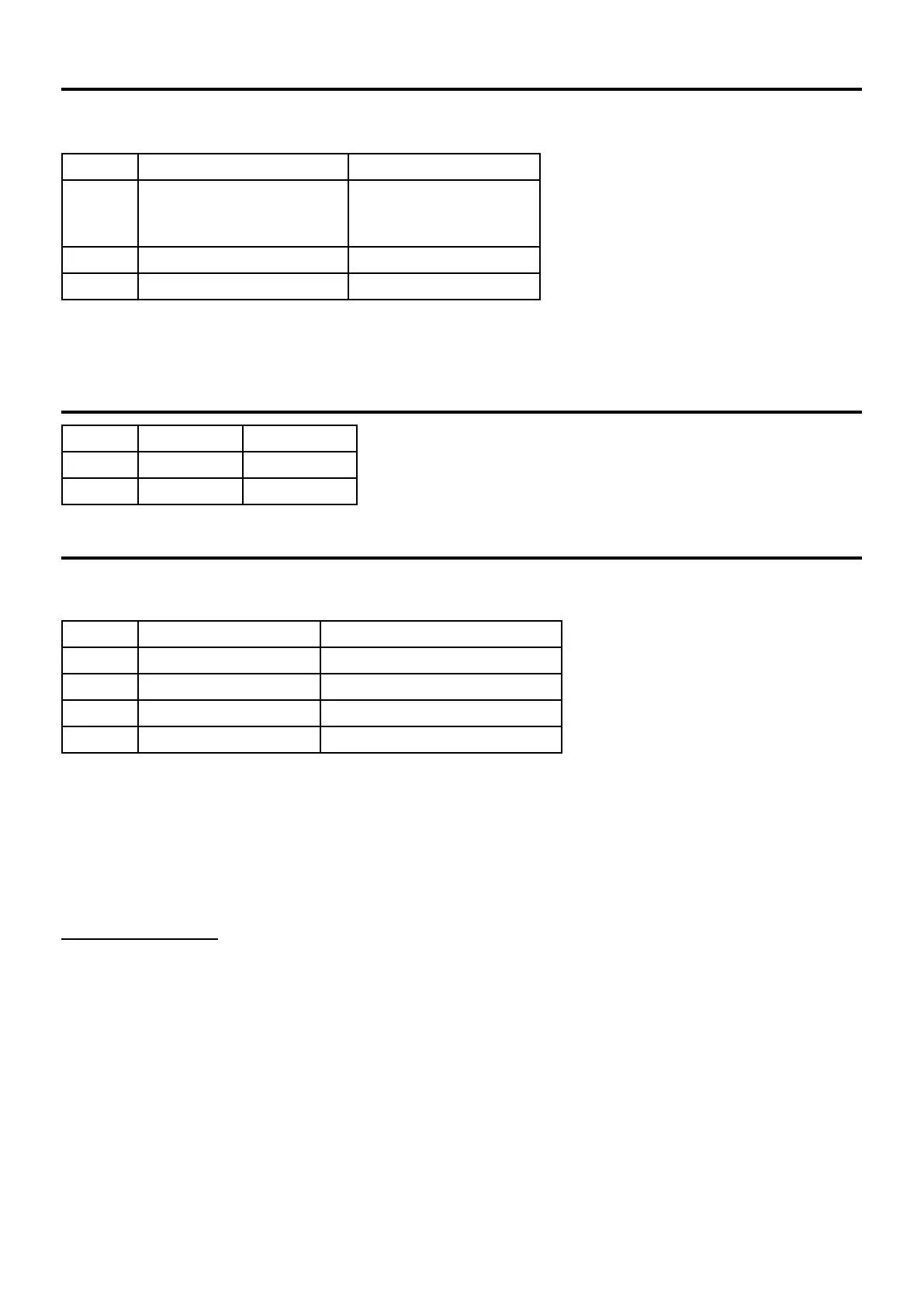
Control Parameter Range
1 Control Voltage Range [1] Octave 0-5V, -/+5V
Hz 0-5V
Octave 1.2V
2 Reference note [2] C-1 to G9
3 Control Voltage Oset -99 cents to +99 cents
[1] Octave = Volt per octave, Hz = Hz/Volt
[2] 1V reference note for Hz/V, or lowest V reference note for V/Oct.
CV – Pitch Gate: Page 13
Control Parameter Range
1 Gate Type V-trig, S-trig
2 Gate Volt 3V, 5V
CV – Clock: Page 14
These are the settings required to synchronize with most non-MIDI devices. Please refer to the specica-
tions of other devices and match those settings on the Hydrasynth Explorer.
Control Parameter Range
1 Clock Control Voltage 3V, 5V
2 Clock Rate 1 PPS, 2 PPQ, 24 PPQ, 48 PPQ
3 Clock Division O, 1/2, 2, 4
4 Clock Oset -100ms to +100ms
PPS (Pulse Per Step) sends a single cycle of the clock output with every Arpeggiator step, or every time
[TAP TEMPO] is pressed when the Tap Trig parameter is active on Arp Edit page 2. PPS works well with
modular synths: the clock output behaves a bit like a Gate output (with Tap Trig) or even as a square
wave LFO.
PPQ stands for Pulse Per Quarter note. Between these three options and the Clock Division value it is
possible to generate a wide variety of clock signals from 1/2 PPQ to 96 PPQ.
Clock Division
This subdivides or multiplies the clock output: 1/2 divides by 0.5, so the clock speeds up (to double
tempo); 2 and 4 slow down the clock to half tempo and one-quarter tempo, respectively. A setting of
O = no change.


 To Next Page