English
24
Chapter 5 Operating the Monitor
5.1 Powering On/Off the Monitor
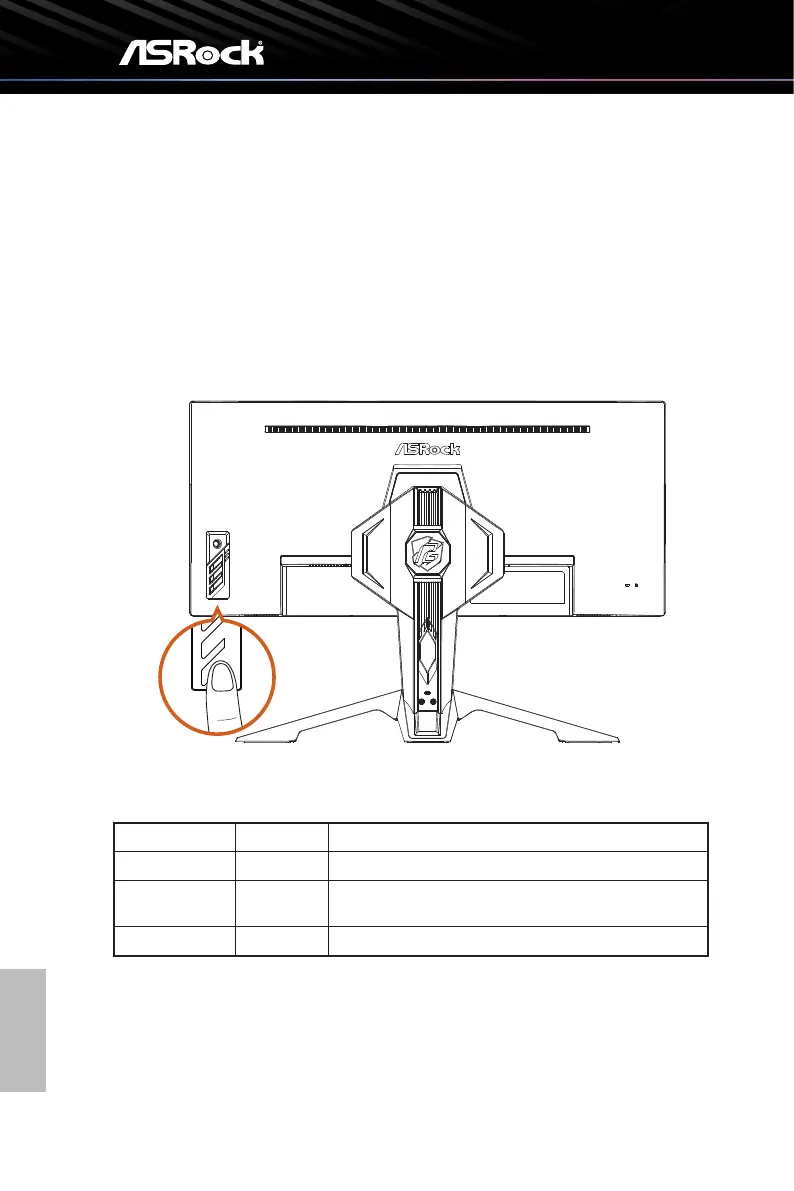
Press the Power buon (at the boom most posion) to turn on the monitor. The power
indicator on the front of the monitor lights up in solid blue to show that the monitor is
ON.
To turn the monitor o, press and hold the Power buon about 3 seconds unl the LED
light on the Power buon turns OFF.
The color definition of the power indicator:
LED Indicator Status Description
Solid Blue On Solid blue light indicates the monitor is turned on.
Solid Amber Standby
Solid amber light indicates the monitor is in standby
mode.
LED Off Off No light indicates the monitor is turned off.



 To Next Page